If you’ve opened Counter-Strike 2 and been hit with the “matchmaking unavailable” message, you’re not alone. Over the past few weeks, this has quietly become one of the most frustrating issues for players, especially right after updates or during peak hours.
The good news is that in most cases, this isn’t something serious. It’s usually temporary, and more importantly, it’s fixable.
Let’s break down what’s actually going on and how to fix it without wasting time.
What Causes CS2 Matchmaking to Stop Working
Server Side Problems Come First

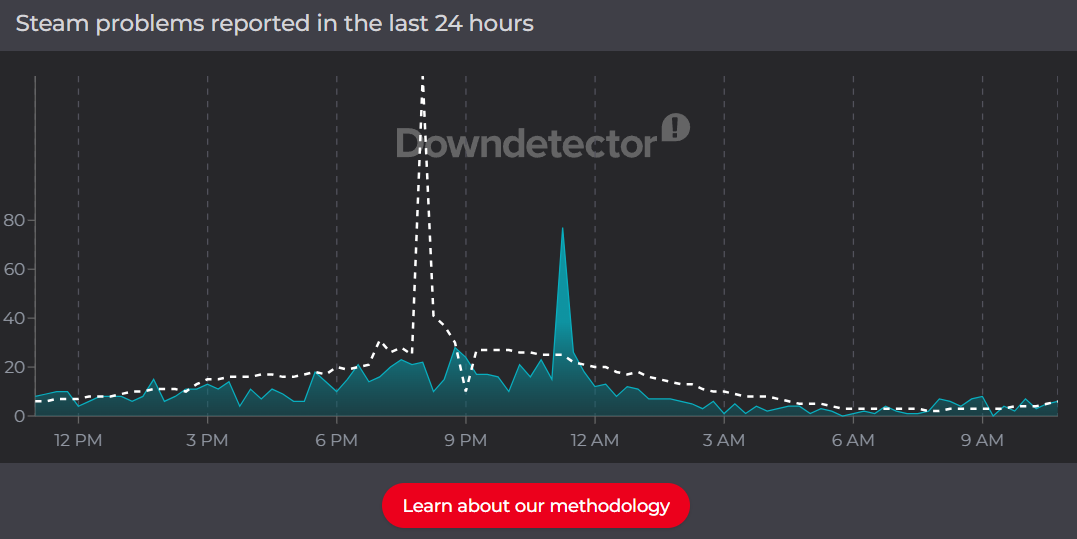
Most of the time, the issue isn’t even on your end. Valve Corporation runs matchmaking through centralized servers, and when those servers go down or get overloaded, players instantly lose access.
This tends to happen right after updates or when player traffic spikes in the evening. You can restart your game ten times and nothing will change because the problem isn’t local.
Steam Connection Issues
CS2 runs entirely through Steam, which means even a small connection hiccup between your client and Steam can block matchmaking.
What makes this frustrating is that everything else might look fine. The game launches, your internet works, but matchmaking just refuses to connect.
Broken or Outdated Game Files
After recent patches, a lot of players have run into subtle file issues. Nothing obvious crashes, but something in the background breaks matchmaking.
This is especially common when updates roll out quickly and overwrite existing files.
Region and Routing Problems
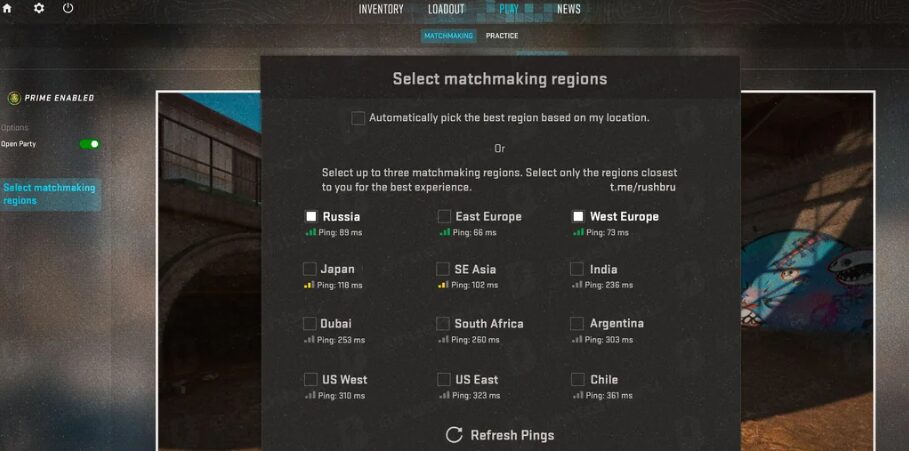
Sometimes the issue comes down to how your connection is being routed. Certain regions get overloaded or unstable, and CS2 struggles to find a proper server path.
That’s why two players in the same country can have completely different experiences.
Fixing It Without Overthinking It
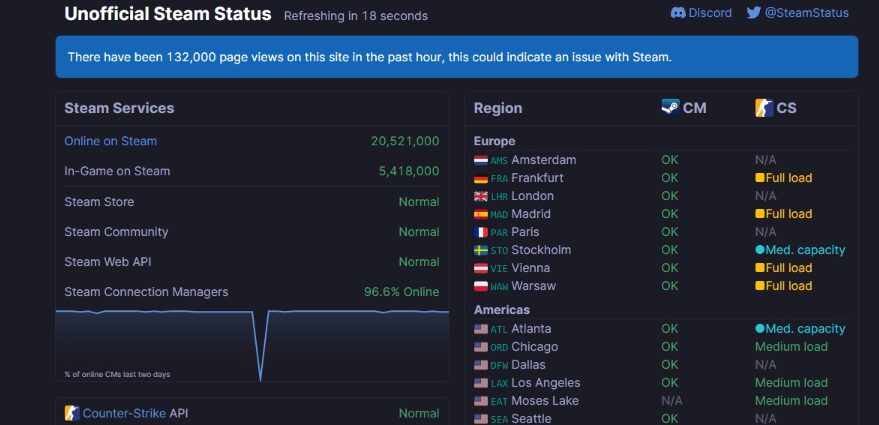
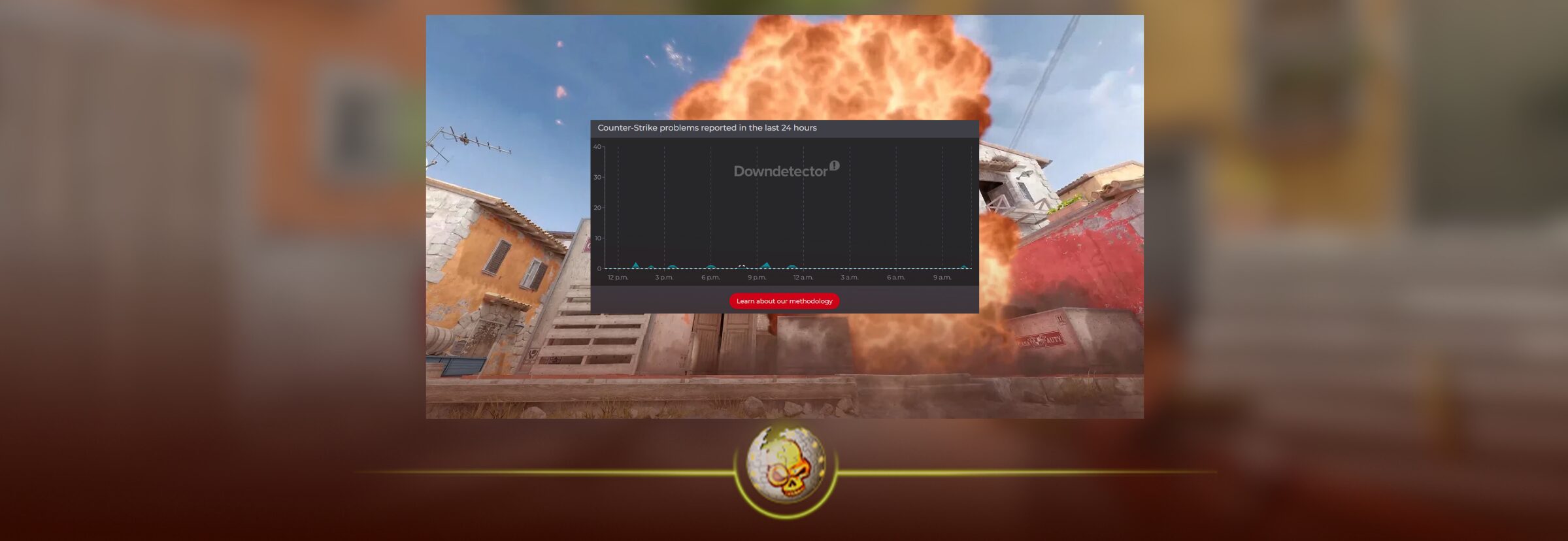
Start by Checking Server Status
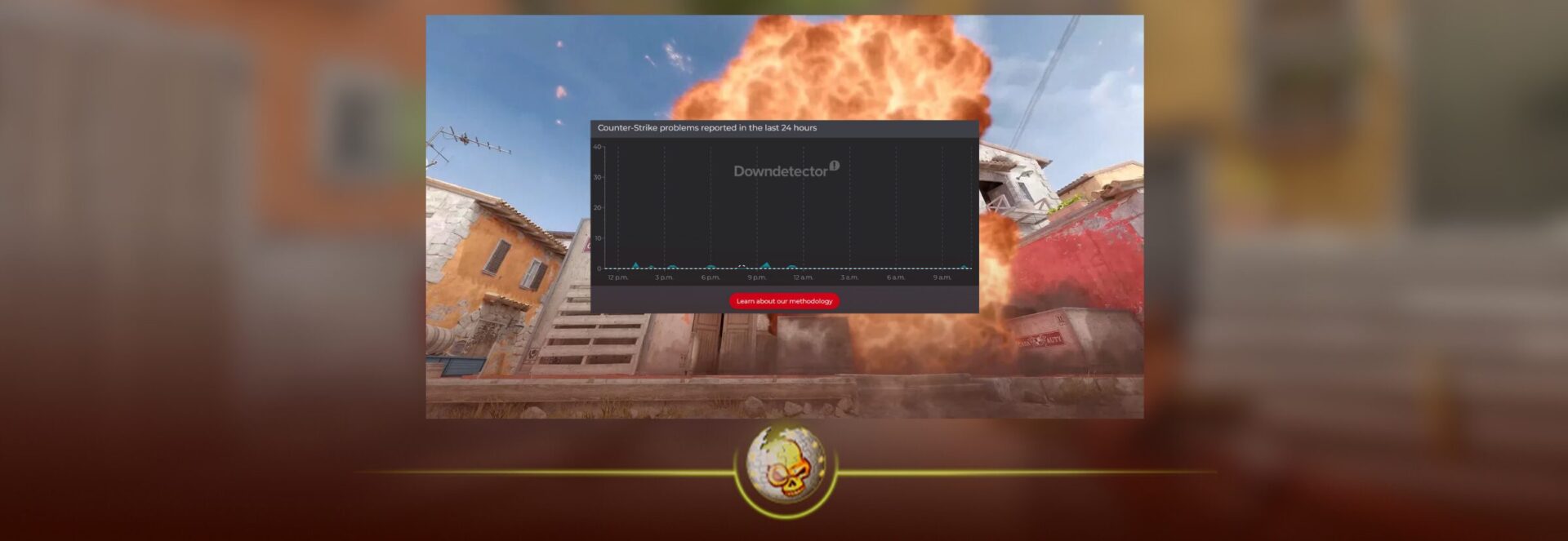
Before touching anything, check if servers are down. If they are, there’s no fix. Waiting is actually the fastest solution.
A lot of players skip this and end up troubleshooting something they can’t control.
Restarting Steam Actually Matters
Completely closing Steam and reopening it resets your connection to Valve’s servers. This sounds simple, but it fixes a surprising number of matchmaking issues because it forces a fresh session.
The key here is making sure Steam is fully closed, not just minimized.
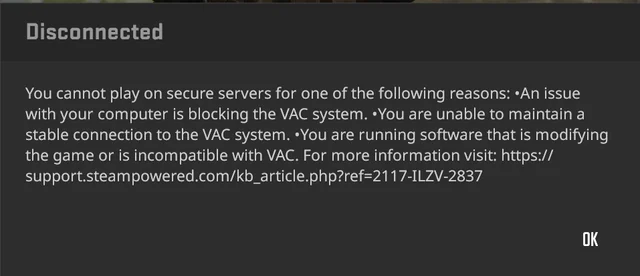
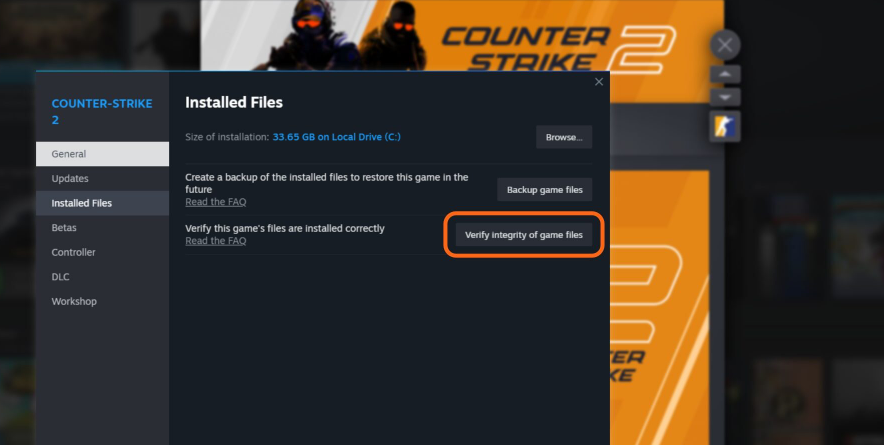
Verifying Game Files Cleans Up Hidden Issues
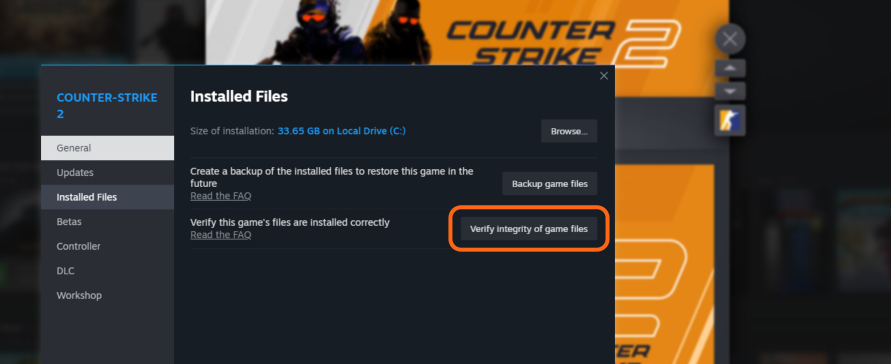
When files get slightly corrupted, CS2 doesn’t always crash. Instead, matchmaking quietly stops working.
Running a file verification replaces anything missing or broken, which is why this fix works even when nothing looks wrong on the surface.
Changing Your Region Can Instantly Fix It
One of the most underrated fixes is switching your download region in Steam settings. This forces your connection through a different server route.
If your local region is overloaded, switching to something nearby can immediately restore matchmaking without any other changes.
Internet Reset and VPN Problems
A quick router restart can fix routing issues that build up over time. It’s also worth noting that VPNs can interfere with matchmaking more than people realize. Even if they work for browsing, they can break how CS2 connects to servers.
Why This Is Happening More in 2026

Lately, Counter-Strike 2 has been going through constant backend changes. Updates are rolling out more frequently, and player traffic is higher than expected during certain events.
That combination creates short windows where matchmaking just stops working.
It’s not a broken system, it’s just one that’s being actively adjusted.
When You Should Stop Troubleshooting
There’s a point where trying more fixes doesn’t help.
If you’ve restarted Steam, verified files, and checked your connection, and it still doesn’t work, it’s almost always a server-side issue.
At that point, waiting is the smartest move.
The Real Answer
Most of the time, the CS2 matchmaking unavailable error is temporary. It feels like something is broken, but in reality, it’s usually just servers catching up or connections resetting.
If you approach it the right way, you can either fix it in minutes or avoid wasting time trying to fix something you never could control in the first place.
Read More From Daddyskins
- CS2 Premier Season 4: Start Date, Changes & What You Need to Know
- CS2 Premier Season 4 Leaks
- CS2 Premier 4 Skins & Knives – What We Know
- Harlequin & Achroma COLLECTION SKINS In-Game (New CS2 Update)
- CS2 update today full patch notes and changes explained
- IEM Kraków 2026 Stage 1 Preview and Predictions for CS2
- Cache return rumors resurface in CS2
- CS2 Patch Update January 30, 2026
- New CS2 Skins Just Dropped: Season 4 CS2 Skins
- Cheapest Pink CS2 Skins in 2026
- Valentine’s Day CS2 Skins
- Mudryk CS2 Faceit Ban Explained
- Movement Hub for CS2 Workshop Ranked 2026
- CS2 Danger Zone In 2026
- Esports Nations Cup 2026: What ENC Means for CS2
- When is the next CS2 tournament 2026
- IEM Atlanta 2026 CS2 Preview Teams Format Schedule
- Radar & Minimap Settings Guide for CS2
- Kyousuke CS2 Settings: Full Guide [2026]
- CS2 Weekly Drop Reset 2026
- How Does VAC Works in CS2?
- New York Sues Valve Over CS2 Loot Boxes
- Team Vitality Wins PGL Cluj Napoca 2026 in Dominant CS2 Grand Final
- CS2 Pro Crosshairs Codes 2026
- donk CS2 Settings: Full Guide [2026]
- CS:GO Steam Charts Surge After Valve Quietly Adds CS:GO Back to Steam
- CS:GO Is Back on Steam: How to Download CS:GO in 2026
- Inferno Update CS2: What Changed in the Latest Counter Strike 2 Patch
- CSFloat Item Cannot Be Inspected Due to CS2 Bug (Fix Guide)
- X-Ray Scanner for Cases Introduced in CS2 in Germany
- CS2 Cases Getting Banned? What the New X-Ray Scanner Update Means
- How Do Professionals Trade CS2 Skins?
- Cheapest Red Skins in CS2 (2026)
- CS2 Bunny Hop Commands 2026
- CS2 Cases Banned
- Best CS2 Prop Hunt Servers (2026 List)
- Animgraph 2 Beta CS2 Update April 2026 What Changed
- Cheapest Purple Skins CS2 (2026 List)
- Top Best Cheap CS2 Gloves Under $100 Right Now
- Top CS2 Cases to Open in 2026
- CS2 Viewmodel Settings Guide: How to Find Your Perfect Viewmodel
- PGL Bucharest 2026 CS2: Full Tournament Guide
- How to 1v1 in CS2 Complete Guide (2026)
- Mirage Callouts CS2: Full Guide
- Top 7 Best White CS2 Skins (2026 List)