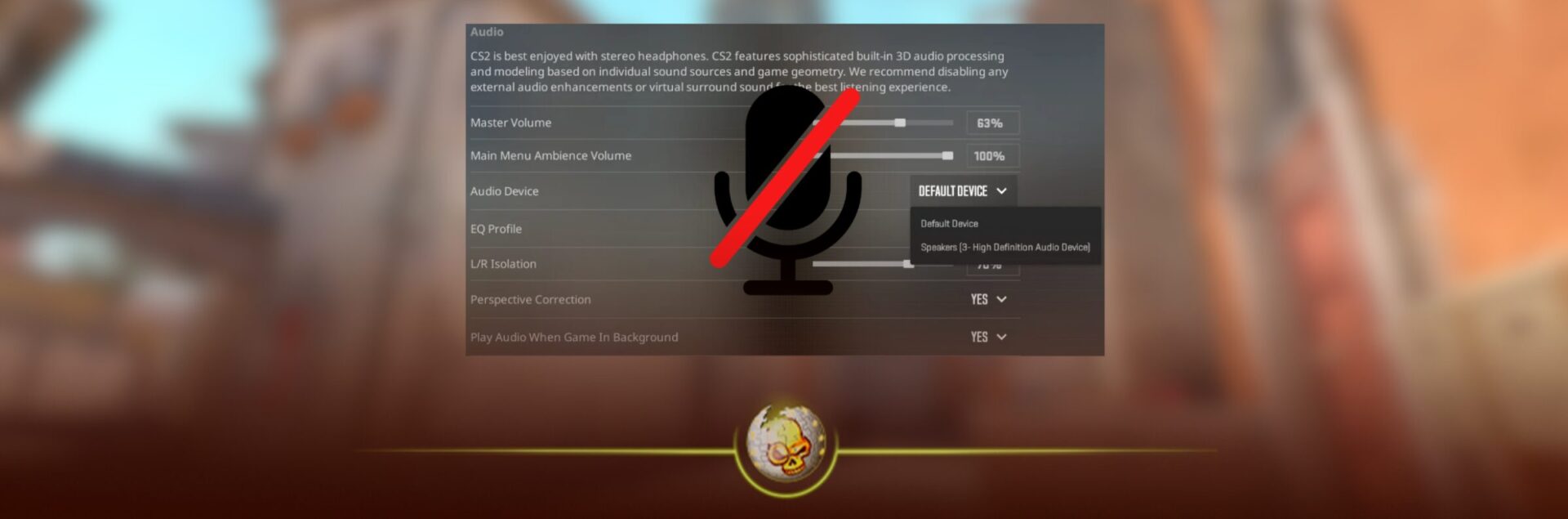
If you jumped into Counter-Strike 2 today and something felt off, you weren’t imagining it. A fresh issue rolled out within the last 24 hours that’s messing with in game audio, and for a game where sound is everything, it’s a big deal.
Players across matchmaking and FACEIT started reporting missing footsteps, delayed gunshot audio, and in some cases, completely broken directional sound. It’s one of those bugs that doesn’t just annoy you, it actually changes how the game plays.
Let’s break down what’s going on, and more importantly, how to fix it right now.

What Is the CS2 Sound Bug?
This new bug appears to be tied to recent backend or minor client changes rather than a full patch. The issue mainly affects how the game processes spatial audio.
What players are experiencing:
- Footsteps cutting in and out or not playing at all
- Gunshots sounding delayed or coming from the wrong direction
- Teammate utility audio being inconsistent
- Audio completely disappearing mid round
In competitive matches, this is brutal. Sound in CS2 is half the game. If you can’t hear a push or rotation, you’re basically playing blind.
Why This Is Happening
From early analysis and community testing, this looks like a conflict between CS2’s audio engine and certain system settings.
There are three likely causes right now:
First, the game’s audio channels are bugging out after launching or alt tabbing.
Second, recent updates may have reset or corrupted sound configs.
Third, Windows audio enhancements or drivers are clashing with CS2’s spatial audio system.
Valve hasn’t officially addressed it yet, but bugs like this usually get hotfixed quickly.
How To Fix The CS2 Sound Bug (Working Fixes)
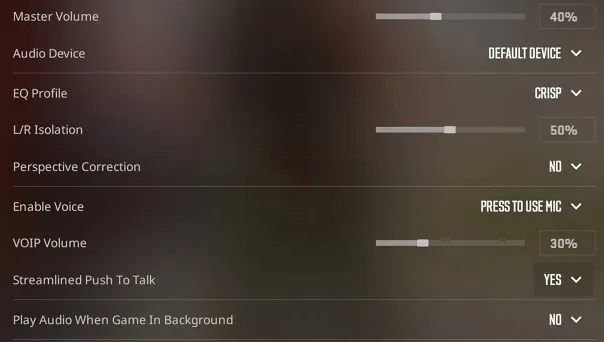
1. Reset Your Audio Settings In Game
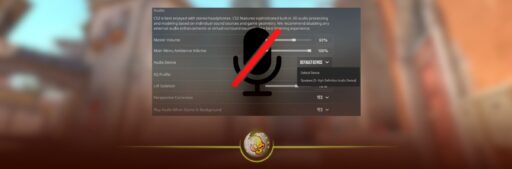
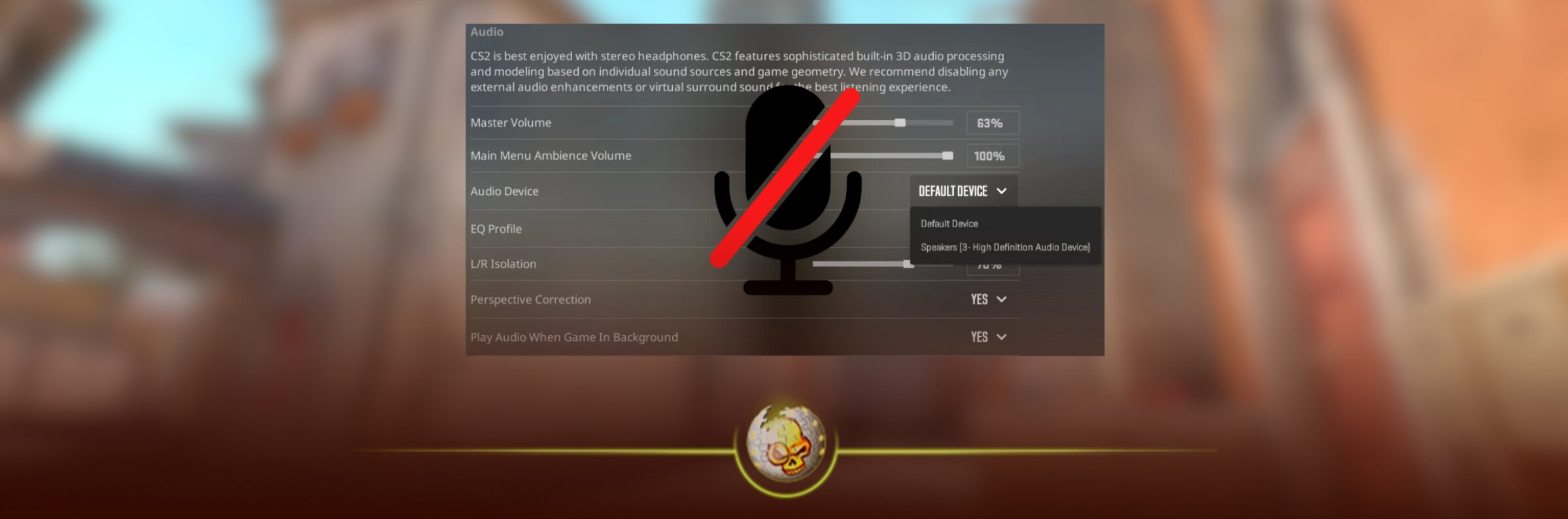
Go into settings and switch your audio device to something else, then switch it back.
Also make sure:
- Output configuration is set to Stereo Headphones
- LFE and surround options are off unless you use them
This alone has fixed it for a lot of players.
2. Restart CS2 Properly (Not Just Relaunch)
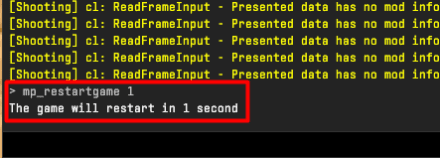
Close the game completely through Task Manager, then relaunch through Steam.
Quick restarts don’t always reset the audio engine properly, you need a full reset.
3. Disable Windows Audio Enhancements
This is a big one.
Go to your sound device settings in Windows and turn off:
- Audio enhancements
- Spatial sound (like Windows Sonic or Dolby Atmos)
CS2 handles spatial audio itself, so these can conflict hard.

4. Verify Game Files On Steam
Right click CS2 in Steam → Properties → Installed Files → Verify integrity.
If the bug came from a corrupted update file, this fixes it immediately.

5. Update or Reinstall Audio Drivers
Outdated drivers are causing issues for some players.
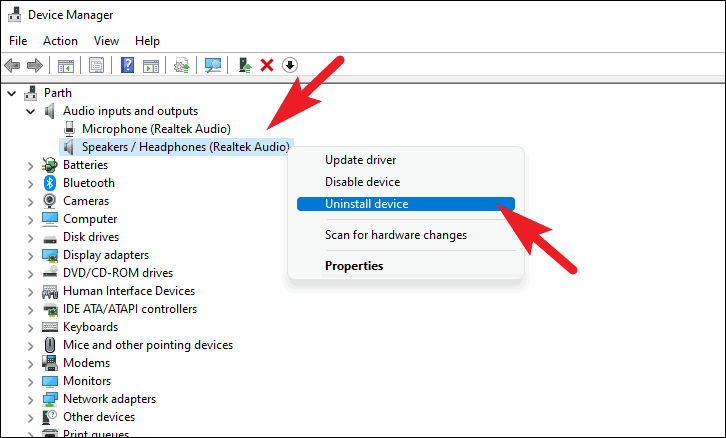
Go into Device Manager and update your sound drivers, or reinstall them completely if needed.
6. Avoid Alt Tabbing (Temporary Fix)
A lot of players noticed the bug starts after alt tabbing.
Until Valve patches it, try to stay in game once you load in.
Is Valve Fixing It?
Historically, when something like this hits Valve Corporation pushes a fix fast, especially when it affects competitive integrity.
Expect:
- A silent hotfix within 24 to 72 hours
- Or a small patch addressing audio stability
If this keeps trending, it’ll get priority.
Final Thoughts
This CS2 sound bug is one of those issues that reminds you how important audio really is. You don’t notice it when it works, but the second it breaks, the entire game feels off.
For now, the fixes above are working for most players. Reset your audio, disable enhancements, and verify your files, those are the big three.
If you’re grinding Premier or FACEIT today, don’t ignore this. Fix it before you queue, because one missed footstep can literally cost you the round.
Read More From Daddyskins
- CS2 Premier Season 4: Start Date, Changes & What You Need to Know
- CS2 Premier Season 4 Leaks
- CS2 Premier 4 Skins & Knives – What We Know
- Harlequin & Achroma COLLECTION SKINS In-Game (New CS2 Update)
- CS2 update today full patch notes and changes explained
- IEM Kraków 2026 Stage 1 Preview and Predictions for CS2
- Cache return rumors resurface in CS2
- CS2 Patch Update January 30, 2026
- New CS2 Skins Just Dropped: Season 4 CS2 Skins
- Cheapest Pink CS2 Skins in 2026
- Valentine’s Day CS2 Skins
- Mudryk CS2 Faceit Ban Explained
- Movement Hub for CS2 Workshop Ranked 2026
- CS2 Danger Zone In 2026
- Esports Nations Cup 2026: What ENC Means for CS2
- When is the next CS2 tournament 2026
- IEM Atlanta 2026 CS2 Preview Teams Format Schedule
- Radar & Minimap Settings Guide for CS2
- Kyousuke CS2 Settings: Full Guide [2026]
- CS2 Weekly Drop Reset 2026
- How Does VAC Works in CS2?
- New York Sues Valve Over CS2 Loot Boxes
- Team Vitality Wins PGL Cluj Napoca 2026 in Dominant CS2 Grand Final
- CS2 Pro Crosshairs Codes 2026
- donk CS2 Settings: Full Guide [2026]
- CS:GO Steam Charts Surge After Valve Quietly Adds CS:GO Back to Steam
- CS:GO Is Back on Steam: How to Download CS:GO in 2026
- Inferno Update CS2: What Changed in the Latest Counter Strike 2 Patch
- CSFloat Item Cannot Be Inspected Due to CS2 Bug (Fix Guide)
- X-Ray Scanner for Cases Introduced in CS2 in Germany
- CS2 Cases Getting Banned? What the New X-Ray Scanner Update Means
- How Do Professionals Trade CS2 Skins?
- Cheapest Red Skins in CS2 (2026)
- CS2 Bunny Hop Commands 2026
- CS2 Cases Banned
- Best CS2 Prop Hunt Servers (2026 List)
- Animgraph 2 Beta CS2 Update April 2026 What Changed
- Cheapest Purple Skins CS2 (2026 List)
- Top Best Cheap CS2 Gloves Under $100 Right Now
- Top CS2 Cases to Open in 2026
- CS2 Viewmodel Settings Guide: How to Find Your Perfect Viewmodel
- PGL Bucharest 2026 CS2: Full Tournament Guide
- How to 1v1 in CS2 Complete Guide (2026)
- Mirage Callouts CS2: Full Guide
- Top 7 Best White CS2 Skins (2026 List)
- CS2 Rio Tournament 2026: + DaddySkins Vitality Case
- When Does Cache Come to CS2? 2026 Release Date