If you’ve ever wanted to settle a score, practice aim properly, or just grind mechanics without distractions, 1v1s in CS2 are one of the best ways to do it. The problem is, a lot of guides online are either outdated from CS:GO or overly complicated.
This guide walks you through exactly how to set up a 1v1 in CS2, the cleanest way possible, plus real tips that actually improve your gameplay.
Why 1v1s Matter More in CS2
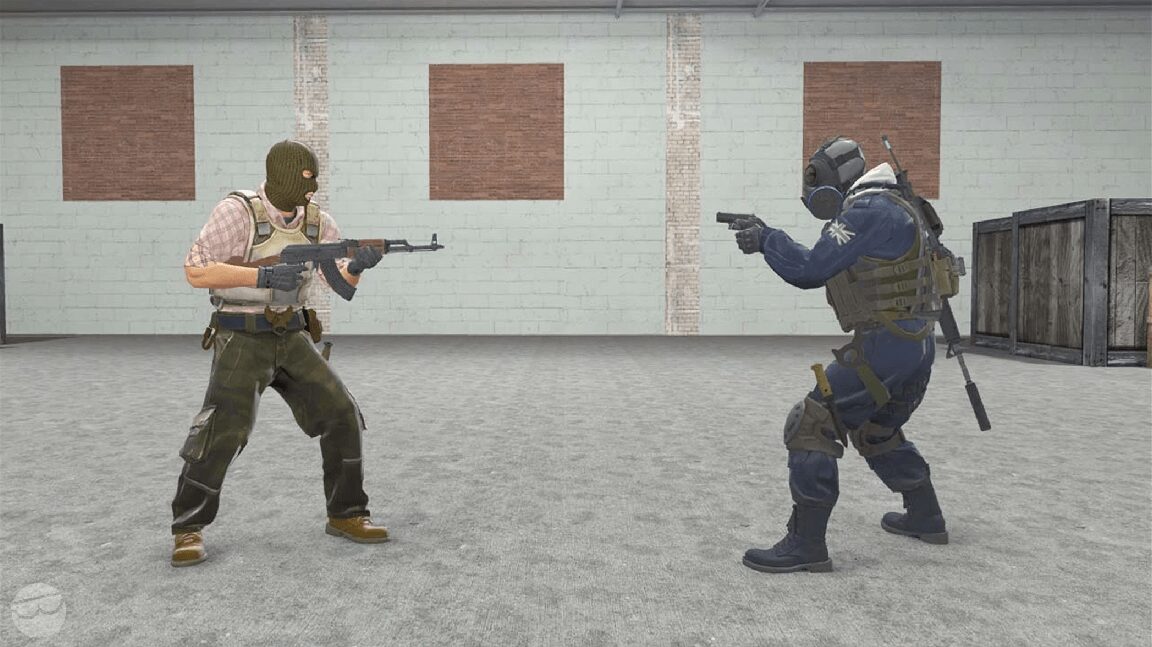
CS2 plays differently than CS:GO. Movement feels tighter, peeker’s advantage is more noticeable, and raw aim matters more in isolated fights.
That’s why 1v1s are powerful:
You remove randomness
You force repeated duels
You sharpen crosshair placement and reaction time
If you’re serious about improving or even just winning more clutches, this is one of the fastest ways to get better.
Step 1: Enable Developer Console
Before anything, you need access to commands.
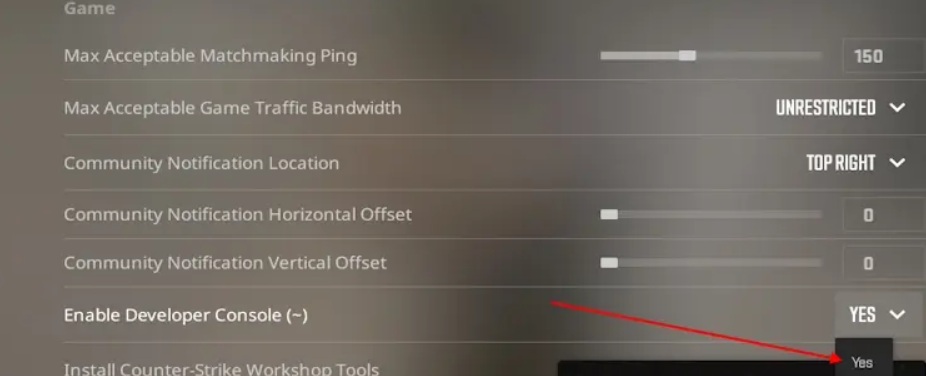
- Go into Settings
- Search for “Enable Developer Console (~)”
- Turn it ON
Then press ~ in-game to open it.
Step 2: Start a Private 1v1 Server
The easiest way to 1v1 is by hosting your own private match.
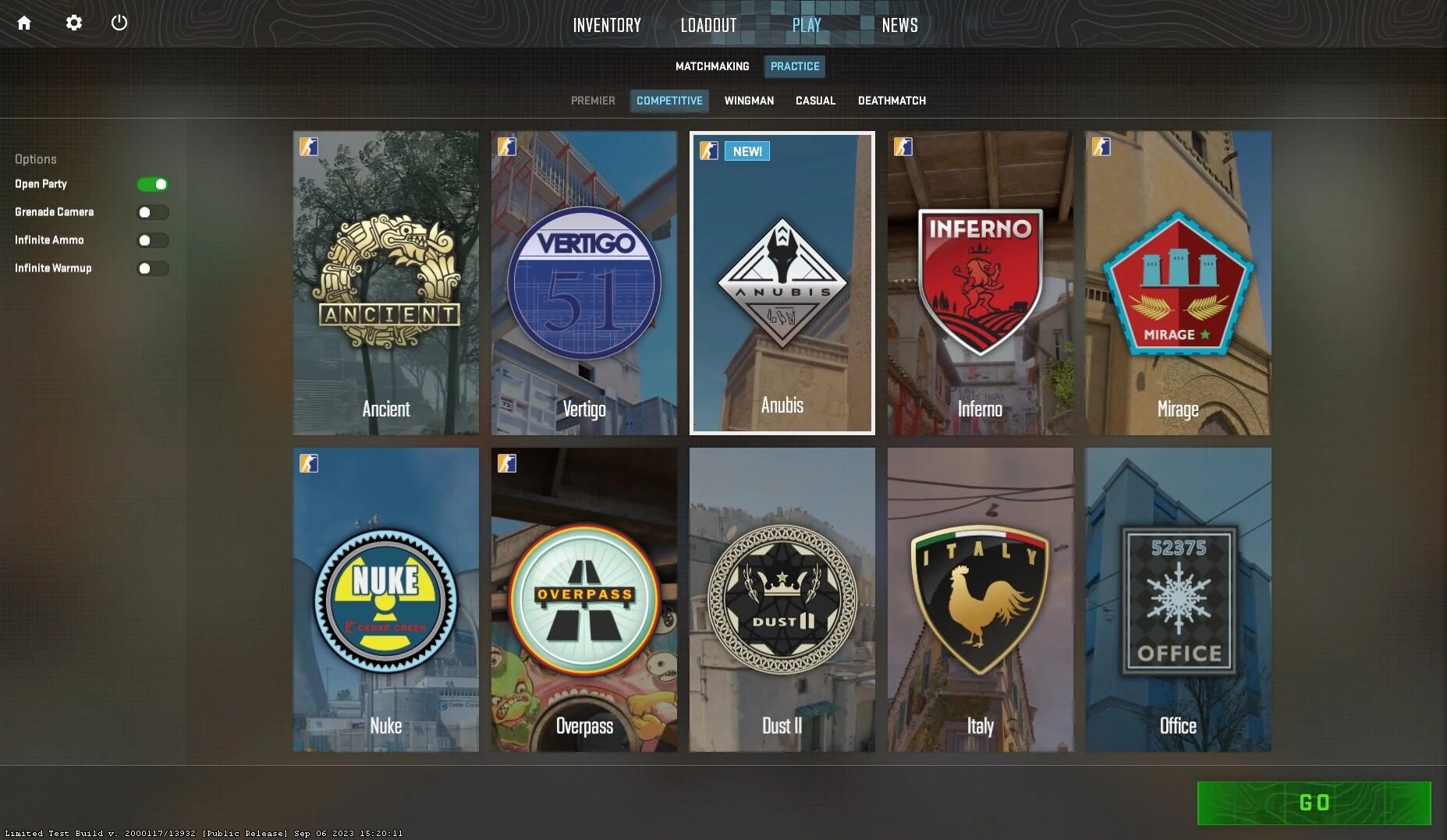
- Open CS2
- Click Play
- Choose Practice
- Select any map like Mirage or Dust2
- Set it to “Private Match”
- Invite your friend
Once you’re both in, you’re ready to configure it properly.
Step 3: Essential 1v1 Commands
This is where most people mess up. You don’t want a normal competitive setup. You want a fast respawn, clean duel environment.
Paste these into your console:
mp_freezetime 0
mp_restartgame 1
sv_cheats 1
mp_limitteams 0
mp_autoteambalance 0
mp_maxmoney 60000
mp_startmoney 60000
mp_buytime 9999
mp_buy_anywhere 1
mp_respawn_on_death_t 1
mp_respawn_on_death_ct 1
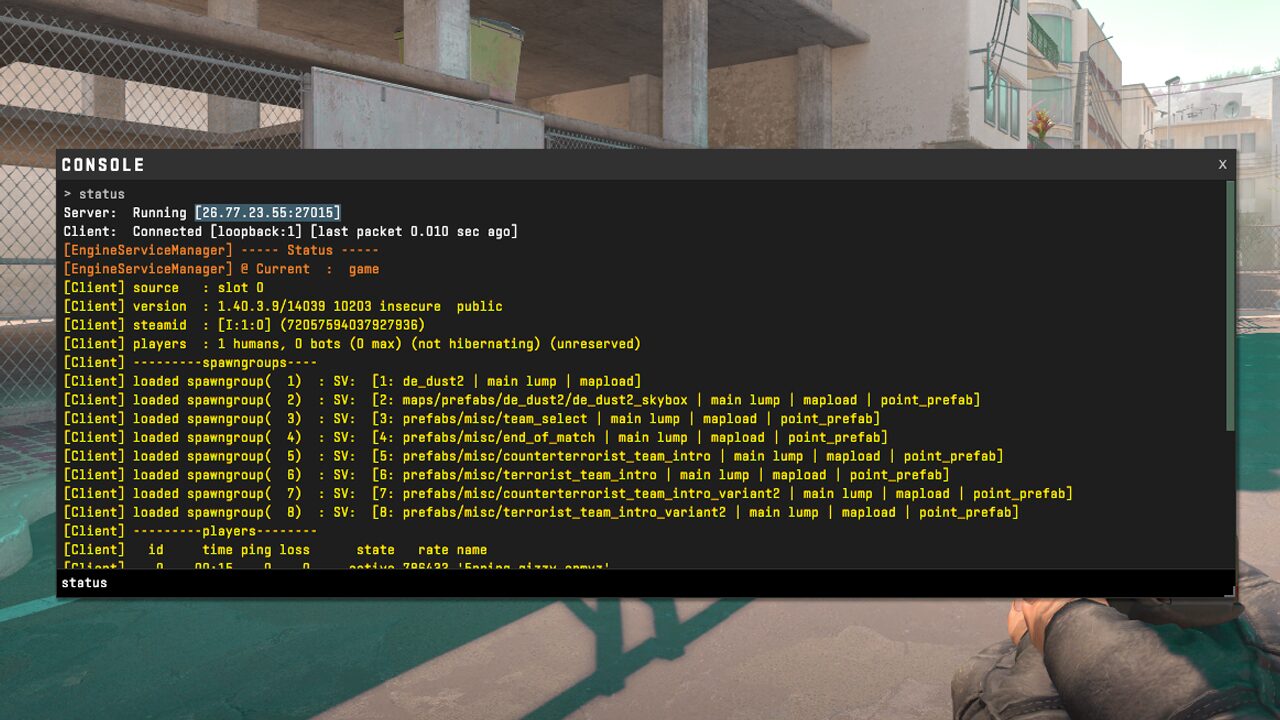
What these actually do
| Setting | Purpose |
|---|---|
| Infinite buy time | No pressure to rush purchases |
| Max money | You always have full loadout |
| Instant respawn | Continuous fights with no downtime |
| No team balance | Keeps it strictly 1v1 |
| No freeze time | Immediate action |
This setup turns your server into a proper aim duel environment instead of a slow match.
Step 4: Choose the Right Map for 1v1
Not all maps are good for 1v1s. Full competitive maps can feel too big.
Better options:
- Aim maps like aim_botz style layouts
- Small workshop arenas
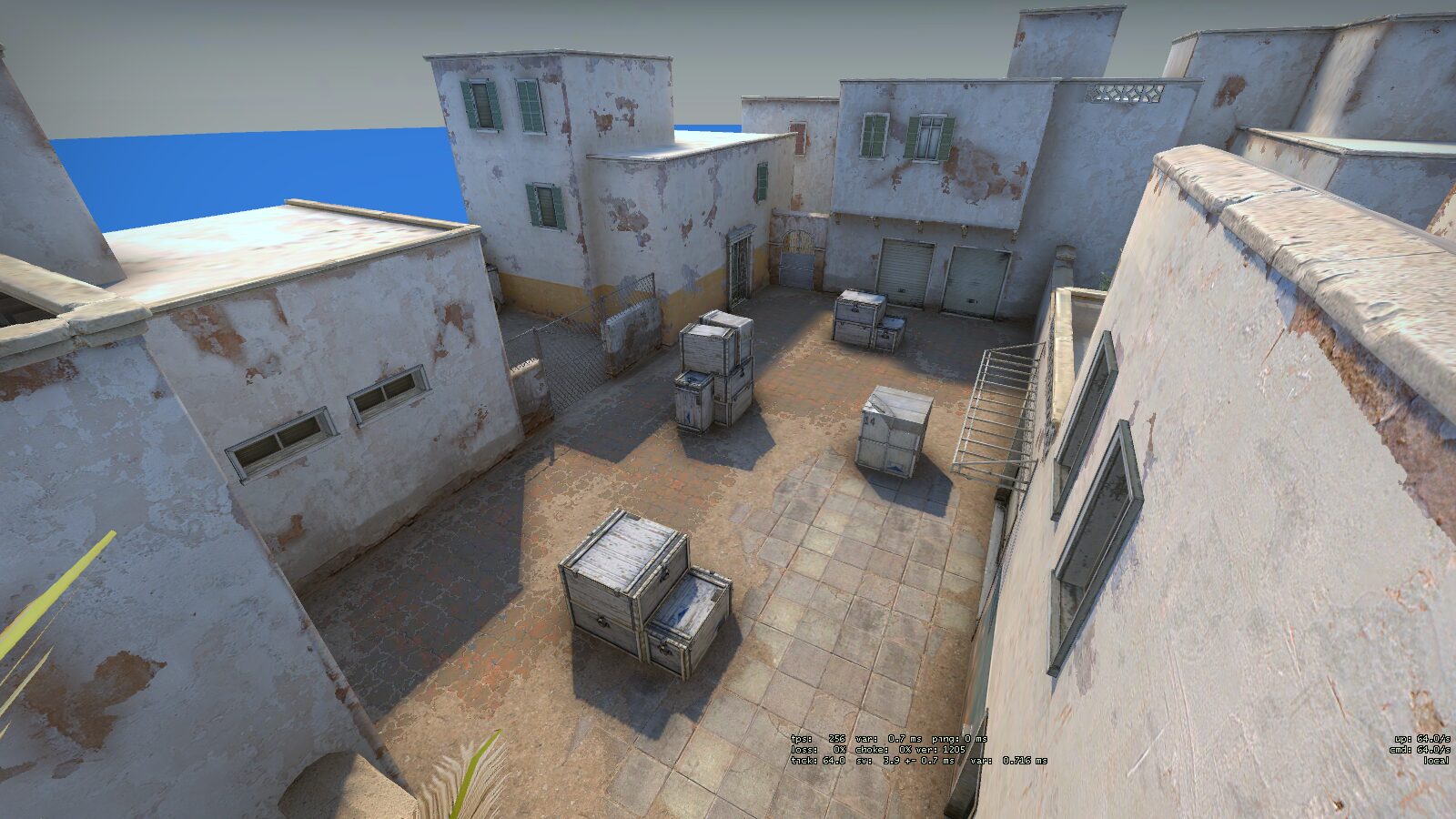
- Mid-only areas like Mirage mid or Dust2 long
If you want to keep it simple, just go:
- Mirage mid
- Dust2 long
- Inferno banana
These force clean, repeatable duels.
Step 5: Optional but Important Commands
If you want a more polished 1v1 experience, add these:
sv_infinite_ammo 1
ammo_grenade_limit_total 5
sv_grenade_trajectory 1
sv_showimpacts 1
This helps you practice:
Spray control
Utility usage
Bullet accuracy
It turns your 1v1 into actual training instead of just random fights.
Step 6: Alternative Method – Workshop Maps
If you don’t want to deal with commands every time, workshop maps are a clean option.
Search in Steam Workshop:
- CS2 1v1 maps
- Aim training maps
- Arena style duel maps
These usually come pre configured with spawns, weapons, and score tracking.
How to Make Your 1v1s Actually Improve Your Skill
Most players waste 1v1s just ego peeking nonstop. If you want results, structure it.
Play in rounds
- First to 10
- Switch sides halfway
- Track wins
Focus on one skill at a time
- Crosshair placement only
- One tapping only
- Spray fights only
Add pressure
- Play for stakes even if it’s small
- Loser does pushups
- Winner picks next map
It sounds simple but this creates real intensity, which is what actually improves performance.
Common Mistakes to Avoid
The biggest one is turning it into chaos.
If you’re just running at each other with full utility every round, you’re not learning anything.
Also avoid:
Changing weapons every fight
Playing without structure
Ignoring positioning
Treat it like practice, not just a casual fight.
Read More From Daddyskins
- CS2 Premier Season 4: Start Date, Changes & What You Need to Know
- CS2 Premier Season 4 Leaks
- CS2 Premier 4 Skins & Knives – What We Know
- Harlequin & Achroma COLLECTION SKINS In-Game (New CS2 Update)
- CS2 update today full patch notes and changes explained
- IEM Kraków 2026 Stage 1 Preview and Predictions for CS2
- Cache return rumors resurface in CS2
- CS2 Patch Update January 30, 2026
- New CS2 Skins Just Dropped: Season 4 CS2 Skins
- Cheapest Pink CS2 Skins in 2026
- Valentine’s Day CS2 Skins
- Mudryk CS2 Faceit Ban Explained
- Movement Hub for CS2 Workshop Ranked 2026
- CS2 Danger Zone In 2026
- Esports Nations Cup 2026: What ENC Means for CS2
- When is the next CS2 tournament 2026
- IEM Atlanta 2026 CS2 Preview Teams Format Schedule
- Radar & Minimap Settings Guide for CS2
- Kyousuke CS2 Settings: Full Guide [2026]
- CS2 Weekly Drop Reset 2026
- How Does VAC Works in CS2?
- New York Sues Valve Over CS2 Loot Boxes
- Team Vitality Wins PGL Cluj Napoca 2026 in Dominant CS2 Grand Final
- CS2 Pro Crosshairs Codes 2026
- donk CS2 Settings: Full Guide [2026]
- CS:GO Steam Charts Surge After Valve Quietly Adds CS:GO Back to Steam
- CS:GO Is Back on Steam: How to Download CS:GO in 2026
- Inferno Update CS2: What Changed in the Latest Counter Strike 2 Patch
- CSFloat Item Cannot Be Inspected Due to CS2 Bug (Fix Guide)
- X-Ray Scanner for Cases Introduced in CS2 in Germany
- CS2 Cases Getting Banned? What the New X-Ray Scanner Update Means
- How Do Professionals Trade CS2 Skins?
- Cheapest Red Skins in CS2 (2026)
- CS2 Bunny Hop Commands 2026
- CS2 Cases Banned
- Best CS2 Prop Hunt Servers (2026 List)
- Animgraph 2 Beta CS2 Update April 2026 What Changed
- Cheapest Purple Skins CS2 (2026 List)
- Top Best Cheap CS2 Gloves Under $100 Right Now
- Top CS2 Cases to Open in 2026
- CS2 Viewmodel Settings Guide: How to Find Your Perfect Viewmodel
- PGL Bucharest 2026 CS2: Full Tournament Guide