If you’ve spent even a little time watching high-level gameplay in Counter-Strike 2, you’ve probably noticed players flying across the map with insane speed. That’s not hacks, it’s bunny hopping, often called bhopping. And while CS2 doesn’t make it as easy as older versions, the right setup and commands can still give you a serious movement advantage.
In this guide, we’re going to break down the CS2 bunny hop command, how it actually works in CS2’s engine, and how to set yourself up to practice it properly. Everything here is based on current CS2 mechanics, so you’re not wasting time with outdated CSGO tricks that no longer work.
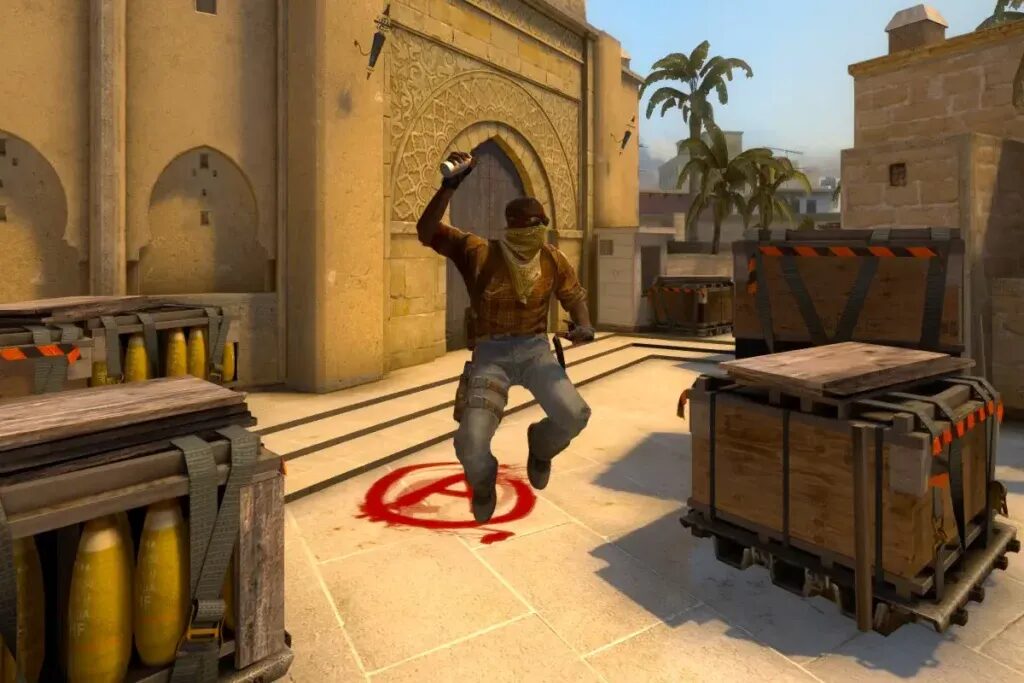
What Is Bunny Hopping in CS2?
Bunny hopping is a movement technique where you chain jumps together while strafing in mid-air to maintain or even increase speed. The goal is simple: hit your jumps at the exact moment you land, while syncing your mouse movement with your keyboard strafes.
In older versions of Counter-Strike, bhopping was much easier. In CS2, Valve has tightened the timing window and added movement consistency changes, which means you actually need proper rhythm and timing now. You can’t just spam jump and expect results.
The Main CS2 Bunny Hop Command
Let’s start with the most important part.
The classic command players use for bhopping is binding jump to the scroll wheel:
bind mwheelup +jump
bind mwheeldown +jump
This lets you input multiple jump commands extremely fast, increasing your chances of hitting the perfect timing window when you land.
Here’s a quick breakdown of the most important commands you should know:
| Command | What It Does | Why It Matters |
|---|---|---|
bind mwheelup +jump | Binds jump to scroll up | Allows rapid jump inputs |
bind mwheeldown +jump | Binds jump to scroll down | More consistency in timing |
sv_autobunnyhopping 1 | Enables auto bhop (practice only) | Perfect for learning timing |
sv_enablebunnyhopping 1 | Removes speed cap (practice) | Lets you feel true bhop speed |
sv_staminamax 0 | Removes stamina slowdown | Keeps movement fluid while practicing |
Important: Can You Use Bunny Hop Commands in Competitive?
Here’s where a lot of people get confused.
The scroll wheel bind is completely allowed in matchmaking, Faceit, and Premier. Almost every experienced player uses it.
However, commands like:
sv_autobunnyhopping 1
sv_enablebunnyhopping 1
only work in private servers with cheats enabled. You cannot use these in competitive games. They are strictly for practice.
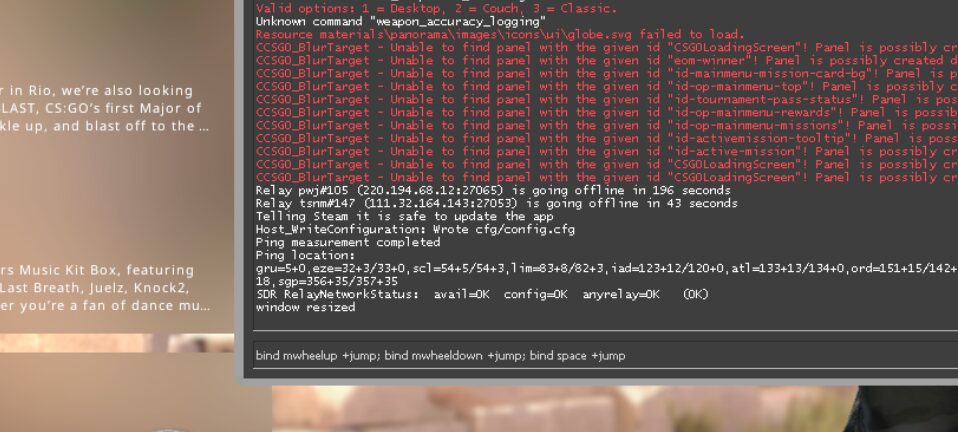
Best Way to Practice Bunny Hopping in CS2
If you actually want to improve, you shouldn’t just jump into matchmaking and hope for the best. The smartest approach is to train your muscle memory first.
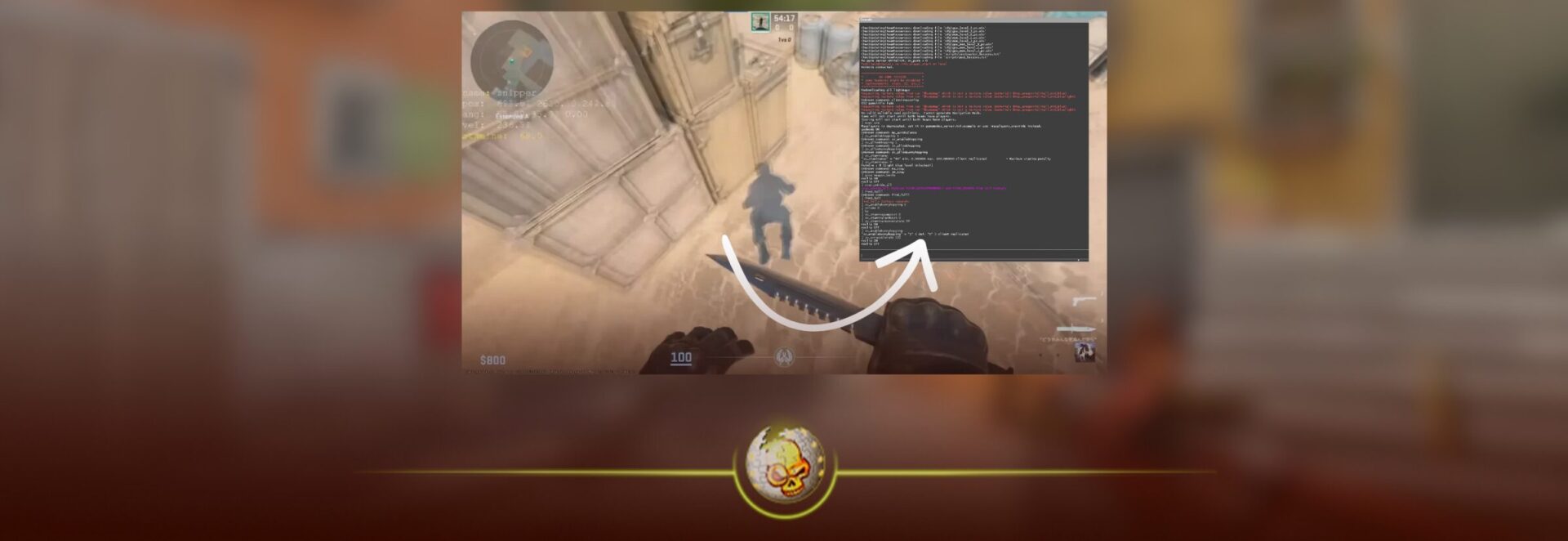
Step 1: Set Up a Practice Server
Launch CS2 with a practice config and enable cheats:
sv_cheats 1
sv_autobunnyhopping 1
sv_enablebunnyhopping 1
This gives you a feel for how smooth bhopping should look when done correctly.
Step 2: Turn Off Auto Bhop
Once you understand the movement flow, turn off auto bhop and try doing it manually with your scroll wheel bind. This is where real improvement happens.
Step 3: Focus on Strafing
Bunny hopping is not just about jumping. The real speed comes from your strafes:
- Move mouse left while holding A
- Move mouse right while holding D
If those are not synced, you lose all momentum instantly.
Why Bunny Hopping Feels Harder in CS2
A lot of players coming from Counter-Strike: Global Offensive struggle at first, and there’s a reason.
Counter-Strike 2 uses a newer engine with updated movement physics. The timing window for perfect jumps is tighter, and movement is more consistent overall.
That means:
- Spamming jump doesn’t work as well anymore
- Precision matters more than ever
- Good players still bhop, but it takes real practice
This was an intentional change by Valve to reduce randomness and reward skill-based movement.

Does Bunny Hopping Actually Help in Real Games?
Yes, but not in the way most people think.
You’re not going to fly across the map like a KZ server in competitive matches. Instead, bhopping helps in small but important ways:
- Faster repositioning after peeking
- Harder to hit movement patterns
- Slight speed boosts when rotating
At higher levels, even small movement advantages can be the difference between winning and losing a round.
Common Mistakes Players Make
Most players who try to learn bhopping quit too early because they’re doing one of these:
Jumping too early or too late
Not syncing mouse movement with strafes
Holding W while trying to bhop
Expecting instant results
The biggest mistake is treating it like a trick instead of a skill. It’s timing and rhythm, not luck.
Read More From Daddyskins
- CS2 Premier Season 4: Start Date, Changes & What You Need to Know
- CS2 Premier Season 4 Leaks
- CS2 Premier 4 Skins & Knives – What We Know
- Harlequin & Achroma COLLECTION SKINS In-Game (New CS2 Update)
- CS2 update today full patch notes and changes explained
- IEM Kraków 2026 Stage 1 Preview and Predictions for CS2
- Cache return rumors resurface in CS2
- CS2 Patch Update January 30, 2026
- New CS2 Skins Just Dropped: Season 4 CS2 Skins
- Cheapest Pink CS2 Skins in 2026
- Valentine’s Day CS2 Skins
- Mudryk CS2 Faceit Ban Explained
- Movement Hub for CS2 Workshop Ranked 2026
- CS2 Danger Zone In 2026
- Esports Nations Cup 2026: What ENC Means for CS2
- When is the next CS2 tournament 2026
- IEM Atlanta 2026 CS2 Preview Teams Format Schedule
- Radar & Minimap Settings Guide for CS2
- Kyousuke CS2 Settings: Full Guide [2026]
- CS2 Weekly Drop Reset 2026
- How Does VAC Works in CS2?
- New York Sues Valve Over CS2 Loot Boxes
- Team Vitality Wins PGL Cluj Napoca 2026 in Dominant CS2 Grand Final
- CS2 Pro Crosshairs Codes 2026
- donk CS2 Settings: Full Guide [2026]
- CS:GO Steam Charts Surge After Valve Quietly Adds CS:GO Back to Steam
- CS:GO Is Back on Steam: How to Download CS:GO in 2026
- Inferno Update CS2: What Changed in the Latest Counter Strike 2 Patch
- CSFloat Item Cannot Be Inspected Due to CS2 Bug (Fix Guide)
- X-Ray Scanner for Cases Introduced in CS2 in Germany
- CS2 Cases Getting Banned? What the New X-Ray Scanner Update Means
- How Do Professionals Trade CS2 Skins?
- Cheapest Red Skins in CS2 (2026)
- CS2 Bunny Hop Commands 2026
- CS2 Cases Banned
- Best CS2 Prop Hunt Servers (2026 List)
- Animgraph 2 Beta CS2 Update April 2026 What Changed
- Cheapest Purple Skins CS2 (2026 List)
- Top Best Cheap CS2 Gloves Under $100 Right Now
- Top CS2 Cases to Open in 2026
- CS2 Viewmodel Settings Guide: How to Find Your Perfect Viewmodel