Best Console Commands to Bhop in Counter Strike 2
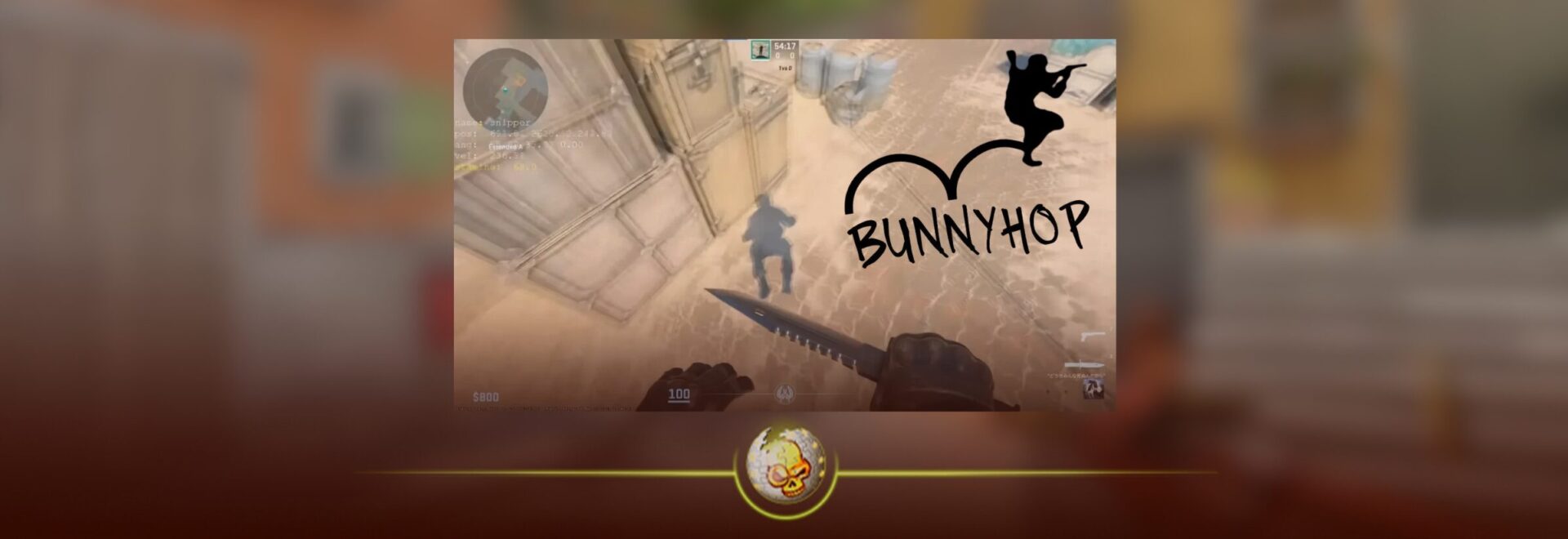
Movement has always been one of the biggest skill gaps in Counter Strike. In Counter-Strike 2, players who master bunny hopping can rotate faster, dodge enemy fire, and maintain momentum across the map.
If you are searching for CS2 bunny hop commands, this guide explains the best console commands, jump binds, and practice settings that players use today. These commands help make bhopping easier and are commonly used on practice servers or private lobbies.
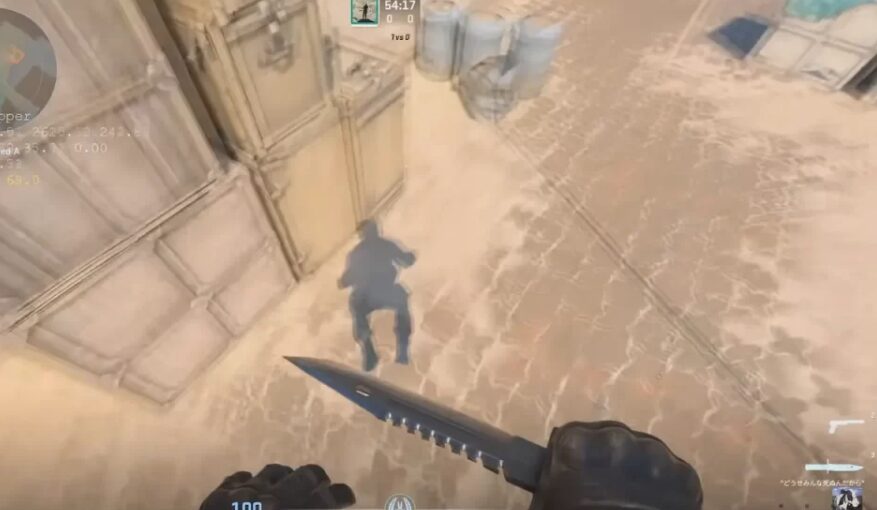
What Is Bunny Hopping in CS2
Bunny hopping, usually called bhopping, is a movement technique where players chain jumps together while strafing left and right. If timed correctly, you maintain or even increase movement speed while landing each jump.
Since CS2 does not have a sprint mechanic, advanced movement techniques like bunny hopping are used to travel across the map faster and gain positional advantages.
However, timing the jumps perfectly is difficult, which is why many players use console commands and jump binds to make the process more consistent.
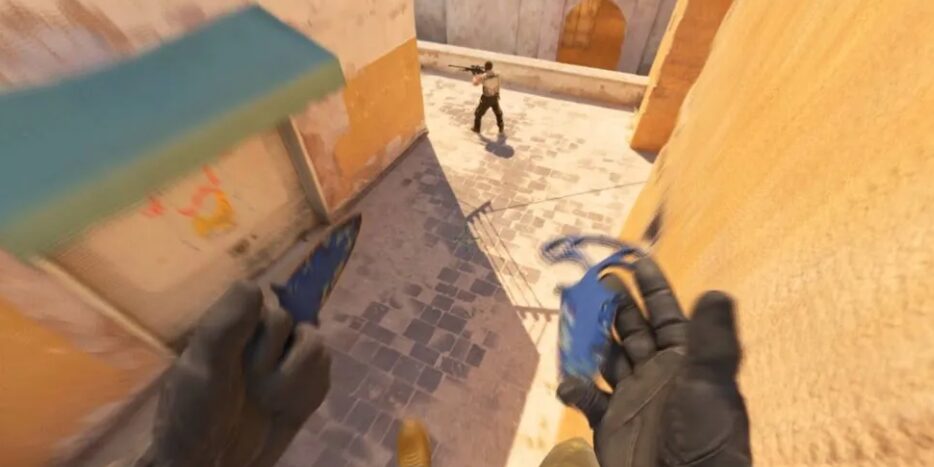
Best CS2 Bunny Hop Commands
Below are the most commonly used CS2 bunny hop commands. Some work in matchmaking while others only work on private servers or offline practice maps.
| Command | What It Does | Where It Works |
|---|---|---|
bind mwheeldown +jump | Binds jump to mouse scroll down for easier timing | Matchmaking |
bind mwheelup +jump | Binds jump to mouse scroll up | Matchmaking |
sv_cheats 1 | Allows server commands to run | Practice server |
sv_enablebunnyhopping 1 | Enables bunny hop mechanics on the server | Practice server |
sv_autobunnyhopping 1 | Automatically jumps when you hold jump | Practice server |
sv_airaccelerate 2000 | Increases air strafing acceleration | Practice server |
sv_maxvelocity 3500 | Raises speed limit while bhopping | Practice server |
Commands like sv_autobunnyhopping 1 allow automatic bhopping where holding the jump key repeatedly triggers jumps as soon as you land.
The Most Important CS2 Bhop Command
The command most players search for is the scroll jump bind.
bind mwheeldown +jump
This binds the jump action to the mouse wheel. When you scroll while landing, the game registers multiple jump inputs quickly, increasing the chance of hitting the perfect timing window.
Many professional and high level players use this method because it improves consistency without modifying game physics.
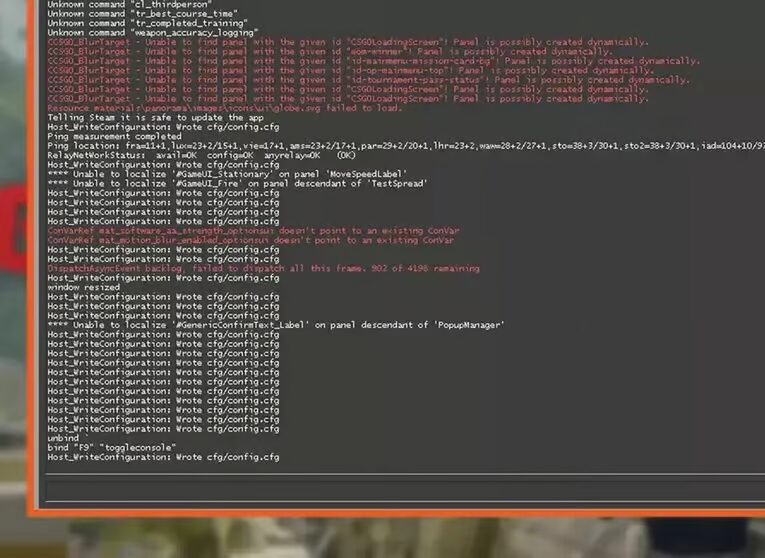
Full Auto Bunny Hop Practice Setup
If you want to practice bunny hopping offline, you can enable full auto bhop using this configuration:
sv_cheats 1
sv_enablebunnyhopping 1
sv_autobunnyhopping 1
sv_airaccelerate 2000
sv_maxvelocity 3500
These commands remove stamina limits, increase air acceleration, and allow the game to automatically jump as soon as you touch the ground.
This setup is commonly used on bhop servers and training maps.
How to Enable the Console in CS2
Before entering any CS2 bunny hop commands, you must enable the developer console.
Steps:
- Open Settings
- Go to Game Settings
- Enable Developer Console
- Press the ~ key
- Paste the commands
Once the console is enabled, you can paste the commands directly into the game.
Can You Use Bunny Hop Commands in Matchmaking
This is important.
Most sv_ commands only work on private servers or offline practice maps. They are server settings and cannot be forced in official matchmaking servers.
However, jump binds like mouse wheel jump work everywhere, which is why they are the most popular setup for real competitive matches.
Tips to Bunny Hop Better in CS2
Commands help, but bunny hopping is still a skill.
Here are the fundamentals players use:
• Jump right before landing
• Strafe left and right with A and D keys
• Move the mouse smoothly while strafing
• Do not hold W while bhopping
Practicing on movement servers or surf maps is one of the fastest ways to improve your timing.
Read More From Daddyskins
- 100 Thieves CS2 is back and the roster is now complete
- RYU CS2 Player Profile & Biography
- CS2 Bunny Hop Command
- SpotGuesser CS2 Guide (Spotguessr)
- BLAST Bounty Winter 2026 Schedule, Prize Pool, and Streams
- Aurora CS2 Team, Players and Stats
- Monte CS2 Team Roster Players Results and 2026 Outlook
- CS2 Premier Season 4: Everything You Need to Know
- CS2 Sticker Crafts of 2026 Best and Cleanest Craft Ideas
- CS2 Update 2026: Train Out, Anubis In, and Why This Week Matters
- CS2 Premier Season 4: Start Date, Changes & What You Need to Know
- CS2 Premier Season 4 Leaks
- CS2 Premier 4 Skins & Knives – What We Know
- Harlequin & Achroma COLLECTION SKINS In-Game (New CS2 Update)
- CS2 update today full patch notes and changes explained
- IEM Kraków 2026 Stage 1 Preview and Predictions for CS2
- Cache return rumors resurface in CS2
- CS2 Patch Update January 30, 2026
- New CS2 Skins Just Dropped: Season 4 CS2 Skins
- Cheapest Pink CS2 Skins in 2026
- Valentine’s Day CS2 Skins
- Mudryk CS2 Faceit Ban Explained
- Movement Hub for CS2 Workshop Ranked 2026
- CS2 Danger Zone In 2026
- Esports Nations Cup 2026: What ENC Means for CS2
- When is the next CS2 tournament 2026
- IEM Atlanta 2026 CS2 Preview Teams Format Schedule
- Radar & Minimap Settings Guide for CS2
- Kyousuke CS2 Settings: Full Guide [2026]
- CS2 Weekly Drop Reset 2026
- How Does VAC Works in CS2?
- New York Sues Valve Over CS2 Loot Boxes
- Team Vitality Wins PGL Cluj Napoca 2026 in Dominant CS2 Grand Final
- CS2 Pro Crosshairs Codes 2026
- donk CS2 Settings: Full Guide [2026]
- CS:GO Steam Charts Surge After Valve Quietly Adds CS:GO Back to Steam
- CS:GO Is Back on Steam: How to Download CS:GO in 2026
- Inferno Update CS2: What Changed in the Latest Counter Strike 2 Patch
- CSFloat Item Cannot Be Inspected Due to CS2 Bug (Fix Guide)
- X-Ray Scanner for Cases Introduced in CS2 in Germany
- CS2 Cases Getting Banned? What the New X-Ray Scanner Update Means
- How Do Professionals Trade CS2 Skins?
- Cheapest Red Skins in CS2 (2026)