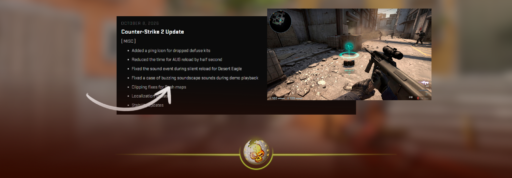
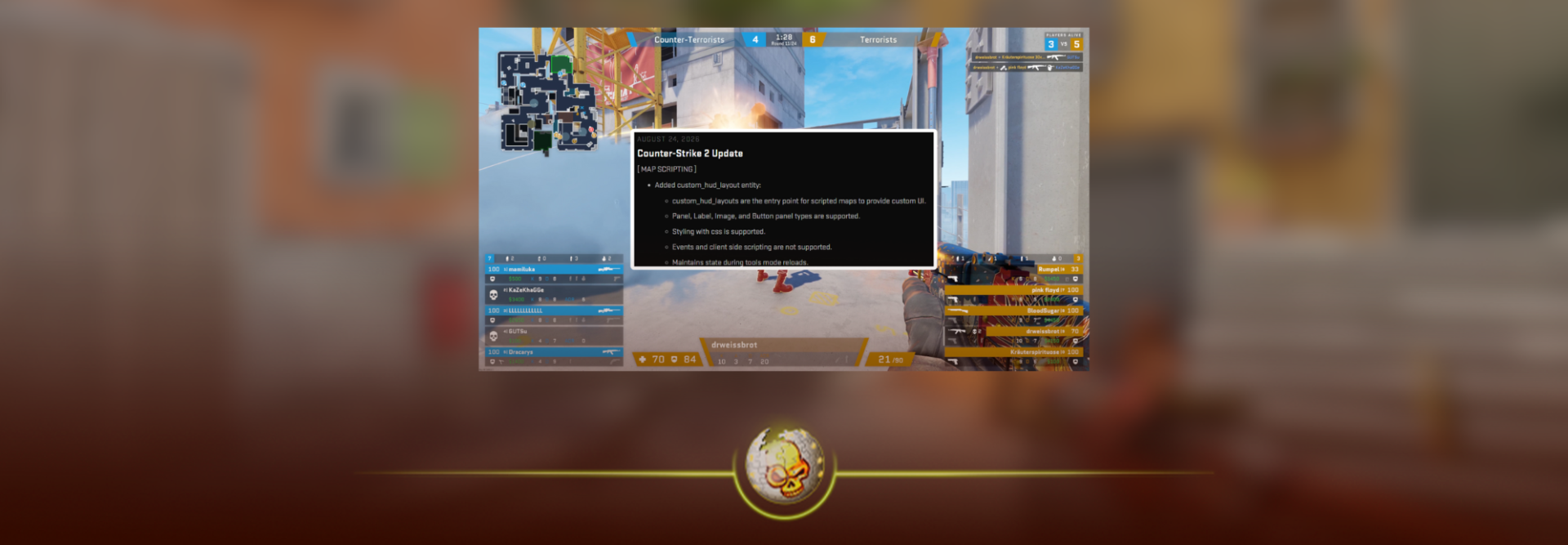
Valve quietly dropped one of the more interesting CS2 updates for map makers on August 24, 2026.
The update adds custom HUD support for scripted maps, new camera controls, clickable UI elements and a much bigger set of scripting tools for things like bomb plants, defuses and player movement.
For normal Premier players, your game is not suddenly getting a completely customizable HUD.
For people building Workshop maps and custom game modes, though, this is a pretty big deal.
If you just want to change the normal interface you see in matches, our CS2 HUD guide covers the regular HUD settings and commands.
What Did Valve Change?
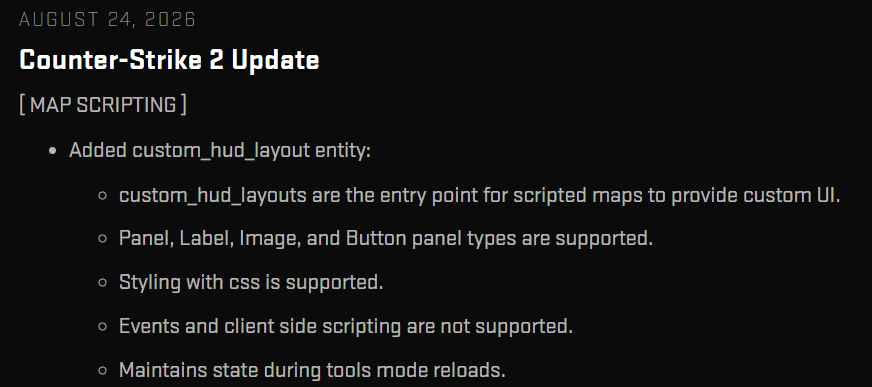
The biggest addition is a new entity called custom_hud_layout.
This gives scripted CS2 maps a proper way to display their own user interfaces instead of relying on awkward workarounds.
Valve currently supports panels, labels, images and buttons. Map creators can also style the interface using CSS.
That opens the door to much more polished custom maps.
Think custom scoreboards, menus, objective trackers, timers, minigame interfaces or buttons built directly into the experience.
It is very different from simply using a command to hide your CS2 HUD. This system is being built for the map itself.
Can You Use Custom HUDs in Normal CS2 Matches?
Not in the way some players initially assumed.
This update does not mean you can download a custom competitive HUD and replace Valve’s normal interface in Premier.
The new system is specifically an entry point for scripted maps to provide their own UI.
Valve also says client side scripting is not supported right now. So while map creators have significantly more control, this is still a controlled system rather than a completely open interface framework.
That distinction matters.
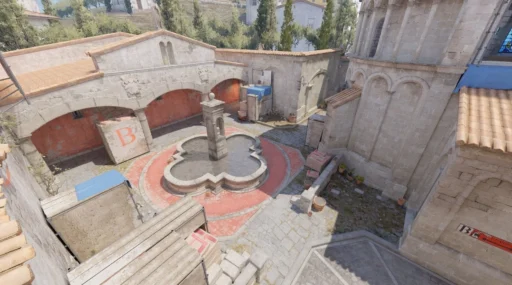
If you are playing Mirage in Premier tomorrow, nothing major about your normal HUD should suddenly change.
The interesting stuff will happen inside CS2 community servers and Workshop creations.
CS2 Maps Can Now Have Clickable HUD Elements
This might be the coolest part.
Valve added Instance.OnCustomHudClicked, along with methods that allow custom HUD layouts to capture player input.
In simple terms, custom maps can now react when a player interacts with parts of the HUD.
That could make menus and custom game modes feel much more like actual games rather than CS2 maps held together with console commands.
A surf server could have its own stage interface.
A training map could let you change drills through buttons on screen.
A minigame could display objectives or choices without forcing players to shoot at physical buttons on a wall.
That is why this update is much bigger for the Workshop community than it looks from the patch notes.
Players on Reddit immediately picked up on it too, with several highly upvoted comments calling the custom UI support huge for map makers and custom experiences.
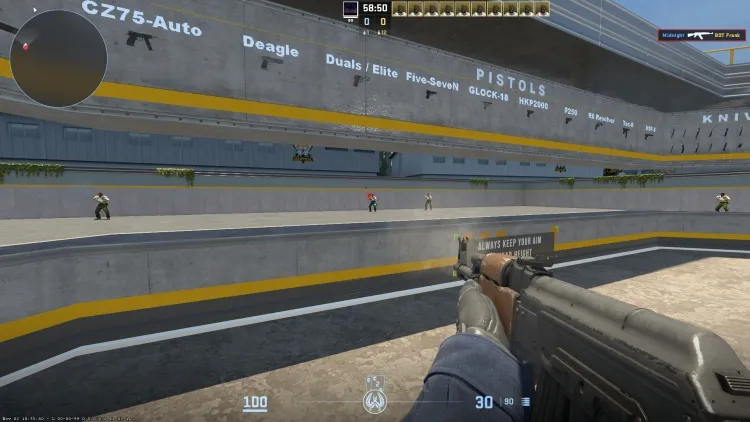
If you want a DaddySkins example to link around this section, the CS2 Movement Hub Workshop guide is a good fit.
Valve Also Added New Camera Controls
Custom HUDs were not the only addition.
Valve introduced cs_player_camera, which lets a scripted map control a player’s view without actually moving their character.
Creators can also choose whether the player is allowed to look around while that camera is active.
This could be useful for intros, spectator style cameras, cutscenes, tutorials and custom game modes.
CS2 has always had a massive custom map scene, but Source 2 initially made some older community creations harder to recreate.
Updates like this slowly give creators more of those tools back.
It could be especially interesting for communities built around movement modes such as CS2 surf, KZ and bhop.
Bomb Plant and Defuse Scripting Got Better Too
Valve also added new scripting events for the start and cancellation of bomb plants and defuses.
Maps can now react to things like a player beginning a plant, cancelling it, starting a defuse or stopping one.
Creators also received additional C4 controls, including methods related to plant timing and cancelling a plant.
Most players will never touch these tools directly.
Map makers will.
It gives them more control over how CS2’s existing mechanics can be used inside custom modes.
Valve also expanded player movement scripting with tools such as Entity.Move, GetMoveType and SetMoveType.
For players who already use custom CS2 binds or spend time messing around with Workshop maps, these additions are another sign that Valve is still building out the deeper customization side of CS2.
This Has Actually Been Building for a While
This update did not come out of nowhere.
Valve has been improving CS2 map scripting throughout 2026.
Back in January, Valve changed what commands community maps could access and introduced a permission based method for maps that wanted to save certain player settings. You can see the earlier changes in our January 2026 CS2 map scripting update.
The August update goes much further.
Instead of only tightening how scripted maps interact with player settings, Valve is now giving creators new ways to build actual interfaces and gameplay systems.
That becomes even more important as Valve continues rotating community creations into the game. The CS2 Premier Season 5 update added five community maps alongside Cache returning to Active Duty.
You can also check our full CS2 maps guide if you want to see how the current map pool fits together.
Why This Update Matters
The normal competitive side of CS2 probably will not feel much different because of this patch.
The community side could.
Custom game modes were a huge part of Counter Strike long before CS2 existed. Surf, KZ, zombie modes, jailbreak, aim trainers and dozens of weird Workshop creations all came from people pushing the game far beyond normal matchmaking.
The more tools Valve gives creators, the more ambitious those maps can become.
If you have never really explored that side of Counter Strike, our CS2 community server guide is a good place to start. If your server browser is giving you problems, we also have a guide for fixing the CS2 community server browser.
For newer players still figuring out the rest of the game, check our full CS2 beginner’s guide.