Updated October 2, 2026
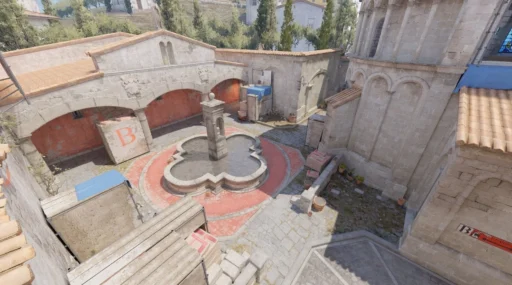
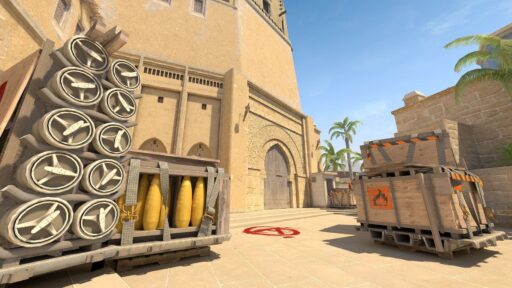
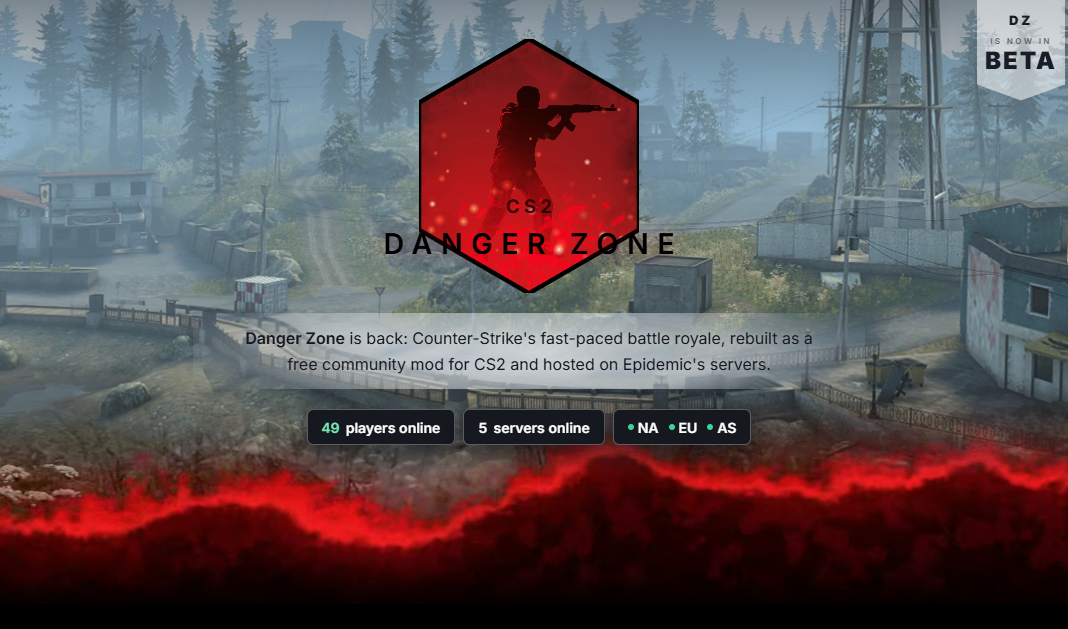
CS2 Danger Zone is playable through Epidemic’s free community mod. It brings Counter-Strike’s battle royale format into CS2, with looting, a shrinking playable area, and a fight to be the last survivor.
If you have seen clips of Danger Zone back in CS2, this is the version to look for. You join through community servers. Epidemic.gg
What Is Danger Zone in CS2?
Danger Zone started as CS:GO’s take on battle royale. Instead of buying a full loadout and defending a bombsite, you searched for equipment, collected money, and used a tablet to make decisions while the safe area closed around you. Danger Zone
The appeal was how quickly an ordinary Counter-Strike fight could become a survival problem. Taking a duel might win you a better weapon, but it could also leave you exposed with barely any ammunition.
Treat it as a separate community project when checking for updates or looking for support.
What Changed in the Latest CS2 Danger Zone Update?
The mod is now in beta. Epidemic’s September 30 patch notes list 28 changes. The main additions affect how you move, survive, and play with teammates:
- Reworked gas zones: Gas advances directionally across a hex grid, with new visuals and warnings.
- Early redeployment: Respawns and joining a running match are supported during the early phase, with limited lives and a last-life warning.
- Missile strikes: Launches, flight paths, and impact effects are tied to zone pacing.
- Squad improvements: Lobby invites, squad-only pings, and teammate outlines make coordination clearer. Squads require enough players on the server; below that threshold, everyone plays solo.
- New interface: Spawn selection, store, map, lobby, and player HUD screens replace older versions.
- Equipment fixes: Drone deliveries, bump mines, breach charges, and rope movement receive changes, alongside crash fixes. Epidemic.gg
For your first match, pay attention to the zone warnings and the lobby controls. Those are more useful than memorizing every balance adjustment before you join.
How to Play Danger Zone in CS2
Start with the Epidemic Danger Zone server page:
- Subscribe to its linked Steam Workshop asset pack and maps.
- Launch an updated copy of CS2.
- Choose a server in a nearby region and use its Connect option.
- If needed, copy the server’s current
connectcommand into the developer console.
Enable the console through Settings → Game → Enable Developer Console → Yes. If you cannot open it, our CS2 console guide explains the keybind options.
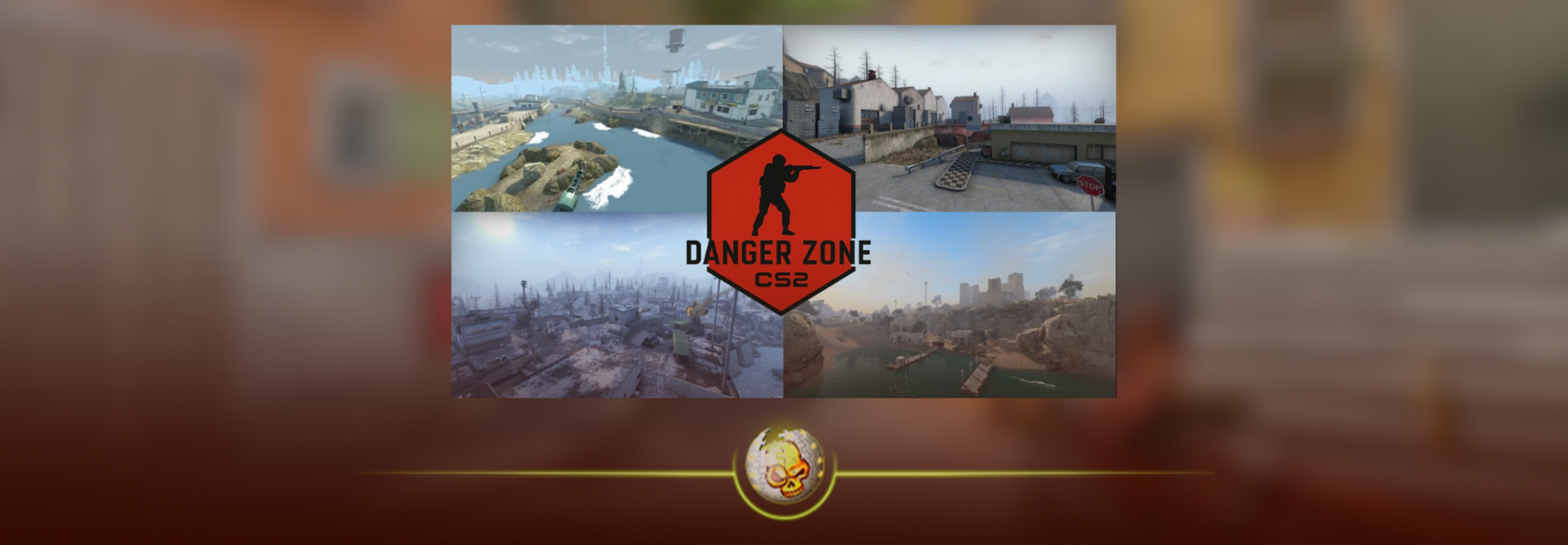
Use the address shown on the live server page rather than an IP copied from an old video. The hub lists North America, Europe, and Asia, with Blacksite, Sirocco, and Junglety linked as playable maps. Players can vote for the next map after a match. Epidemic.gg
Can You Play Danger Zone With Friends?
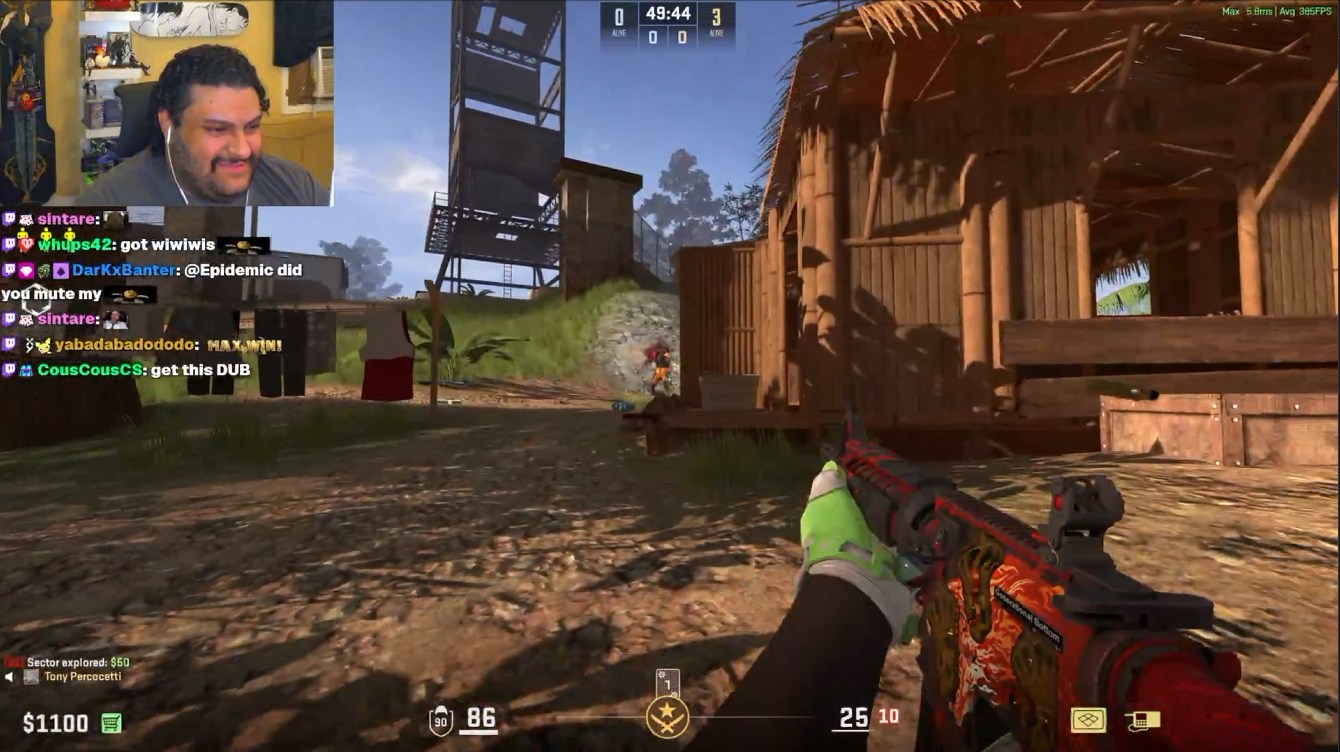
Yes. Join the same server, open the lobby tablet with 5, and invite your friend. Right-click enables the tablet cursor. Epidemic.gg
Check that you are paired before the round begins. Decide where to meet and what to call nearby landmarks; a simple “behind the building” is only helpful if both players know which building you mean.
Why Is Danger Zone Not Working?
First, identify what is failing. A connection error, missing assets, and a laggy match need different fixes.
- Cannot connect: Refresh the server list, confirm CS2 is updated, and try another listed server.
- Missing models or textures: Check that the Workshop asset pack and relevant map have finished downloading.
- Stuck spectating: You may have joined after the early redeployment window. Wait for the next round.
- Stuttering or delayed movement: Compare your experience on another nearby server. Our CS2 packet loss guide can help investigate your connection.
If other modes also fail, check our CS2 server status guide. If the problem only happens in this mod, use the support links on Epidemic’s site.
Tips for Your First Danger Zone Match
Build a useful loadout
Epidemic’s FAQ says you can carry two primary weapons. A close-range option and a rifle give you more flexibility than two guns suited to the same fight. Check your ammunition before chasing someone; having another weapon does not help much if both are nearly empty. Epidemic.gg
Take fights that leave you an escape
Before shooting, look for cover and consider where another player could attack from. Winning a duel in open ground can still leave you in a terrible position. Sometimes letting an opponent pass gives you the better fight a few seconds later.
Make your aim comfortable before joining
You do not need to copy a pro’s entire setup. Start with a crosshair you can see against different backgrounds and a sensitivity you can control. Our guides to changing your CS2 crosshair and CS2 mouse sensitivity cover those basics.
If your first few fights feel rusty, use our CS2 practice commands for a warmup before returning to the server.
Keep checking where you need to go
Do not let a promising fight distract you from your next route. Our CS2 radar settings guide explains the base game’s minimap options; the mod’s custom tablet has its own controls, so learn those separately.
CS2 Danger Zone FAQ
Is CS2 Danger Zone free?
Yes. Epidemic describes its Danger Zone project as a free community mod.
Is this an official Valve Danger Zone release?
No. This guide covers Epidemic’s independently developed community version. Its availability does not confirm a future Valve matchmaking release. Epidemic.gg
Does the mod use the old Danger Zone ranks?
Do not assume the old CS:GO ladder carries over. Check the community server’s current progression rules. For the base game’s ranking systems, see our CS2 ranks guide.
Is Danger Zone the same as the Danger Zone Case?
No. Danger Zone is the game mode. The Danger Zone Case is a separate weapon case introduced alongside the original CS:GO release. Playing a community match is different from opening a case. Danger Zone
Visit DaddySkins and explore the DaddySkins blog for more CS2 guides, skin explainers, and update coverage.