
Last updated: August 6, 2026
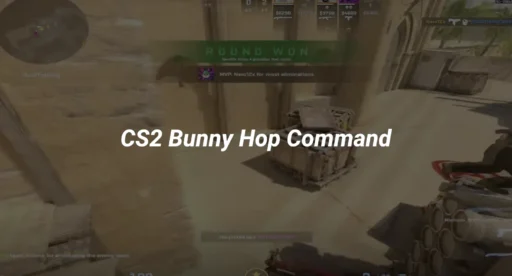
To change your gun position in CS2, enable the developer console and adjust the viewmodel commands. A clean setup that works well for most players is:
viewmodel_fov 68
viewmodel_offset_x 2.5
viewmodel_offset_y 0
viewmodel_offset_z -1.5
These commands move the weapon farther toward the side of your screen and lower it slightly. They only change how your gun and hands appear from your perspective. They do not change recoil, accuracy, damage, or hit registration.
For a deeper breakdown of competitive setups, read our complete CS2 viewmodel settings guide.
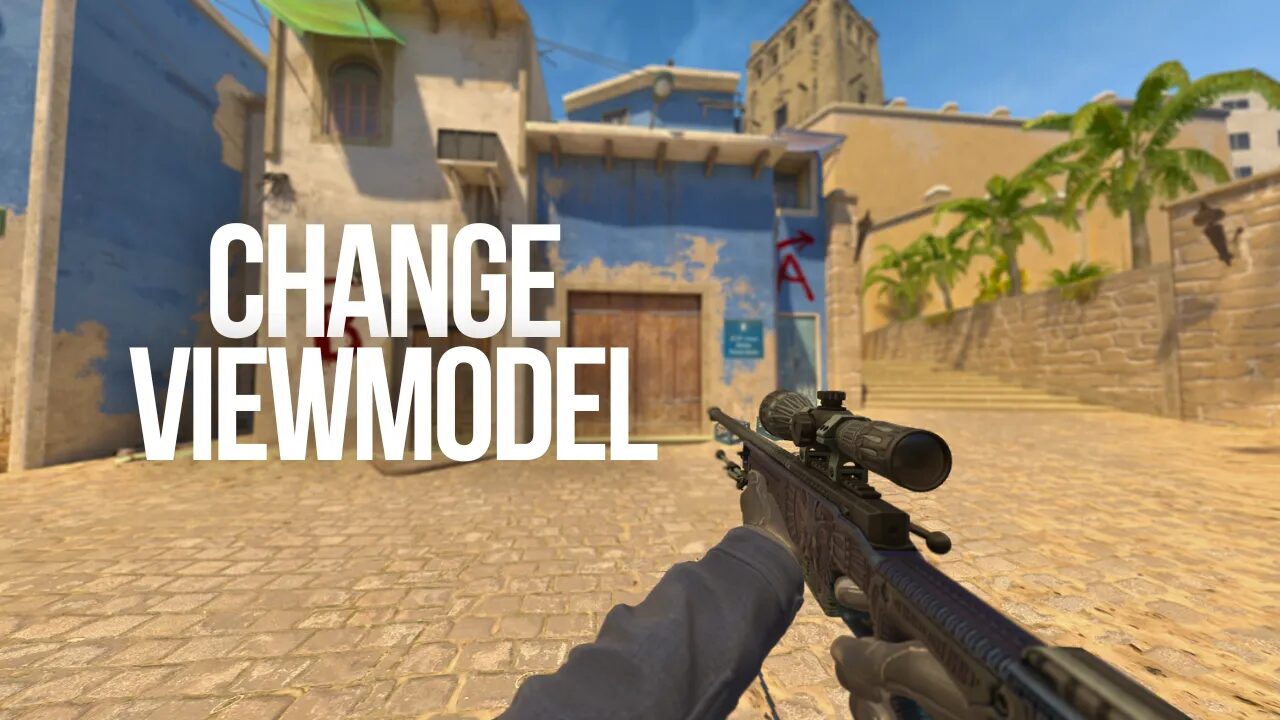
How to Change Gun Position in CS2
You need the developer console to get full control over your weapon position.
- Open CS2 and click Settings.
- Select the Game tab.
- Set Enable Developer Console to Yes.
- Join a match or practice map.
- Press the tilde key under Escape.
- Enter your viewmodel commands and press Enter.
Our guide on how to open the console in CS2 covers the common fixes if the tilde key does nothing. You can also save a complete setup through a CS2 config file.
Best CS2 Gun Position Commands
Here is what each command actually changes.
viewmodel_fov 68
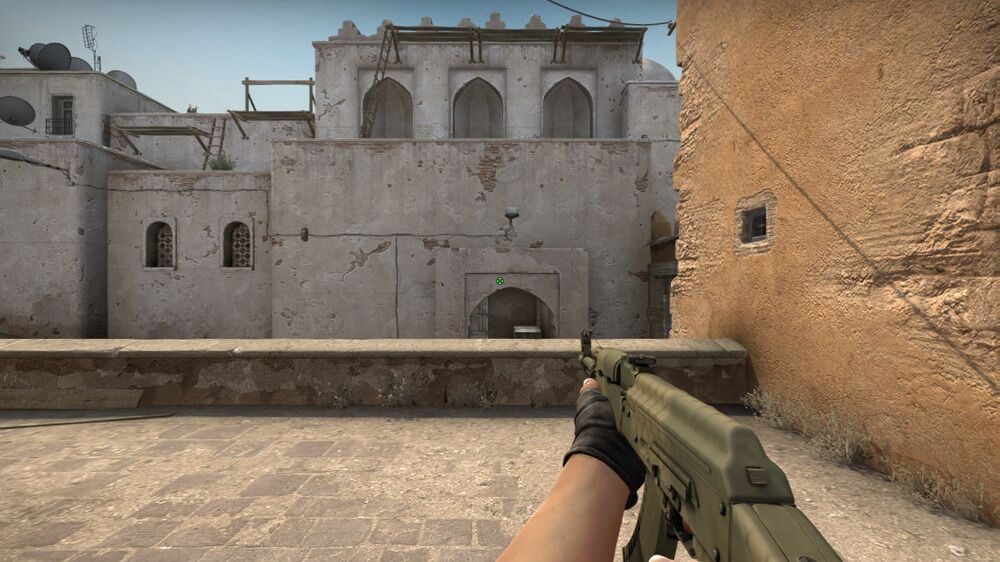
This controls how far away your weapon appears. A higher value makes the gun look smaller and opens more of the screen.
The available CS2 viewmodel FOV range is 54 to 68. Most competitive setups stay at 68 because it keeps the gun farther away from the crosshair area.
viewmodel_offset_x 2.5
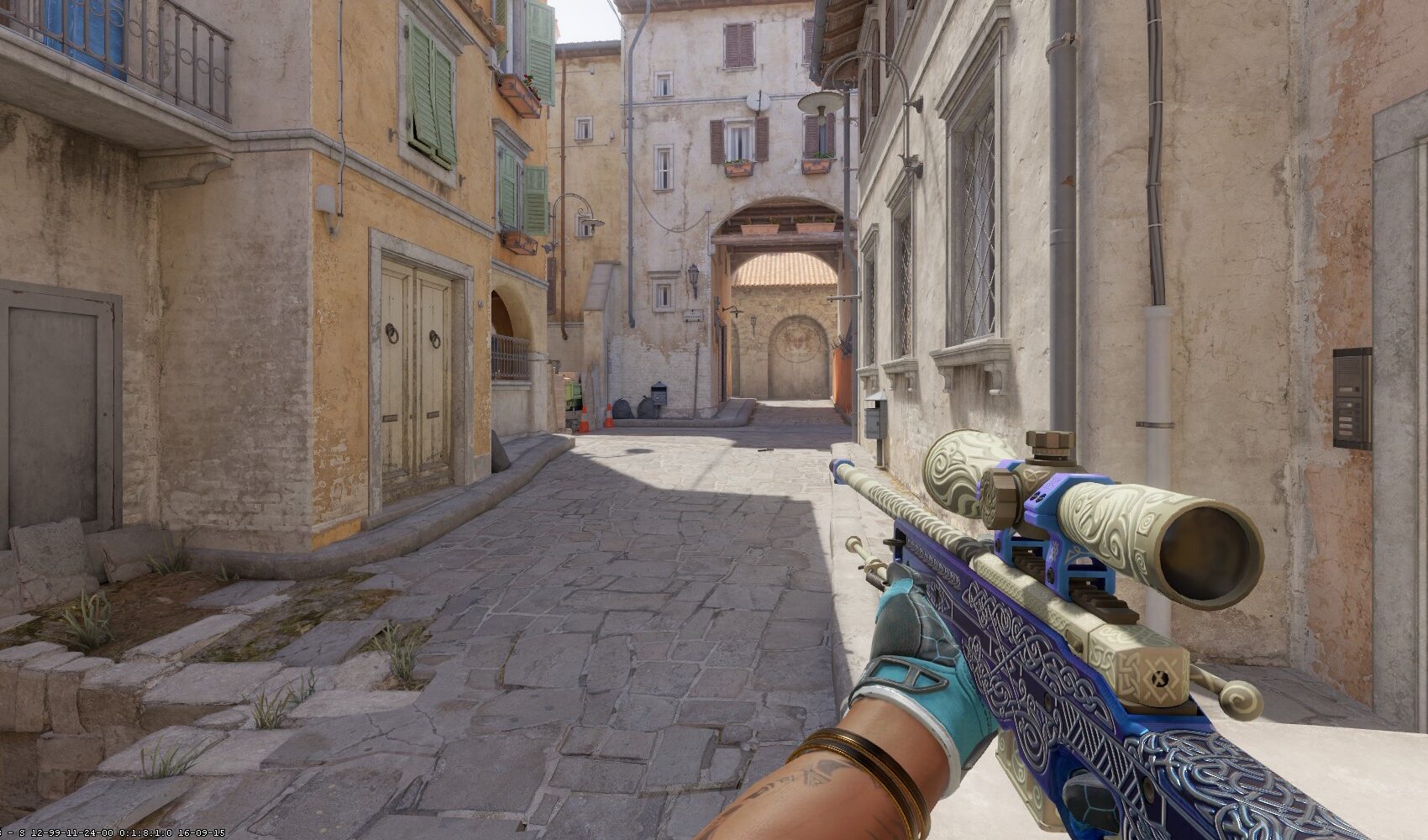
This moves the weapon horizontally. Positive values push it farther toward the side of the screen. Negative values bring it closer to the middle or move it toward the opposite side.
The available range is negative 2.5 to 2.5.
viewmodel_offset_y 0
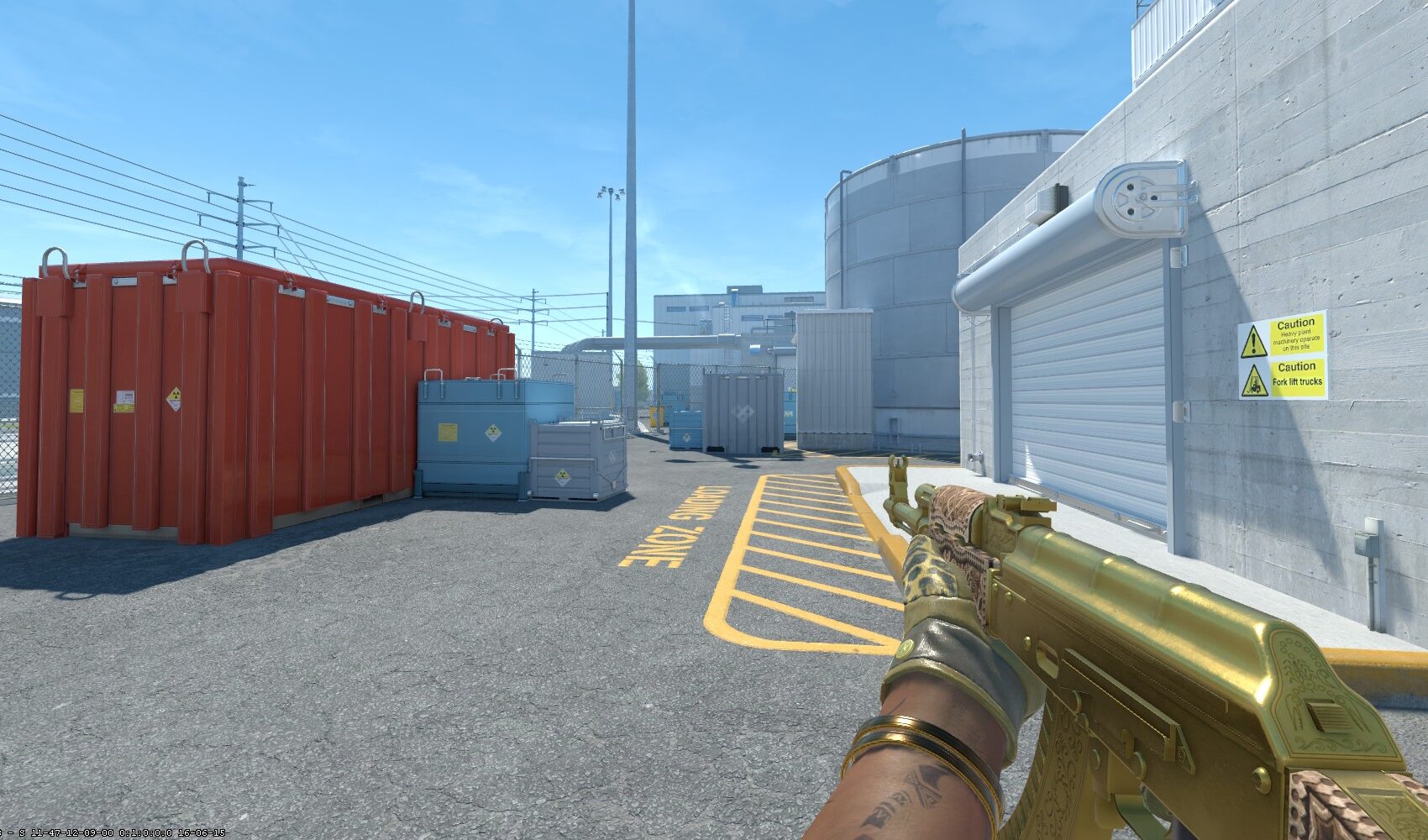
This controls the depth of the weapon model. Negative values bring the gun closer, while positive values move it farther forward.
The available range is negative 2 to 2. A value of 0 normally feels the most balanced.
viewmodel_offset_z -1.5
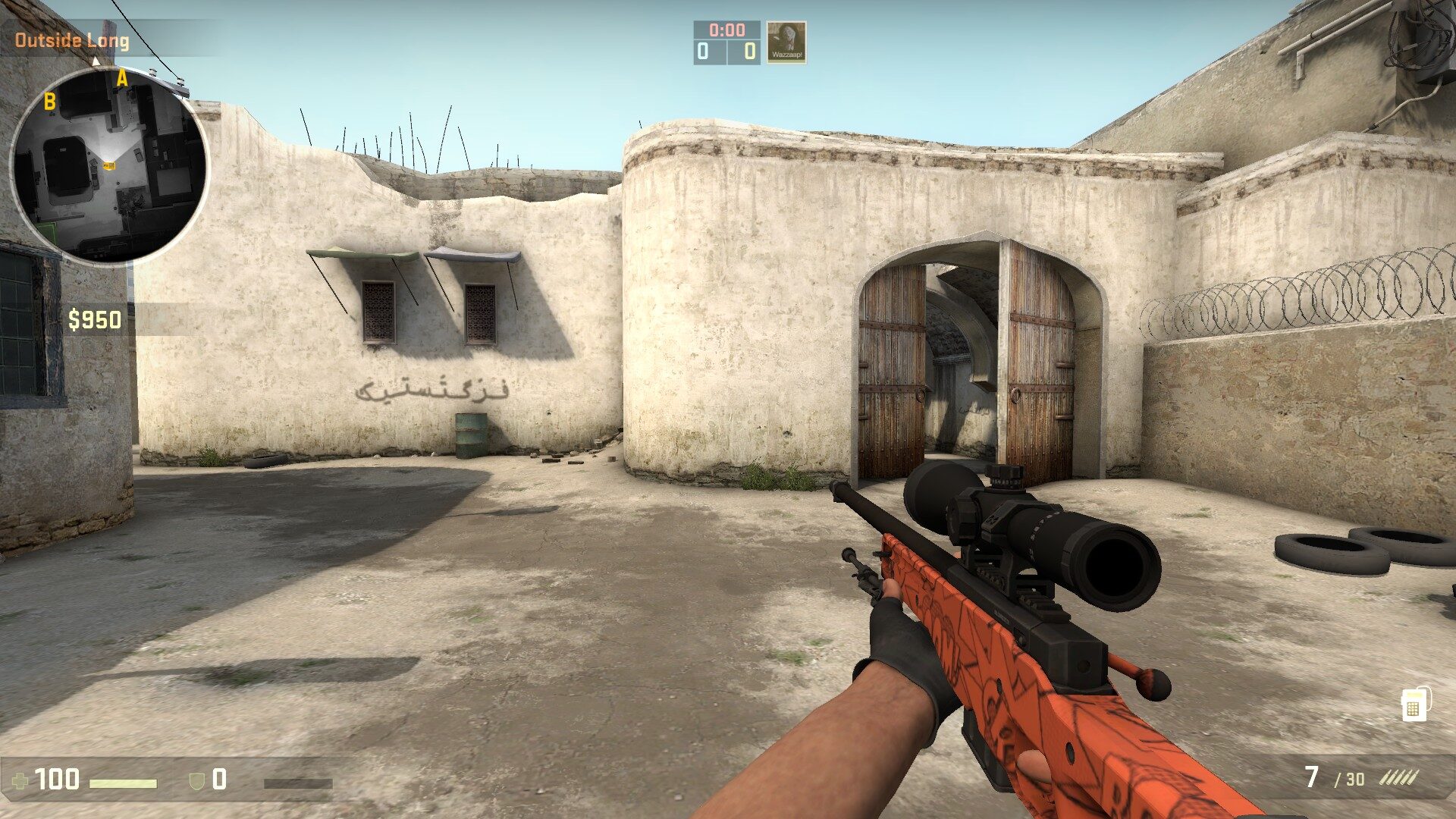
This moves the gun vertically. Negative values lower it, while positive values raise it.
The available range is negative 2 to 2. Lowering the weapon slightly can stop it from covering as much of the lower middle section of your screen.
The 68, 2.5, 0, negative 1.5 combination is a strong starting point. It also fits naturally with the visibility focused setup in our best CS2 settings for 2026 guide.
How to Move the Gun to the Left Hand in CS2
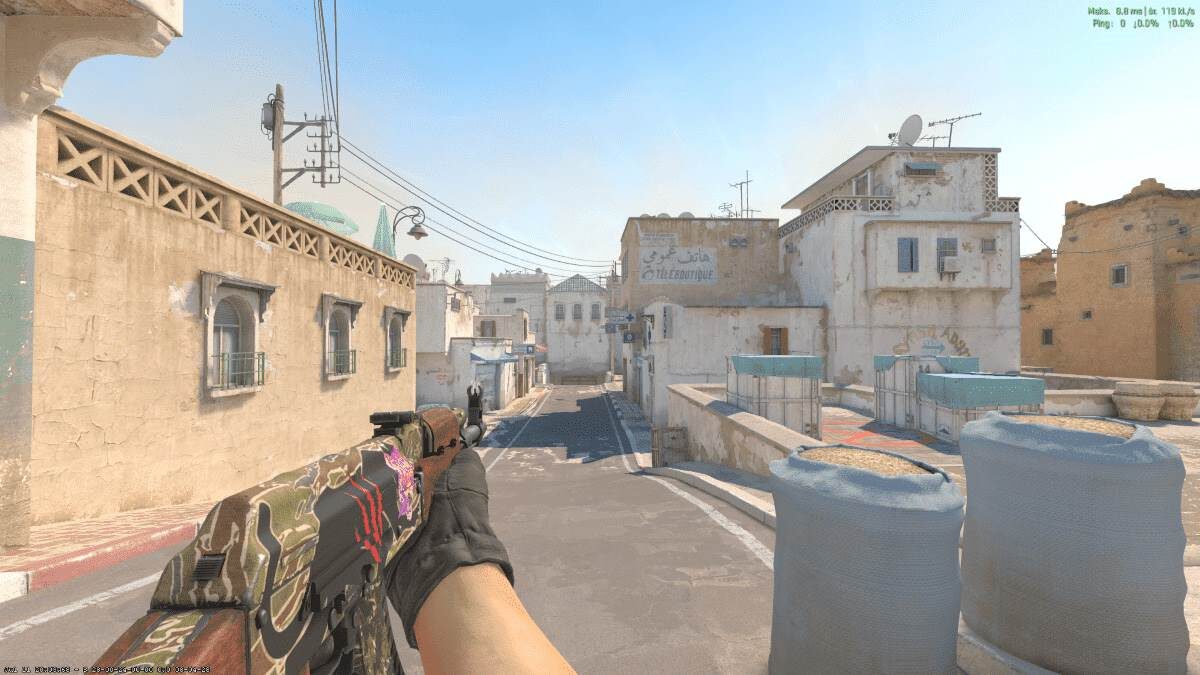
Changing the gun position and changing hands are separate settings.
Open Settings, select Game, and locate Preferred Viewmodel Left or Right Handedness. Choose the side you want as your default.
You can also press H during a match to temporarily switch between your left and right hand. Valve added the preferred handedness setting and temporary hand switch binding in April 2024.
Switching hands can be useful when your weapon is covering the side of an angle you are holding. It does not change the actual position of your player model or give you extra vision.
How to Reset Your Gun Position
Enter this command to return to a built in viewmodel preset:
viewmodel_presetpos 1
After resetting, rebuild your position one setting at a time. Start with FOV, then adjust X, Y, and Z. This makes it easier to see what every command changes instead of moving everything at once.
Does Gun Position Affect Aim?
Your gun position does not change where bullets land or how recoil works. It can still affect how comfortable the game feels because an oversized weapon model may block information or distract you during fights.
Viewmodel settings work best as part of a complete setup. Pair them with a clear CS2 crosshair, sensible aim settings, comfortable mouse sensitivity, and the correct CS2 DPI.
Performance matters too. Check your CS2 graphic settings and launch options if the game feels inconsistent.
You can compare your setup with our CS2 pro settings guide, ropz settings, or m0NESY settings. Just do not copy a professional player without testing the setup yourself.
Useful Viewmodel Bind
CS2 assigns the temporary hand switch to H on a standard US keyboard. You can change this through the Keyboard and Mouse settings if another key feels more comfortable.
Our CS2 binds guide explains how custom key bindings work. Test your new position on a private map using our CS2 practice commands before taking it into Premier or FACEIT.
Best CS2 Gun Position
For most players, this is the best place to start:
viewmodel_fov 68
viewmodel_offset_x 2.5
viewmodel_offset_y 0
viewmodel_offset_z -1.5
The best CS2 gun position is not the one that looks the most unusual. It is the one you stop noticing once the round begins. Start with the recommended values, play a few matches, and only change one command at a time.