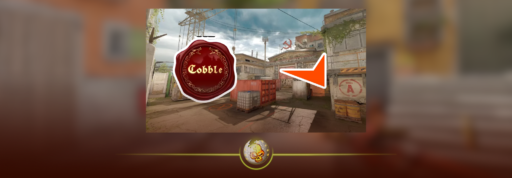
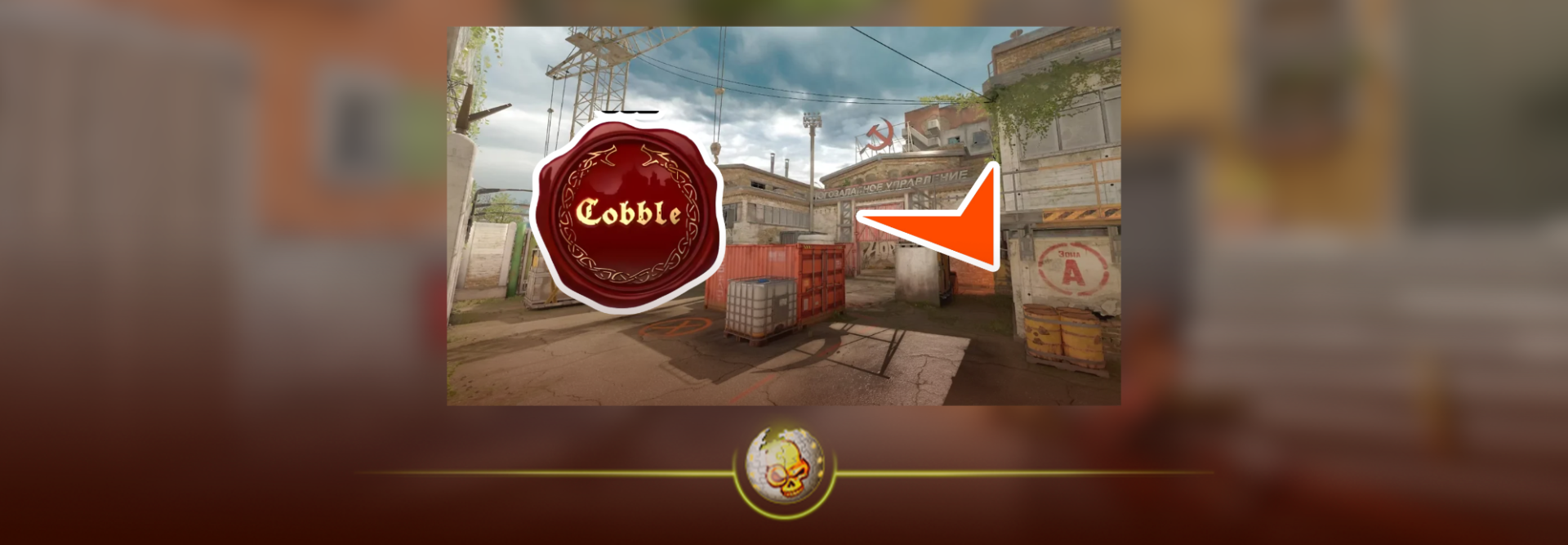
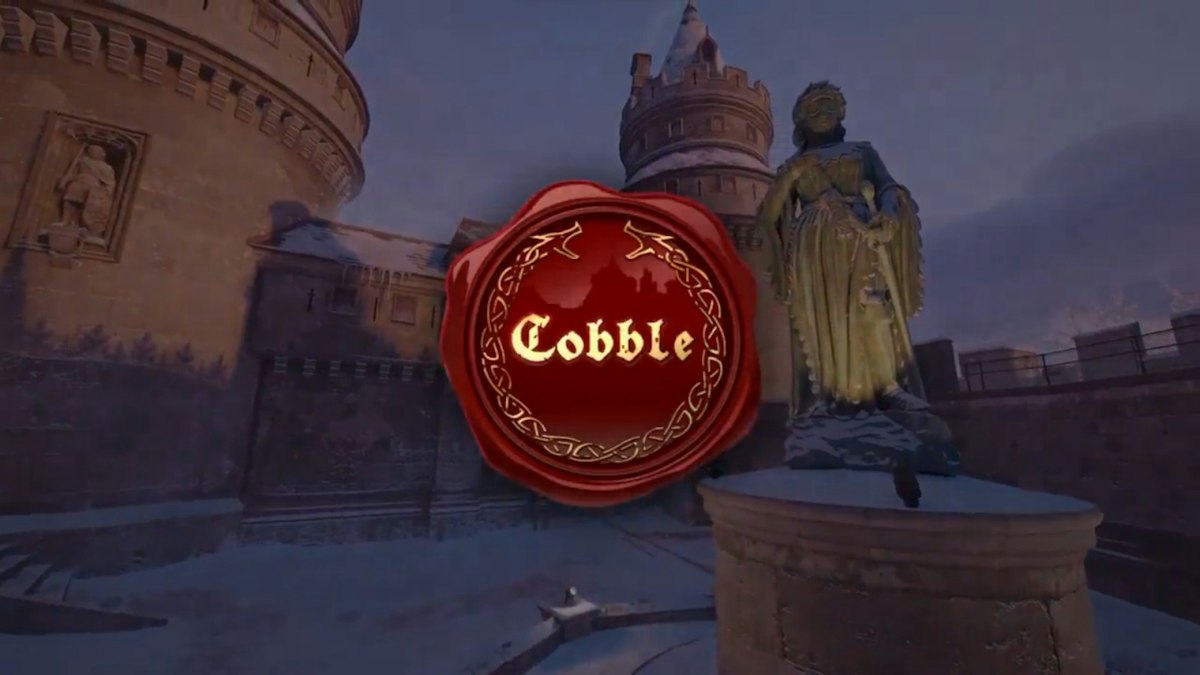
To play Cobblestone on FACEIT, look for the dedicated Cobblestone queue in the platform’s CS2 section during an announced event window. FACEIT announced a queue opening on November 20, 2026, at 14:00 CET, with less Elo at stake while players learn the winter remake.
This is a separate queue with its own availability. Having Cobblestone installed in CS2 does not automatically make it selectable in every FACEIT queue.
Cobblestone on FACEIT: current availability
The November 2026 event was announced for Europe, North America, Southeast Asia and South America. Here are the key details:
| Detail | November 2026 queue |
|---|---|
| Map | Winter Cobblestone |
| Format | Dedicated Cobblestone queue |
| Opening | Friday, November 20, at 14:00 CET |
| Reported closing | Tuesday, November 24, at 09:00 CET |
| Regions | EU, NA, SEA and SA |
| Rating | Reduced Elo changes; matches still affect your rating |
| Permanent availability | The announcement confirms this event window only |
FACEIT’s announcement confirms the opening time and reduced Elo stakes. The closing time and regional list are also reported by Esport.Vision. Check the queue’s live details before planning a session, since an extension or later event would need a new confirmation.
Queue times in your time zone
These conversions use the announced opening and reported closing times above.
| Time zone | Opens November 20 | Closes November 24 |
|---|---|---|
| Central Europe, CET | 14:00 | 09:00 |
| UK, GMT / UTC | 13:00 | 08:00 |
| Toronto and New York, EST | 08:00 | 03:00 |
| Los Angeles, PST | 05:00 | 00:00 |
| Singapore, SGT | 21:00 | 16:00 |
How to join the Cobblestone queue
1. Register CS2 with the correct Steam account
Sign in to FACEIT and make sure CS2 is connected to the Steam account you actually use.
For a new registration, FACEIT’s official setup guide directs you to game settings, Add Game, CS2, then Connect Steam. Approve the connection through Steam and choose your region.
As checked on November 20, new registrations require CS2 Prime and a CS2 Profile Rank of at least 11. That is your rank inside CS2, separate from your FACEIT level. Players with few hours may also need identity verification.
Our introduction to FACEIT explains the platform if this is your first visit.
2. Look for the dedicated Cobblestone queue
Open the FACEIT CS2 page and look for the Cobblestone event queue during its announced window. Read its current access conditions before searching for a match.
If you only see the usual matchmaking options, work through the checks below. Selecting a regular queue does not guarantee a Cobblestone match.
3. Complete the checks shown on your account
Update CS2 and complete any account or Anti Cheat prompts FACEIT displays. If you are playing with friends, have everyone check their eligibility before starting the search.
4. Accept the match and follow the matchroom instructions
Once a match is found, accept it and use the connection instructions in your FACEIT matchroom to join the server.
Keep FACEIT open until you have connected successfully. The CS2 matchmaking menu alone does not place you into a FACEIT match.
How much Elo do Cobblestone matches give?
FACEIT describes the event as a way to practise Cobblestone with smaller Elo stakes. Wins and losses still affect your rating. Reduced stakes give you more room to learn, but losing can still cost points.
The announcement reviewed for this guide does not specify a fixed gain, loss or percentage reduction. Treat claims such as “every match is exactly 5 Elo” as unconfirmed unless FACEIT publishes that rule for this queue.
FACEIT’s official Elo explanation says normal rating changes depend on your team’s expected chance of winning. For the level thresholds, see our FACEIT CS2 ranks guide.
Why is the Cobblestone queue not showing?
Check these points in order:
| What to check | What to do |
|---|---|
| Event window | Compare the current time with the opening and closing schedule. |
| Region | Confirm your CS2 region is covered by the event. |
| Game registration | Check that CS2 is registered to the correct Steam account. |
| Eligibility message | Resolve the specific account, verification or Anti Cheat requirement FACEIT shows. |
| Queue visibility | Refresh FACEIT and check its current announcements for an availability update. |
A missing queue alone does not tell you which of these applies. If FACEIT shows a registration error, use its Steam ID troubleshooting guide to match the message to the correct fix.
What to practise before your first match
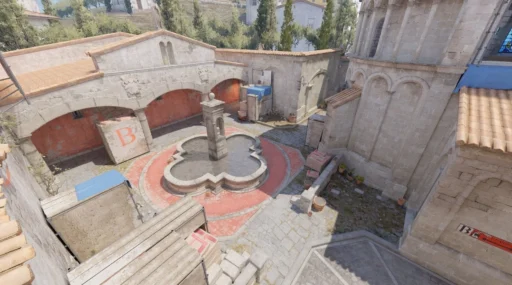
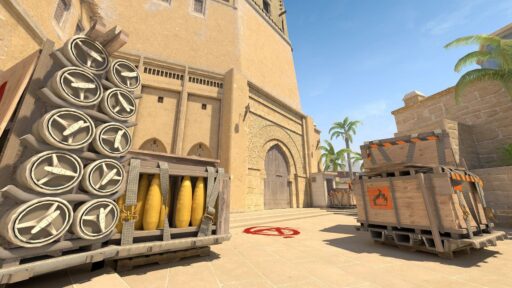
Valve’s winter remake keeps familiar locations such as Drop, Chicken Coop and Stables, while adding new routes and changing the setting. Old map knowledge helps, but an old grenade lineup still needs testing against the current layout.
Here is a simple warmup plan:
- Walk both bombsites. Check entrances, cover and the angles you expose when moving between positions.
- Agree on the main calls. Use our Cobblestone callouts guide as a starting reference, then compare it with the current map.
- Test a small utility set. Start with a smoke and an entry flash you can use consistently. Our CS2 smoke practice guide covers the setup.
- Rehearse a rotation. Learn how to move between the sites and which areas need clearing.
- Choose an opening role. Give yourself a repeatable CT position or T route for the first few matches.
Our CS2 practice commands can help you set up a private session. Do your experimenting there, then bring the useful parts into the match.
Use up and down arrow keys to resize the meta box pane.
Can you play Cobblestone when the FACEIT event ends?
The November announcement does not establish a permanent place in FACEIT’s regular map pool. Once its window ends, check FACEIT for an extension, another event or a confirmed map pool change.
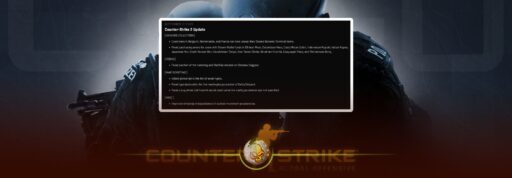
There are also options inside CS2. Valve’s return announcement lists Cobblestone in Competitive and Wingman, with its own map group in Casual, Deathmatch and Retakes.
FACEIT and Valve manage their matchmaking separately. Our FACEIT vs Premier comparison explains the difference.
For custom practice, our CS2 Workshop maps guide covers community maps. Check the version carefully: a Workshop recreation may differ from the official winter remake.