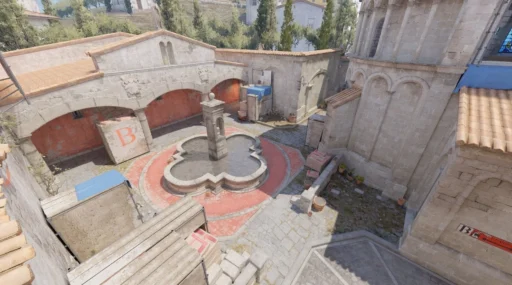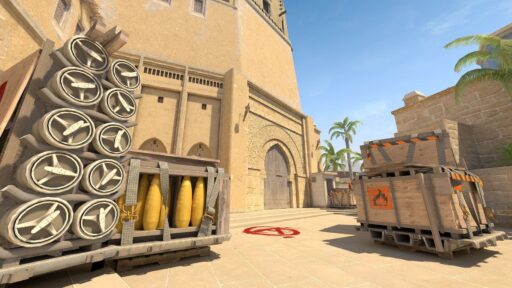
CS2 Workshop maps let you turn Counter-Strike into almost anything you want.
You can warm up against bots, learn an AK spray, practice Mirage smokes, run movement courses, Surf, play a tiny 1v1 arena or load a completely custom map that has nothing to do with Premier.
And installing them is much easier than it sounds.
To download a CS2 Workshop map, find it in the Counter-Strike 2 Steam Workshop, click Subscribe, let Steam download it, then launch CS2 and open your Workshop Maps from the Play menu. You normally do not need to manually download or move any map files.
Here is how the entire system works in 2026.
What Are CS2 Workshop Maps?
Workshop maps are community-created maps distributed through Steam rather than maps included in CS2 by default.
Some recreate a normal Counter-Strike match. Others are purpose-built tools for practicing one specific mechanic.
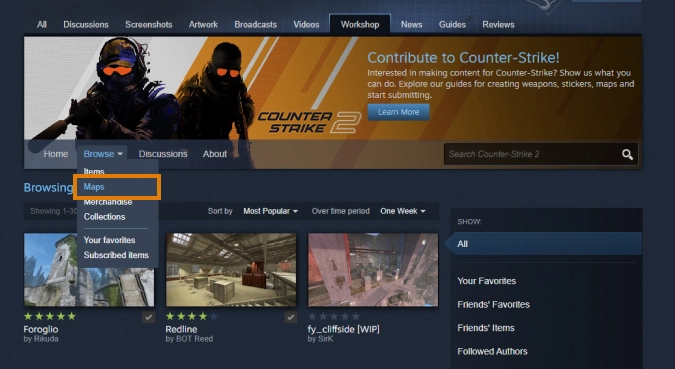
The Workshop currently contains tens of thousands of CS2 map entries, covering categories such as Training, Deathmatch, Wingman, Custom and more. Steam Community
The important thing is that a Workshop map is not automatically the same thing as a community server.
A Workshop map is the content itself. You can often load it locally and practice on your own.
A community server is an online server operated by somebody outside Valve’s normal matchmaking system. That server might be running a Workshop map, but the two are not interchangeable.
If you are actually looking for public Surf, Retake, Deathmatch or 1v1 servers, read our CS2 Community Servers guide instead. CS2 Community Servers guide
How to Download CS2 Workshop Maps
Steam handles almost everything automatically.
Step 1: Open the CS2 Workshop
Open Steam, find Counter-Strike 2 and enter its Workshop.
You can also browse the Workshop while CS2 is open through Steam.
Step 2: Find the Map You Want
Search for either the map’s name or what you are trying to practice.
For example, instead of searching randomly, try terms such as:
aim training, recoil, prefire, utility, Mirage practice, 1v1, Surf, KZ or movement.
This is usually more useful than simply sorting by whatever map happens to be popular that week.
Step 3: Click Subscribe
Open the map and click Subscribe.
That is effectively the install button.
Steam should automatically download the map and keep it updated when its creator releases a new version. Valve’s own Workshop documentation describes the same process: subscribe and the map is automatically downloaded into the game’s Workshop collection. Counter-Strike
Step 4: Launch the Map in CS2
Once the download finishes:
Launch CS2 → Play → Workshop Maps → choose your map → start it.
Depending on the current menu layout, Workshop Maps may appear as its own option within the Play/Practice area.
You do not normally need to find a .vpk, move folders or paste files into your CS2 installation.
That old-school process is one reason some outdated CS:GO tutorials make Workshop maps look much harder to install than they actually are.
Since the October 5, 2026 update, the Play menu also includes buttons for managing downloaded Workshop maps. You can now manage your installed maps from inside CS2 instead of always returning to Steam.
What Are CS2 Workshop Maps Actually Good For?
This is where the Workshop becomes genuinely useful.
Playing 500 bot kills on an aim map will not magically give you better game sense, but Workshop maps are excellent at isolating one skill and letting you repeat it without waiting for the right situation in a real match.
| Type of Workshop Map | Best For |
|---|---|
| Aim training | Flicks, first-bullet accuracy and warming up |
| Recoil training | Learning AK, M4 and other spray patterns |
| Prefire maps | Clearing common angles and crosshair placement |
| Utility maps | Smokes, flashes, Molotovs and grenade lineups |
| Movement maps | Strafing, jumps, KZ and bhop mechanics |
| 1v1 maps | Repeated fights against another player |
| Surf maps | Air movement and Surf mechanics |
| Custom maps | New environments, modes and community creations |
The best map depends on what you are trying to fix.
If your spray is bad, spending 30 minutes on a Surf map obviously will not solve it. If your crosshair placement is already good but your movement feels awkward, endlessly shooting stationary bots probably is not the answer either.
Use the Workshop like a toolbox rather than one giant warmup routine.
Good CS2 Workshop Maps to Start With
You do not need 50 maps installed.
A few maps covering different skills are enough.
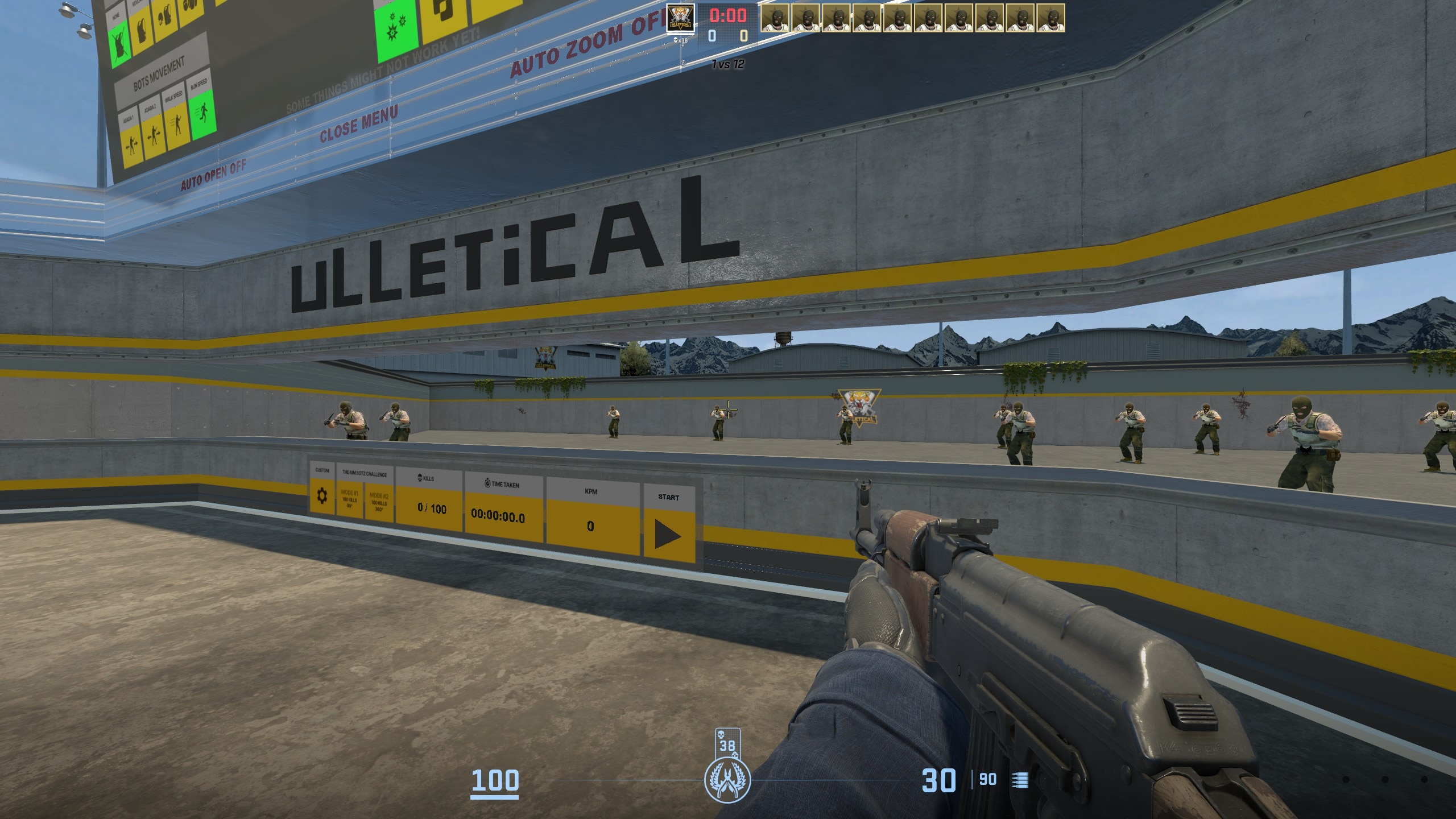
Aim Botz – Aim Training
Aim Botz remains one of the most recognizable CS2 training maps because it gives you a controlled environment for repeatedly shooting stationary or moving bots.
It is useful for warming up your mouse control, first-bullet accuracy and target switching before playing a real match.
The important part is not hitting some ridiculous kill count.
Use it for five or ten focused minutes, then move into an environment with real opponents.
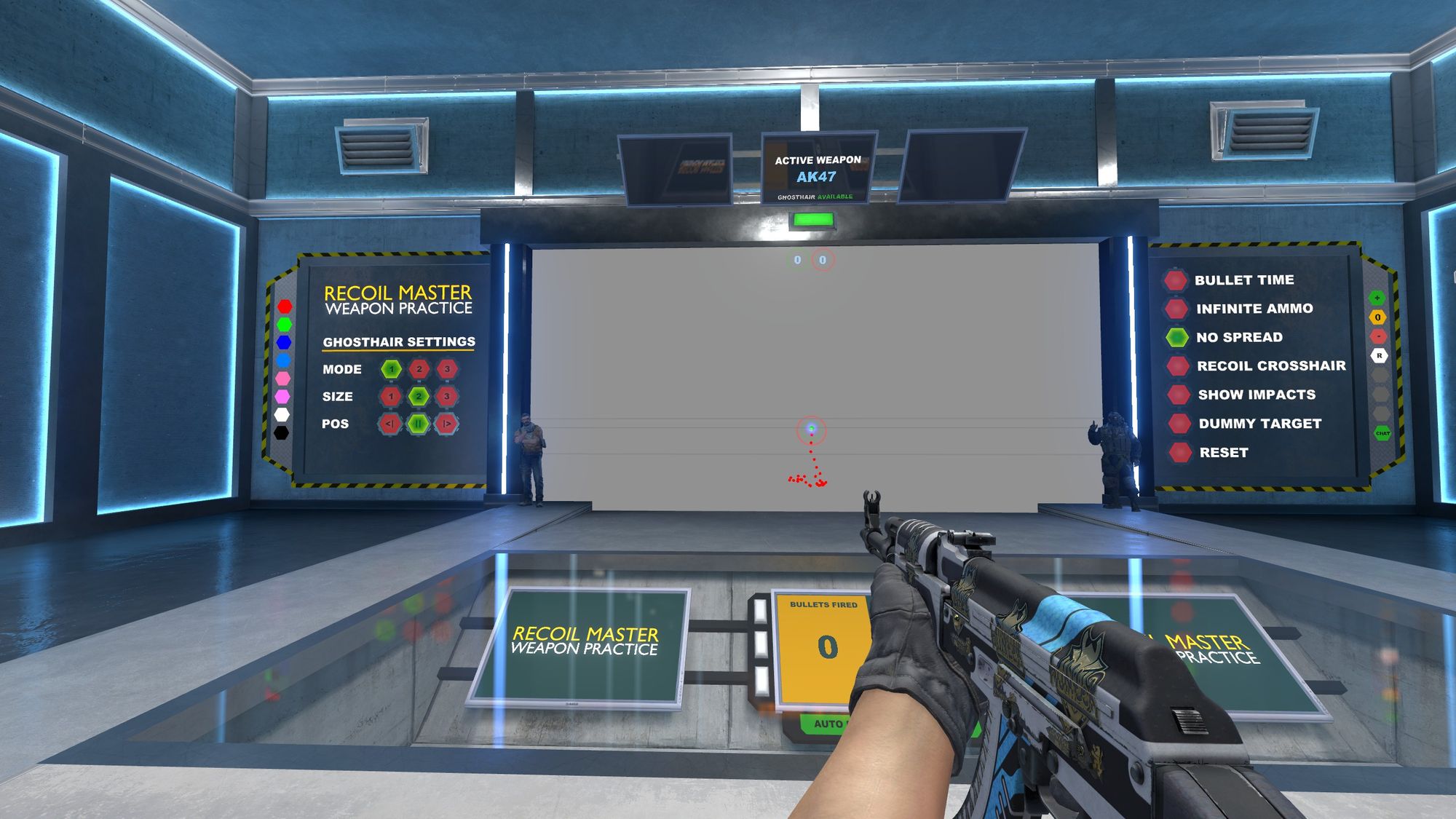
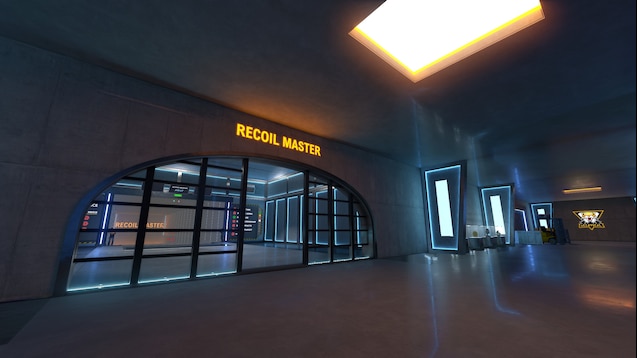
Recoil Master – Spray Training
If your first few AK bullets are fine but the rest of your magazine starts drawing a picture around the enemy, recoil practice is probably more useful.
Recoil-focused Workshop maps give you a repeatable environment to learn how each weapon pulls rather than trying to figure it out while somebody is shooting back.
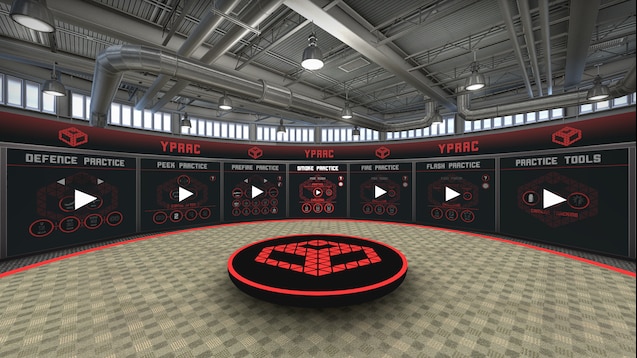
Yprac and Prefire Maps
Prefire practice fills the gap between raw aim training and an actual match.
Instead of shooting enemies in an empty arena, you practice clearing angles that resemble the fights you take on competitive maps.
That makes these maps especially useful once your basic aim is already decent.
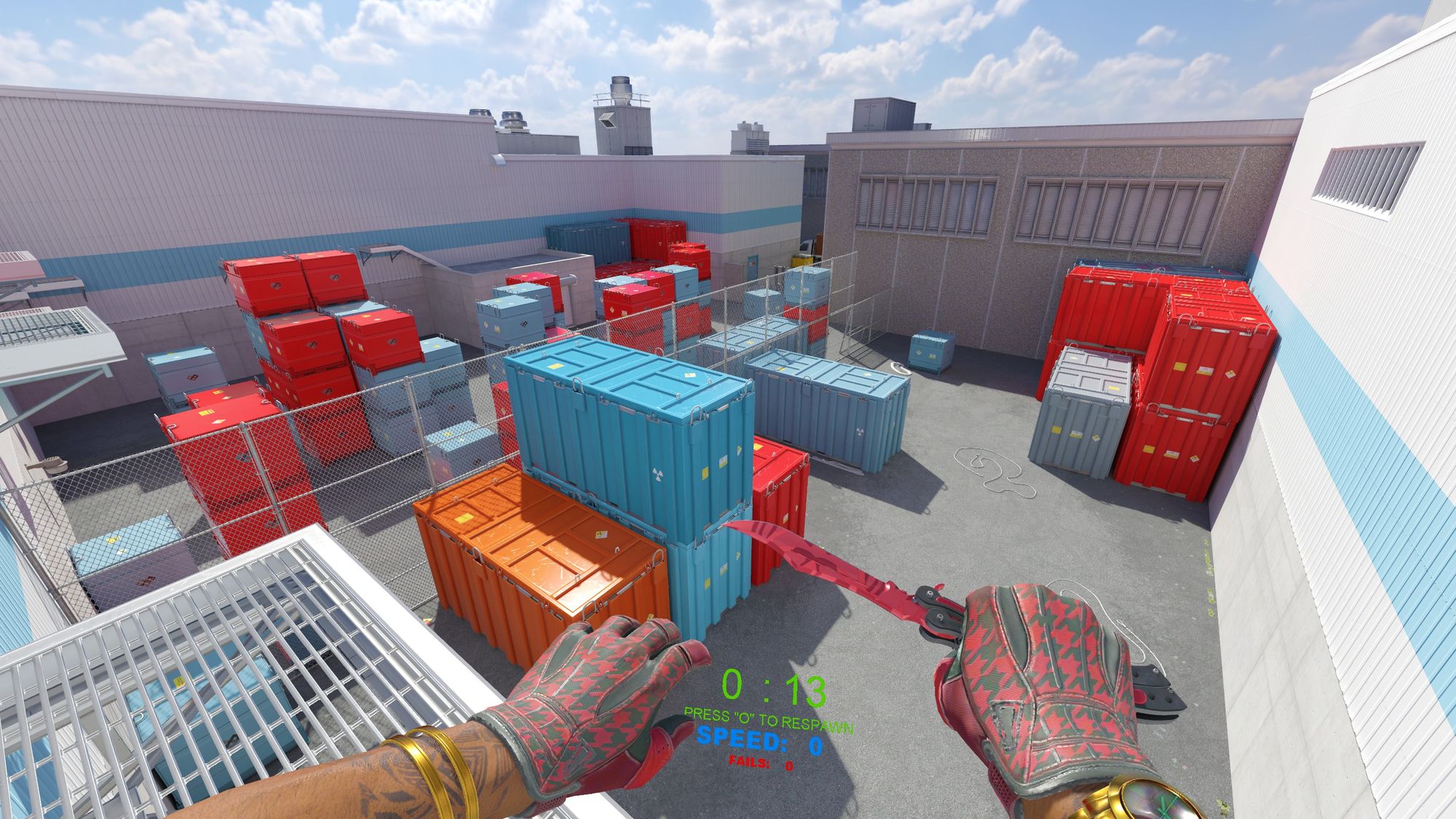
Movement Maps
Movement maps focus on mechanics such as strafing, jumping, bhop, KZ and Surf.
DaddySkins already has a dedicated CS2 Movement Hub guide for players who specifically want maps built around movement rather than aim. CS2 Movement Hub guide
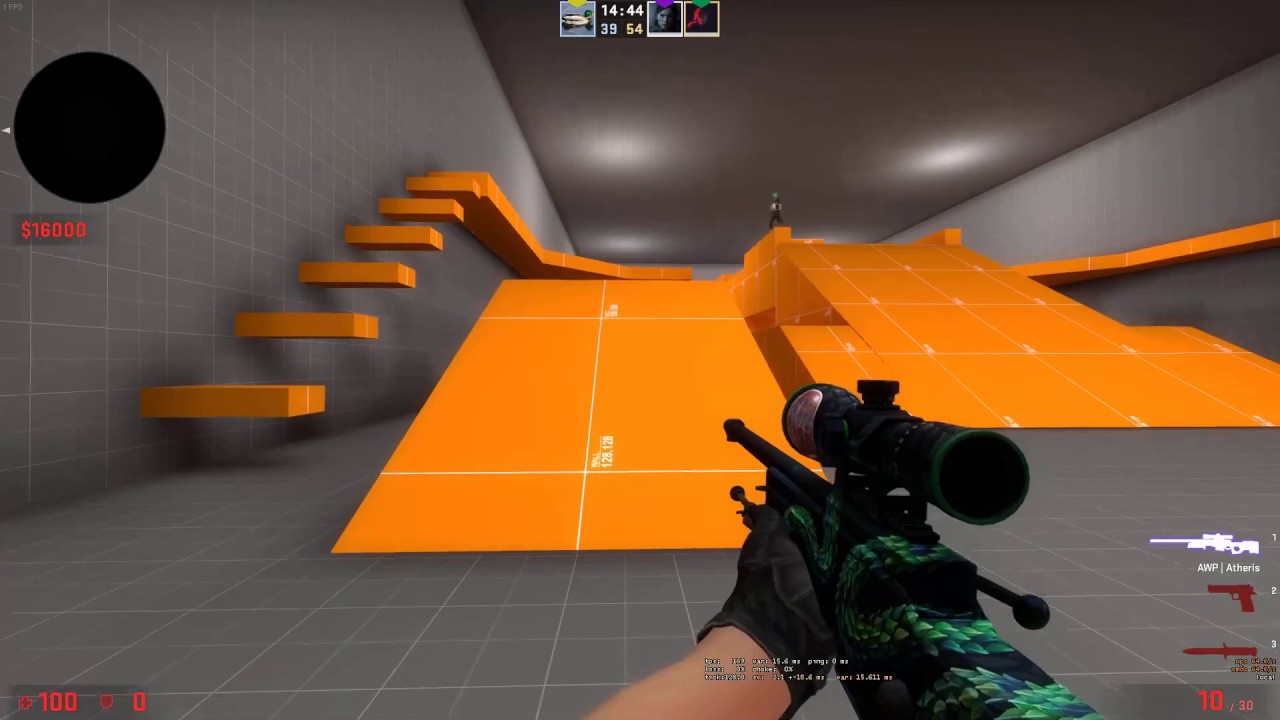
1v1 Workshop Maps
A good 1v1 map removes almost all of the dead time from fighting a friend.
Instead of spawning across Mirage and spending half the duel looking for each other, both players spawn around a small arena built specifically for repeated fights.
Our CS2 1v1 guide explains how to set up the actual duel, including Workshop maps, private games and console settings. CS2 1v1 guide
Current 2026 Workshop guides continue to highlight maps such as Aim Botz, Recoil Master, Yprac-style training and dedicated movement maps because each solves a different training problem rather than trying to do everything at once. Winio
How to Pick a Workshop Map That Is Actually Worth Using
Do not judge a map from its thumbnail alone.
Before subscribing, look at what the creator says the map is designed to do, whether it was built or updated for CS2, its recent update history and what players are saying in the comments.
More importantly, ask one question:
What exactly am I going to use this map for?
A map with millions of subscribers is not automatically better for you than a smaller map designed around the exact skill you are trying to improve.
For training maps, simplicity is often a good sign. You want clear controls, quick resets and as little wasted time as possible.
Also be careful with old Workshop items that were designed around CS:GO and never properly rebuilt for CS2. A familiar map name does not guarantee that the version you found is the current one.
How to Play CS2 Workshop Maps With Friends
Workshop maps are not limited to solo practice.
You can also use them for custom games, aim duels and other private sessions with friends.
The exact setup can depend on the map and how you are hosting the game, so we already have a separate guide specifically for playing CS2 Workshop maps with friends rather than duplicating all of those instructions here. How to Play Workshop Maps With Friends in CS2
If all you want is a quick duel, a small 1v1 Workshop map is usually much easier than loading an entire competitive map.
Workshop Maps vs Community Servers
There is some overlap, but they are better for different things.
Use a Workshop map when you want control. You can practice alone, repeat the same drill and usually change settings without worrying about other players.
Use a community server when you want real people and unpredictability.
For example, a Workshop aim map is good for warming up your mouse. A busy Deathmatch server is better for seeing whether that aim still works against people strafing, crouching, swinging and shooting back.
For Surf, you can also do both. Load a Surf map yourself to learn at your own pace or join a Surf server for timers, other players and a more social experience.
If Surf is what you are after, our How to Surf in CS2 guide covers the actual movement mechanics. How to Surf in CS2
What to Do If a CS2 Workshop Map Is Not Showing Up
If you subscribed to a map but cannot find it in CS2, start with the simple stuff before touching game files.
Make sure Steam actually finished downloading it. Then restart CS2 and check the Workshop Maps section again.
If it still does not appear, open the Workshop page and confirm that you are actually subscribed to the map. Unsubscribing and subscribing again can force Steam to redownload it.
Also check whether you accidentally subscribed to an old CS:GO version rather than a current CS2 map.
If multiple Workshop items or parts of CS2 are behaving strangely, restarting Steam and verifying the integrity of your CS2 game files is a reasonable next step.
For online servers rather than locally loaded Workshop maps, use our separate CS2 server troubleshooting guide, because that is a different problem from a Workshop map failing to appear.
How to Remove a CS2 Workshop Map
Open the Play menu and find your downloaded Workshop maps. Use the map management controls to unsubscribe from maps you no longer want.
You can also open the map’s Steam Workshop page and click Unsubscribe. This stops Steam from keeping it updated. If you want to play it again later, subscribe again and let Steam download it.
Should You Use Workshop Maps to Get Better at CS2?
Yes, but use them for the part of the game they are actually good at.
Workshop maps are excellent for repetition.
You can repeat the same spray. The same flick. The same smoke. The same prefire route. The same jump.
That makes them extremely efficient for fixing mechanical weaknesses.
What they cannot reproduce perfectly is an actual Counter-Strike match.
Real players do strange things. They change timings. They hold bad angles that somehow work. They panic. They fake. They rotate. They throw utility at the worst possible moment and occasionally hit a running Deagle headshot that ruins your night.
So use Workshop maps to build the mechanic, then test that mechanic against actual players.
For grenade practice specifically, our CS2 Smoke Practice Commands guide is a useful next step once you start using Workshop utility maps. CS2 Smoke Practice Commands guide
CS2 Workshop Maps FAQ
How do I install Workshop maps in CS2?
Find the map in the Counter-Strike 2 Steam Workshop and click Subscribe. Steam automatically downloads subscribed maps. Launch CS2 and open the Workshop Maps section to play it. Counter-Strike
Where are my subscribed Workshop maps in CS2?
Open the Play menu and look for Workshop Maps, typically within the practice/custom map area. If a newly subscribed map is missing, wait for Steam to finish downloading it and restart CS2.
Do I need to manually download CS2 Workshop maps?
Normally, no. Steam handles downloading and updating maps when you subscribe through the official Workshop.
Can I play Workshop maps alone?
Yes. Many aim, recoil, movement and utility maps are specifically designed for solo practice.
Can I play Workshop maps with friends?
Yes. Many Workshop maps support private games with friends. Use our dedicated Workshop multiplayer guide if you need the full setup. Workshop Maps With Friends guide
Are Workshop maps the same as community servers?
No. Workshop maps are community-created map content. Community servers are independently hosted online servers. A community server can run a Workshop map, but they are separate things.
What are the best CS2 Workshop maps?
There is no single best map. Aim Botz is useful for general aim practice, Recoil Master focuses on sprays, prefire maps help with clearing angles and movement maps are better for strafing, jumping, Surf or KZ. Choose the map based on the specific skill you want to train.
Final Thoughts
The best thing about CS2 Workshop maps is that they let you practice without waiting for the game to give you the situation you need.
If your spray needs work, you can practice 100 sprays in a few minutes.
If you keep clearing Mirage angles badly, load a prefire map and repeat them.
If you want to learn Surf, forget competitive CS2 entirely for an hour and go slide down some ramps.
Just do not fall into the trap of collecting dozens of training maps and assuming that subscribing to them somehow makes you better.
Find the thing you are bad at, pick a map that isolates it, practice it and then go test it against real players.
That is where Workshop maps are actually useful.
Last updated: October 7, 2026.