Last checked: October 26, 2026
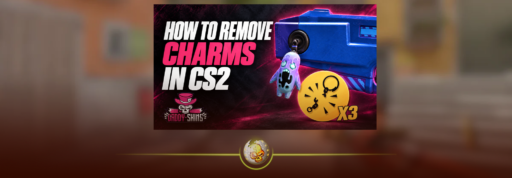
To remove a charm in CS2, you need an available charge from a Charm Detachment Pack. Open your Inventory, select the weapon, choose Detach Charm and confirm. This uses one charge and returns the charm to your inventory so you can attach it to another weapon.
The charm is kept. The detachment is what you use up.
How to Remove a Charm in CS2
- Launch CS2 and open Inventory.
- Find the weapon with the charm attached.
- Open the weapon’s item menu.
- Select Detach Charm.
- Check the confirmation screen and confirm.
- Find the recovered charm in your inventory.
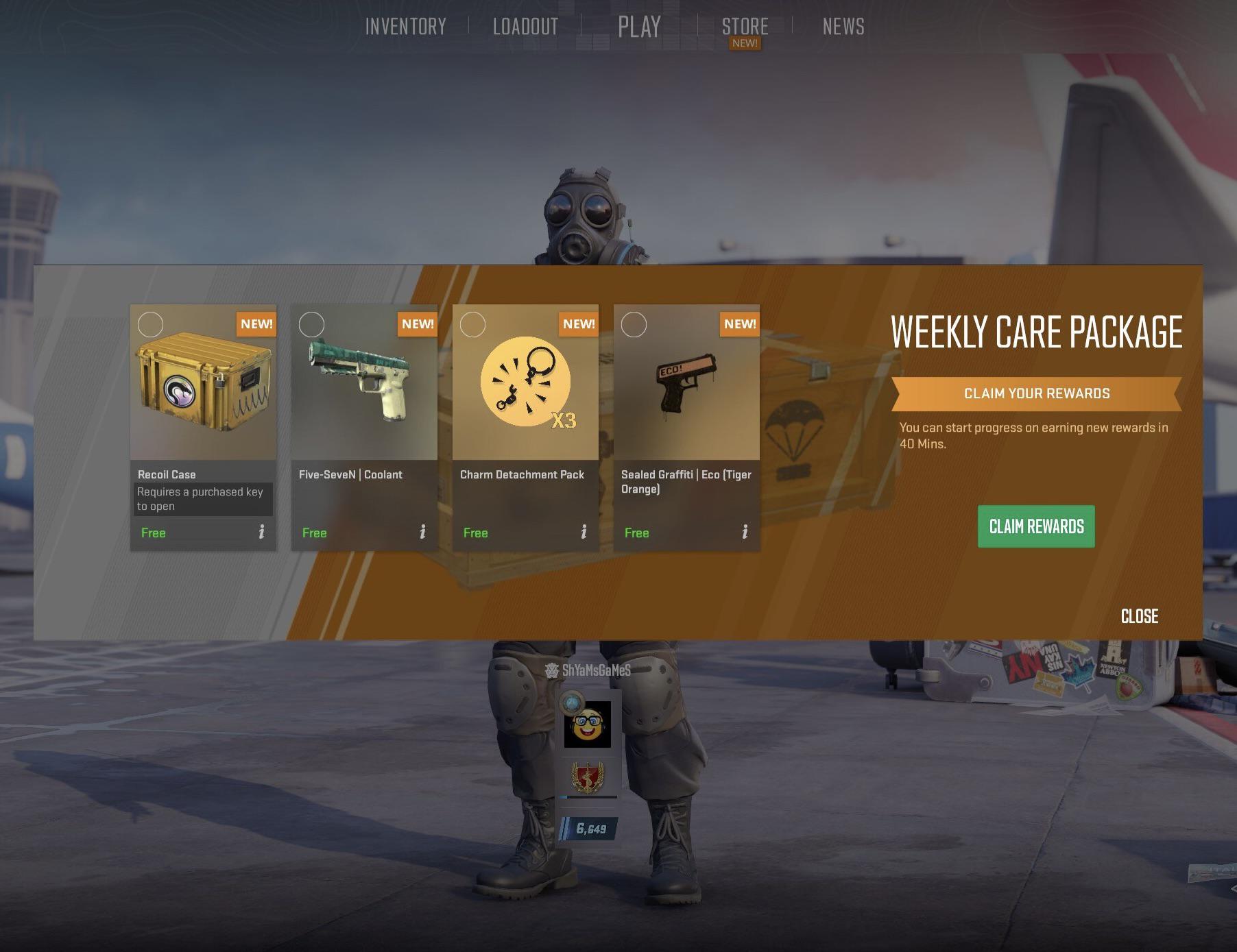
One removal uses one detachment charge. You do not need to buy another copy of the charm.
Before purchasing anything, search your in-game inventory for Charm Detachment to check what you already have. Valve explains the process in its official charm FAQ.
How to Get Charm Detachments
There are three official ways to get them:
| Method | What to know |
|---|---|
| Redeem a charm from the Armory | Each redemption includes three Charm Detachments |
| Claim them from a Weekly Care Package | Choose the detachment reward when it is offered |
| Purchase them inside CS2 | Check the in-game store for the current local price |
A Charm Detachment Pack provides removal charges. It does not contain a cosmetic charm.
If you already earned detachments through the Armory or weekly rewards, you can use those without making another purchase. Our CS2 weekly drop guide explains the reward system.
How to Move a Charm to Another Gun
Detach the charm first. Once it is back in your inventory, select it, choose the weapon you want to use and position the charm in the application preview. Confirm when you are happy with the placement.
A weapon can hold one charm at a time, so remove an existing charm before replacing it. Attaching a charm does not require a detachment charge.
For example, moving your favourite charm from an AK-47 to an AWP means removing it from the AK first, then applying the recovered item to the AWP.
You can also detach and reattach a charm to change its position on the same weapon. Preview the placement carefully before confirming so you do not spend another charge correcting it.
Valve introduced these placement and reuse rules in the Armory update. For help choosing a look, see our CS2 charm patterns guide.
Why Can’t You Detach a Charm?
Check these two things first:
Your remaining detachments. Owning a charm does not necessarily mean you have removal charges available. Search your inventory before buying a pack.
The weapon’s Trade Protection status. CS2 items received through a trade are protected for seven days. During that period, they cannot be modified. If the weapon is protected, wait until its protection expires before trying to change its attached charm.
That restriction comes from Steam’s Trade Protected Items rules. Buying more detachments will not remove the protection period.
Is Removing a Charm the Same as Removing a Sticker?
No. The result is different:
| Action | What happens to the accessory? |
|---|---|
| Detach a charm | It returns to your inventory for reuse |
| Remove a sticker applied directly to a gun | The sticker is permanently destroyed |
Our CS2 sticker removal guide covers scraping and removal in more detail.
A Sticker Slab is a separate case. It holds a sticker inside a charm-like display. Breaking the slab recovers the enclosed sticker and discards the slab. It cannot recover a sticker already applied directly to a gun.
Can You Keep Reusing the Same Charm?
Yes. You can move it between compatible weapons as long as you have the detachments needed for each removal.
There is no need to replace the charm just because you change skins. Keep track of your remaining charges, check any item restrictions and choose the new placement before confirming.
Browse the DaddySkins blog for more CS2 cosmetic guides.