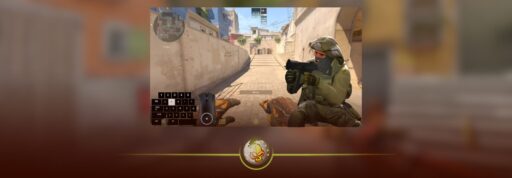
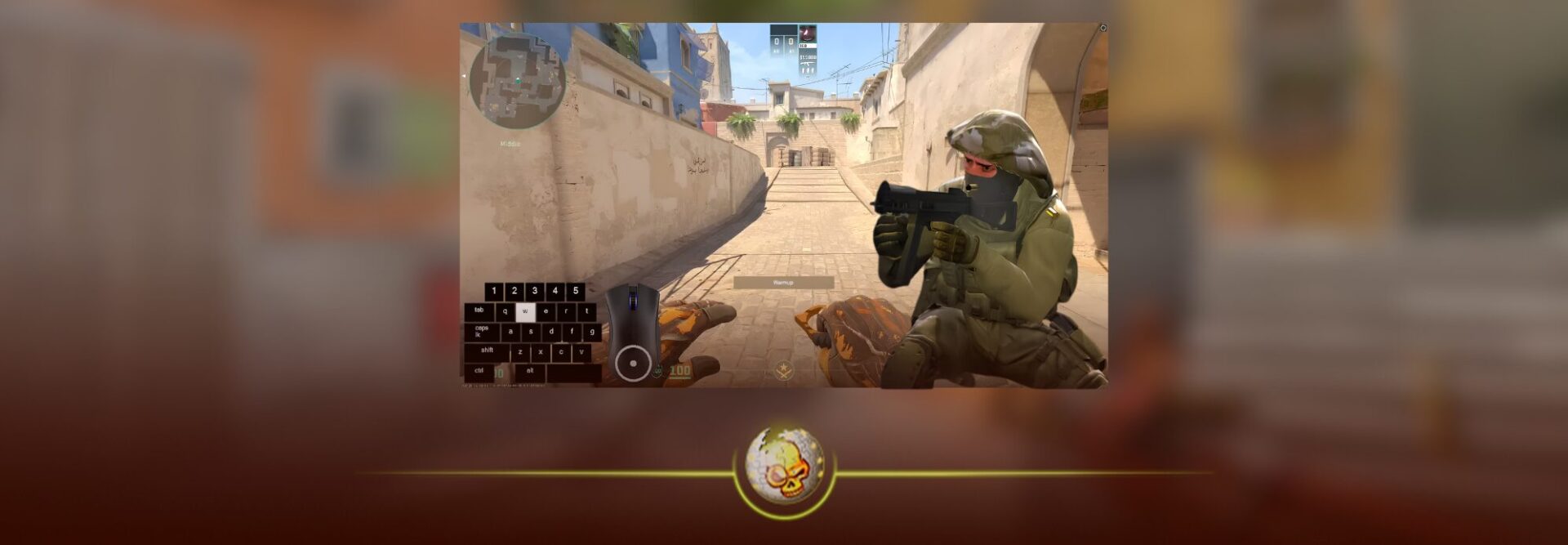
Crouch jumping helps you climb onto boxes, clear higher ledges, reach windows, and access positions that a normal jump cannot always reach. It is one of those basic CS2 movement skills that every player eventually needs to learn.
The traditional crouch jump bind combines jumping and crouching into one key press. However, Valve now blocks binds that perform multiple movement actions from a single input on official servers.
You can still use the bind while practicing offline or on a private server that allows multiple input binds. For Premier and Valve matchmaking, you should keep jump and crouch on separate keys and perform the movement manually.
CS2 Crouch Jump Bind Command
For an offline practice match or private server, open the developer console and enter these commands one at a time:
sv_cheats 1
cl_allow_multi_input_binds 1
alias “+cjump” “+jump; +duck”
alias “-cjump” “-duck; -jump”
bind “ALT” “+cjump”
Pressing Alt will now make your character jump and crouch together.
You can replace ALT with another key, such as V, C, MOUSE4, or MOUSE5. I prefer keeping crouch jump on a separate key instead of replacing Space, since you will still need a normal jump during actual matches.
Players who want to customize more controls can find additional options in our complete CS2 binds guide.
How to Enable the Developer Console
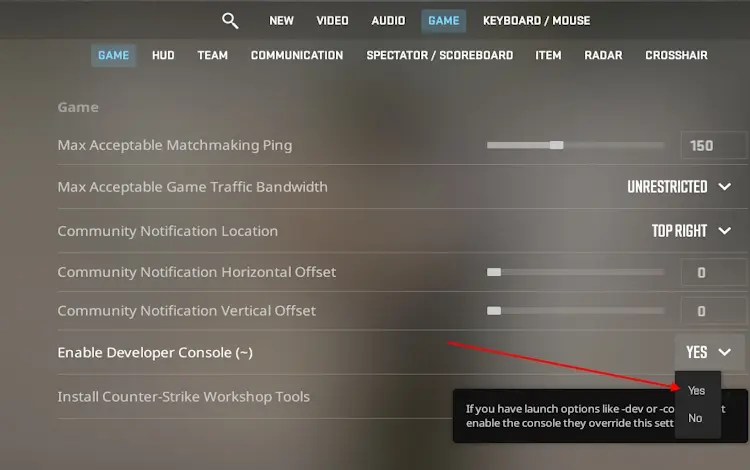
You need the developer console before entering any CS2 bind.
- Open CS2 and select the settings icon.
- Go to the Game section.
- Find Enable Developer Console.
- Change the setting to Yes.
- Press the tilde key under Escape to open the console.
Paste each command separately and press Enter after every line. Our CS2 console commands guide explains how the console works and includes other useful commands.
Does the Crouch Jump Bind Work in Premier?
The combined crouch jump bind does not work normally on Valve official servers.
In August 2024, Valve changed how automated inputs are handled in CS2. Binds containing more than one movement or attack action are ignored by default. This affected jump throw binds, null binds, crouch jump binds, and other commands that automate several actions through one key.
The command can still be useful in offline practice because the cheat protected cl_allow_multi_input_binds setting lets you restore support locally. It should not be treated as a working Premier or Competitive bind.
Community and private servers may have different settings, so whether the command works there depends on the server.
Best Crouch Jump Setup for Official Servers
For Premier and regular matchmaking, keep jump and crouch assigned to separate keys.
Use these commands to restore the standard setup:
bind “SPACE” “+jump”
bind “CTRL” “+duck”
To crouch jump manually, press jump and crouch almost together. Start crouching just before or as your character leaves the ground, then keep crouch held until you clear the ledge.
It can feel awkward at first, but the timing becomes natural after a few minutes of practice.
You can also bind jump to your mouse wheel:
bind “MWHEELDOWN” “+jump”
This gives you another comfortable jump input without removing Space. Our mouse wheel jump bind guide explains the setup in more detail.
Be aware that binding jump to the mouse wheel replaces its current action. Players who scroll through weapons will need to switch weapons with number keys instead.
What Does Crouch Jumping Actually Do?
A regular jump is enough for most movement, but your legs can catch the edge of taller boxes and ledges. Crouching during the jump changes your character position and gives your lower body enough clearance to get over the obstacle.
This is useful when climbing boxes, entering windows, reaching boosted positions, and moving around tight parts of a map.
Crouch jumping does not make every jump better. It can slow your movement and make your path easier to predict, so only use it when you need the extra clearance.
Newer players can learn more basic mechanics in our CS2 beginner guide.
How to Practice Crouch Jumping
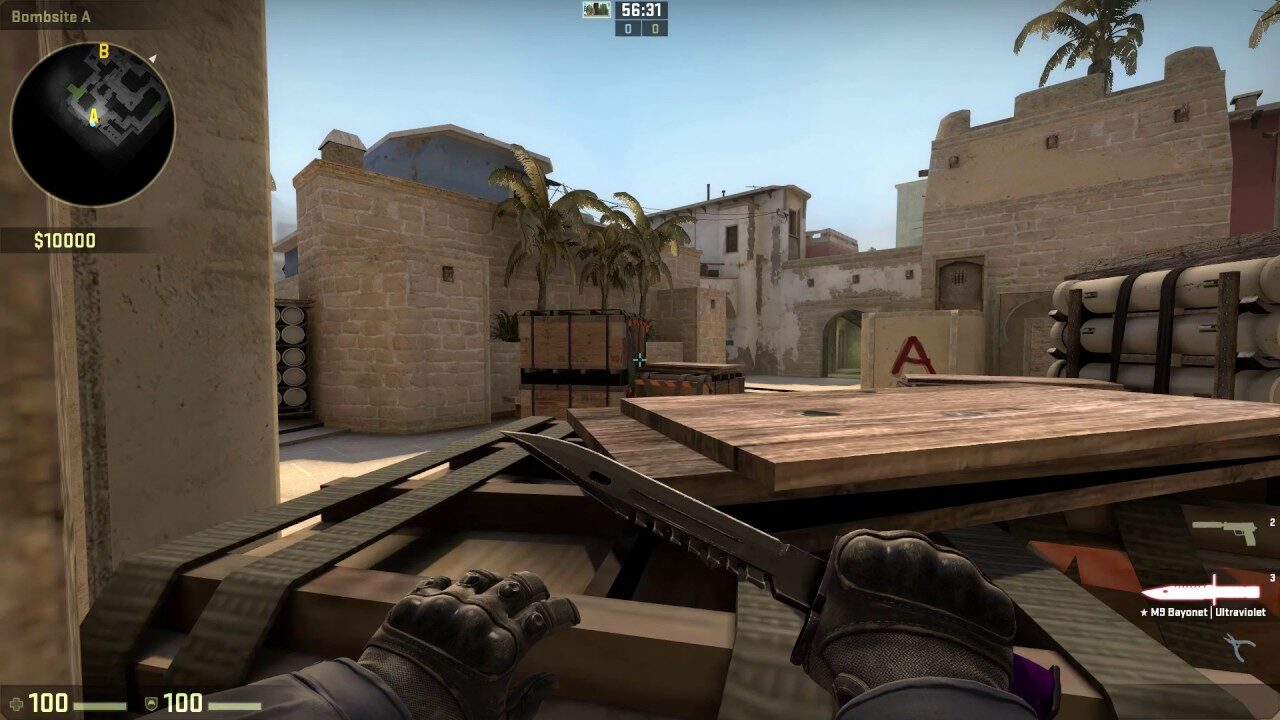
The easiest way to improve is to load an offline map and repeat the same jump several times.
Choose a box that you cannot reach with a normal jump. Approach it from the same angle, jump, press crouch, and hold crouch until you land on top. If you hit the edge, try jumping slightly earlier.
Our CS2 practice commands can give you more round time and help you create a better training session. You can also use the remove bots command when you want to practice without interruptions.
Workshop movement maps are even better for learning timing. The CS2 Movement Hub guide includes maps designed for jumps, strafing, ladders, and general movement practice.
Once crouch jumping feels comfortable, the next step is learning scroll jumping and air strafing through our CS2 bunny hop commands guide.
How to Save Your CS2 Binds
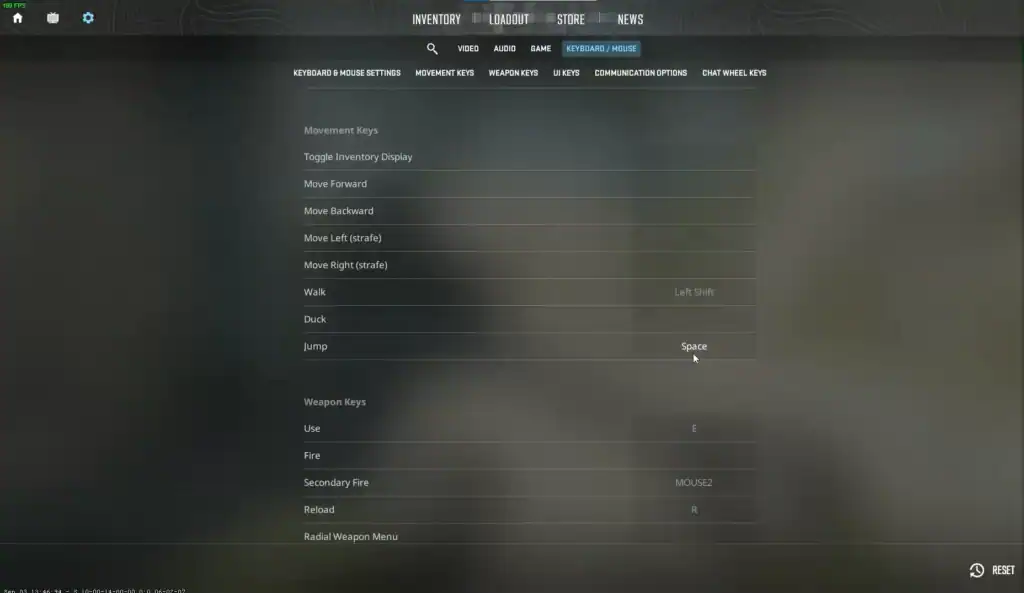
Simple binds normally remain saved, but custom commands can sometimes disappear after changing settings or editing configuration files.
You can place your preferred commands inside an autoexec file so CS2 loads them whenever the game starts. Our CS2 autoexec guide shows where to create the file and how to make sure it loads properly.
You can also read our CS2 config guide if you want to save, transfer, or back up your complete setup.
Only save the combined crouch jump alias when you plan to use it for offline practice. Keep jump and crouch separate for Valve matchmaking.
How to Remove the Crouch Jump Bind
Open the console and enter:
unbind “ALT”
You can then assign Alt to another action or leave it unbound.
When using a different crouch jump key, replace ALT with that key in the command.
Final Thoughts
The old CS2 crouch jump bind is still useful for offline movement practice, but it is not a dependable option for Premier or Valve matchmaking.
Use the combined bind when practicing privately. During real matches, keep jump and crouch on separate keys and learn the manual timing. It gives you more control, works on official servers, and prepares you for every jump without relying on automation.
For a stronger overall setup, review our best CS2 settings for 2026 and our guide on how to get better at CS2.