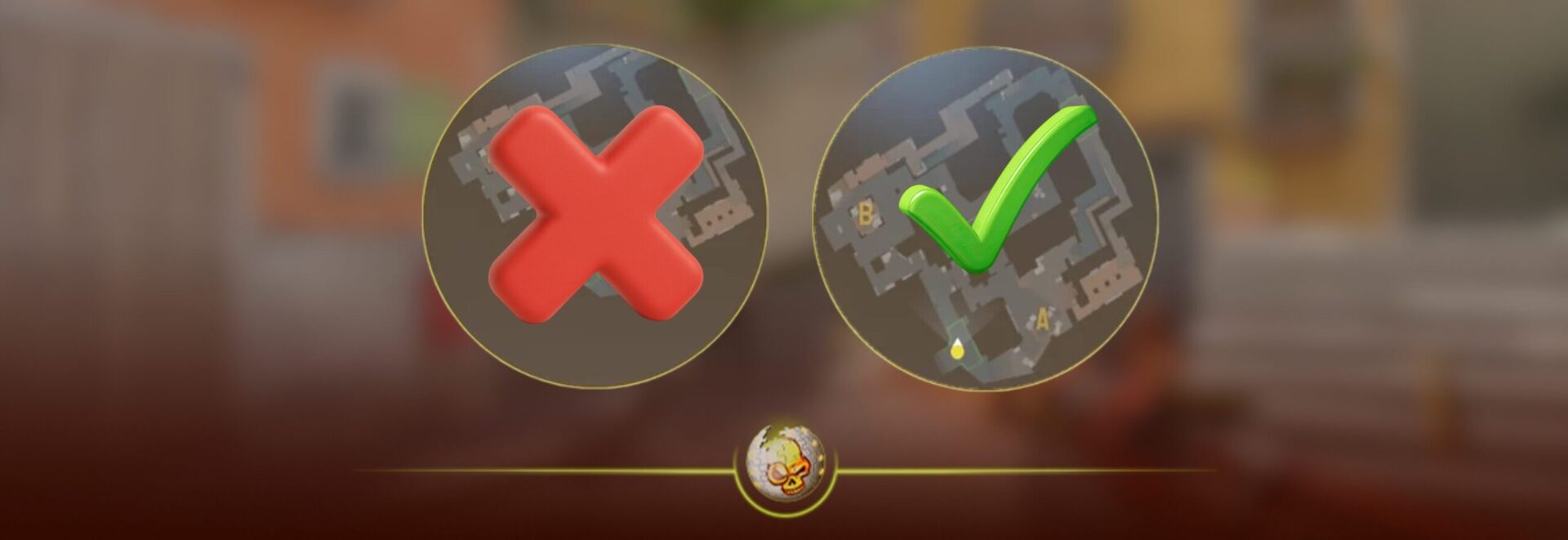
The Ultimate 2026 Competitive Setup Guide
If you’re grinding Premier, Faceit, or preparing for tournaments, your radar and minimap settings in CS2 matter more than most players realize.
In high level Counter Strike, information wins rounds. And your radar is literally your information hub.
This guide breaks down the best radar settings in CS2, pro player preferences, console commands, and optimization tips so you can react faster, rotate smarter, and win more rounds.
Why Radar Settings Matter in CS2
In Counter-Strike 2, the radar gives you:
• Teammate positioning
• Spotted enemies
• Bomb location
• Utility usage
• Map control information
If your radar is too zoomed in, cluttered, or misconfigured, you are playing at a disadvantage.
At higher ranks, players use radar to pre-rotate before the kill even happens.
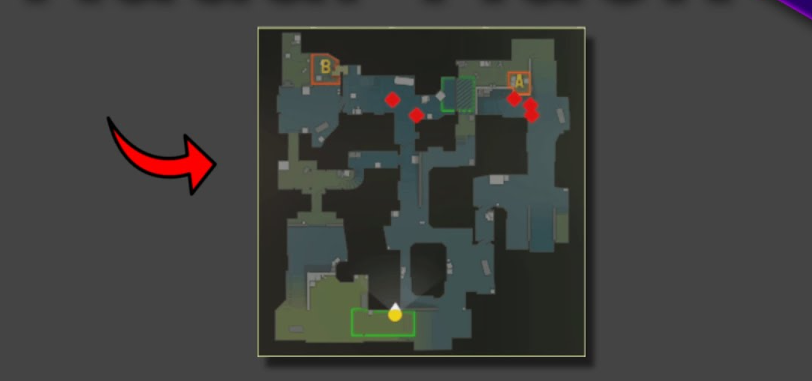
Best Radar Settings for CS2 Competitive Play
These settings are based on:
• Tier 1 pro player configs
• Faceit Level 10 trends
• Competitive scrim standards
• Practical in game testing
Optimal Radar Settings (Recommended Setup)
| Setting | Recommended Value | Why It Matters |
|---|---|---|
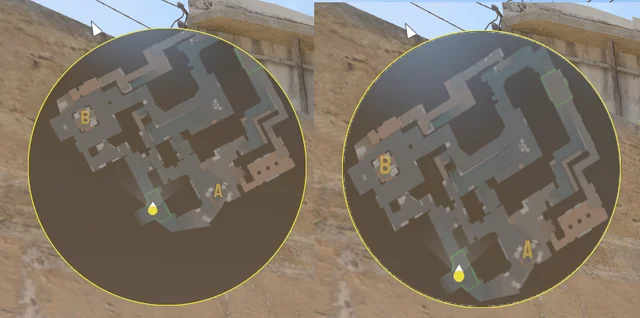
| Radar Centered | No | Shows full map instead of locking on you |
| Radar Scale | 0.4 | Balanced zoom for awareness |
| Radar Hud Scale | 1.0 | Clear but not intrusive |
| Rotate Radar | Yes | Keeps orientation consistent with movement |
| Radar Map Zoom | 0.7 | Prevents over-zoomed clutter |
| Radar Icon Scale | 0.8 | Clean teammate visibility |
These values give you a wide map view without losing clarity.
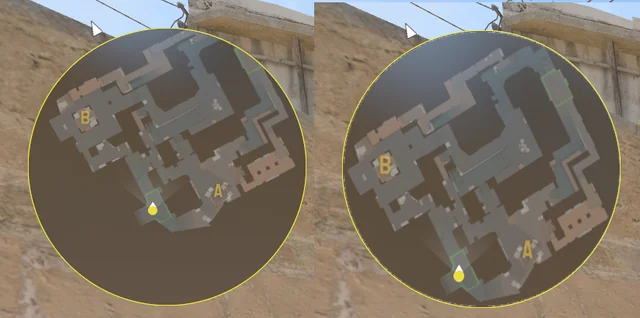
Why Most Pros Disable Centered Radar
When radar is centered:
• You only see around yourself
• Rotations are harder to read
• You miss lurkers or deep map pushes
Disabling centered radar shows the entire map layout.
That means:
If your B player sees three enemies, you instantly know whether to rotate or hold.
Console Commands for Radar Settings
If you want full control, use these in console:
cl_radar_always_centered 0
cl_radar_scale 0.4
cl_hud_radar_scale 1.0
cl_radar_rotate 1
cl_radar_icon_scale_min 0.8
cl_radar_square_with_scoreboard 1
These are commonly used by professional players.
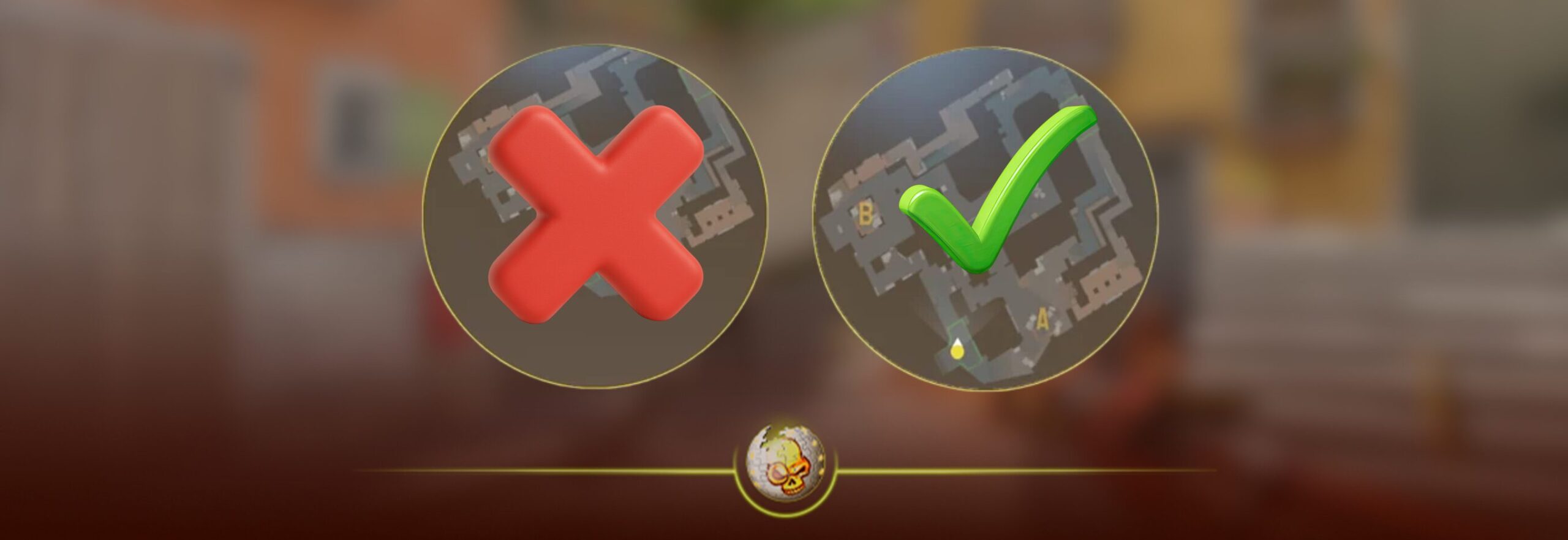
Square Radar vs Round Radar
| Type | Pros | Cons |
|---|---|---|
| Square Radar | Shows more map corners | Slightly less aesthetic |
| Round Radar | Cleaner look | Cuts off corner info |
Most competitive players choose square radar because it shows more usable information.
Function > aesthetics.
Best Radar Settings for Different Playstyles
Entry Fragger
Lower radar scale around 0.35
You need closer detail when hitting sites.
IGL
Radar scale 0.4 to 0.45
Wider view helps read rotations.
Lurker
Centered off, radar rotate on
You need full macro awareness.
Pro Player Radar Trends in 2026
Across top players in Premier and international events:
• Radar centered OFF is standard
• Scale between 0.35 and 0.45
• Rotate radar ON
• Square radar enabled
At elite level, awareness beats aim.
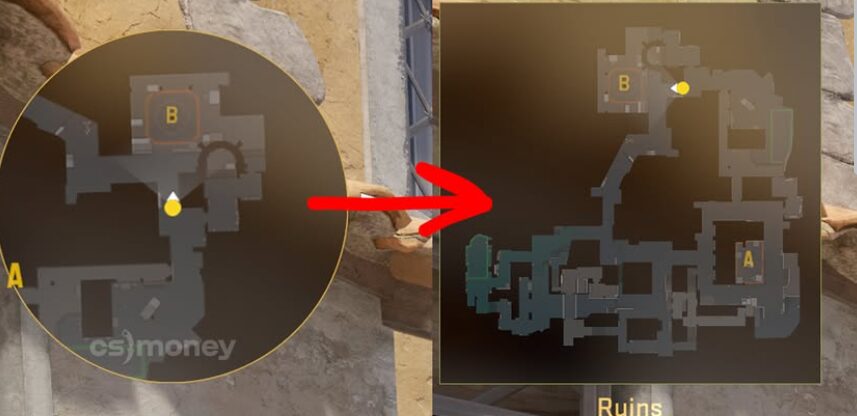
Common Radar Mistakes Holding Players Back
- Radar too zoomed in
- Centered radar enabled
- Icon scale too small
- Not using square radar
- Ignoring radar completely during clutch
If you only check radar after dying, you’re already too late.
How Radar Impacts Rotations on Popular Maps
Counter-Strike 2 Map Awareness Examples
On Mirage:
• Mid control instantly visible
• Fast B splits easier to read
On Inferno:
• Banana pressure spotted earlier
• Faster A rotates
On Nuke:
• Outside smokes easier to track
Radar wins rounds before fights happen.
Advanced Radar Tips Most Players Don’t Know
• Increase radar icon scale slightly if you play 1280×960 stretched
• Adjust radar scale per map size
• Practice calling rotations using only radar information
• Use radar sound cues with teammate footsteps
High level CS is played with your brain, not just your crosshair.
Final Verdict: What Radar Settings Should You Use?
If you want a competitive edge in Counter-Strike 2, use:
Radar Centered OFF
Scale 0.4
Rotate ON
Square radar enabled
Icon scale 0.8
These settings maximize information without clutter.
Read More From Daddyskins
- CS2 Major Budapest Results Vitality Win StarLadder Major Back to Back
- How to test skins in CS2 before buying them
- How to Get the 2025 Service Medal in CS2
- What Is Follow Recoil in CS2 Guide for Better Spray Control
- Abertura de Caixas CS2: Guia Completo
- DaddySkins Interview
- CS2 Removes All Rare Case Drops From the Active Drop Pool
- Cheapest Red Skins CS2 (UPDATED)
- Top 5 Rarest CS2 Cases Right Now
- CS2 Removing Cases by 2026
- ropz CS2 Settings, Crosshair, Config & Gear (2025)
- CS2 to Valorant Sens Converter How to Match Your Sensitivity Exactly
- What Is ADR in CS2? Damage Per Round Explained Simply
- Wingman Ranks in CS2: Full Guide [2026]
- CS2 developers hint at Cache returning in 2026
- CS2 Premier Season 3 end date and Season 4 start date
- How to Fix Packet Loss in CS2 (2026)
- 100 Thieves CS2 is back and the roster is now complete
- RYU CS2 Player Profile & Biography
- CS2 Bunny Hop Command
- SpotGuesser CS2 Guide (Spotguessr)
- BLAST Bounty Winter 2026 Schedule, Prize Pool, and Streams
- Aurora CS2 Team, Players and Stats
- Monte CS2 Team Roster Players Results and 2026 Outlook
- CS2 Premier Season 4: Everything You Need to Know
- CS2 Sticker Crafts of 2026 Best and Cleanest Craft Ideas
- CS2 Update 2026: Train Out, Anubis In, and Why This Week Matters
- CS2 Premier Season 4: Start Date, Changes & What You Need to Know
- CS2 Premier Season 4 Leaks
- CS2 Premier 4 Skins & Knives – What We Know
- Harlequin & Achroma COLLECTION SKINS In-Game (New CS2 Update)
- CS2 update today full patch notes and changes explained
- IEM Kraków 2026 Stage 1 Preview and Predictions for CS2
- Cache return rumors resurface in CS2
- CS2 Patch Update January 30, 2026
- New CS2 Skins Just Dropped: Season 4 CS2 Skins
- Cheapest Pink CS2 Skins in 2026
- Valentine’s Day CS2 Skins
- Mudryk CS2 Faceit Ban Explained
- Movement Hub for CS2 Workshop Ranked 2026
- CS2 Danger Zone In 2026
- Esports Nations Cup 2026: What ENC Means for CS2
- When is the next CS2 tournament 2026
- IEM Atlanta 2026 CS2 Preview Teams Format Schedule