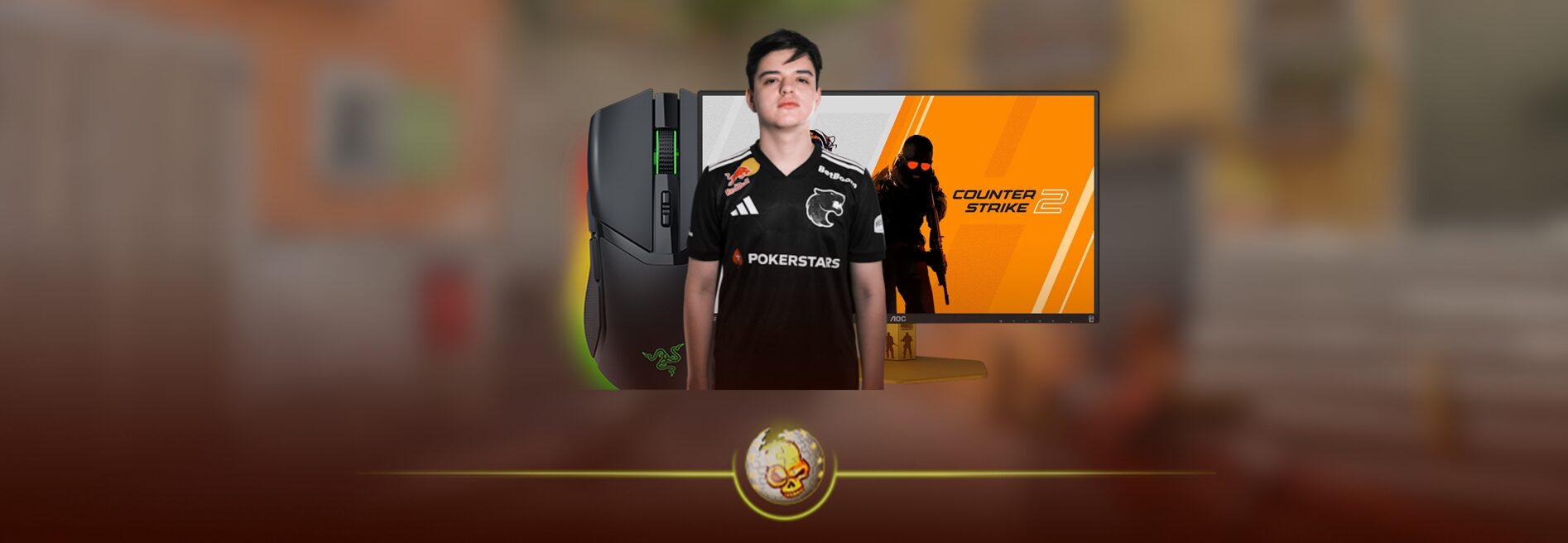
If you’re trying to play like FURIA’s breakout star, you want more than guesses you want actual settings used in competitive play. Here’s the most accurate and current data on molodoy’s CS2 settings including sensitivity, crosshair, resolution, viewmodel, and video configuration.
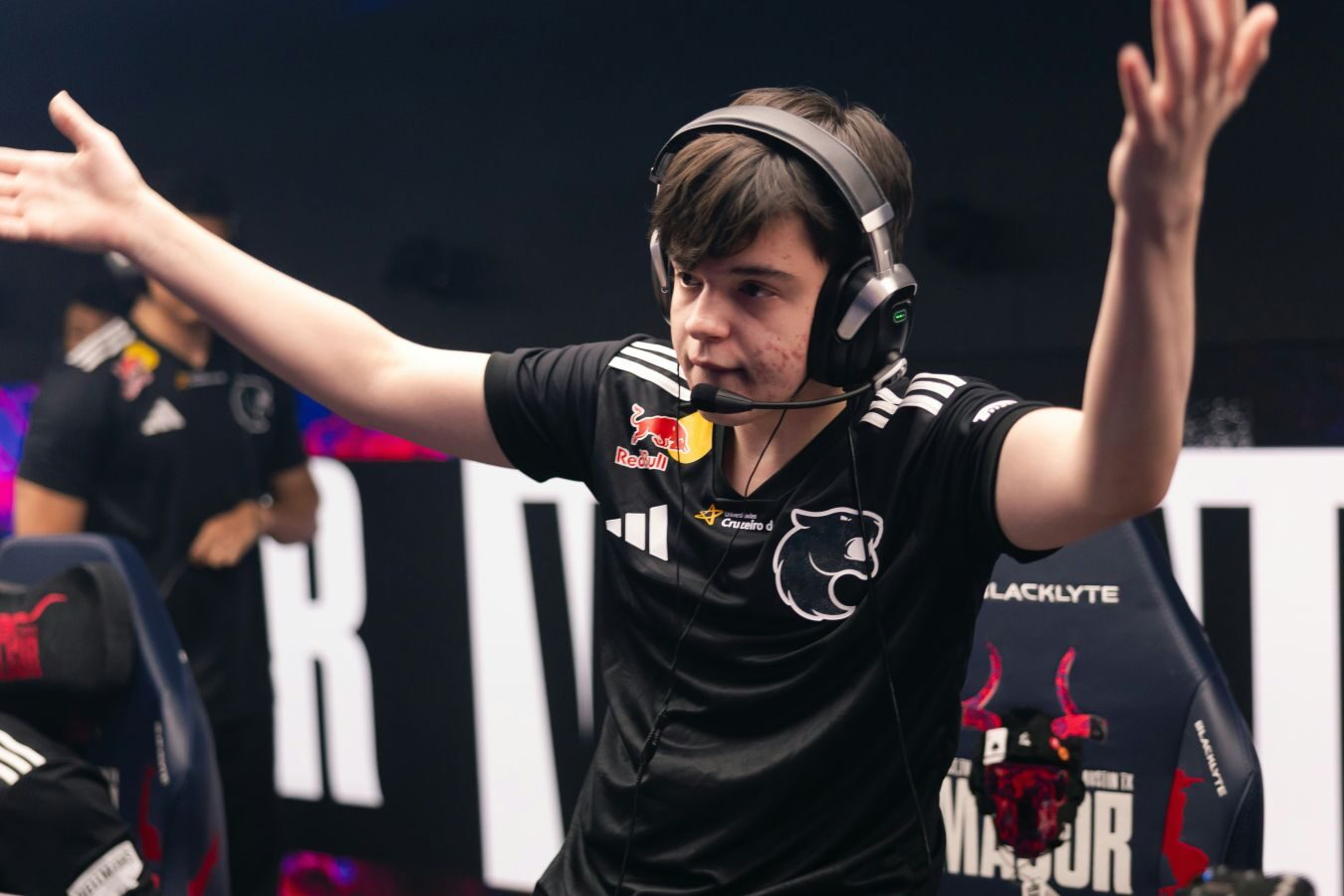
🎮 Mouse & Sensitivity Settings
| Setting | Value |
|---|---|
| DPI | 400 |
| In-Game Sensitivity | 2.7 |
| eDPI (400×2.7) | 1080 |
| Zoom Sensitivity | 1 |
| Polling Rate | 1000 Hz |
| Windows Sensitivity | 6 |
| Raw Input | On |
These numbers reflect molodoy’s competitive CS2 aiming configuration — low DPI with medium sensitivity for smooth precise aim but still fast enough for flicks.
Why this matters:
• Lower DPI with medium sens (1080 eDPI) gives a stable aim for rifles and sniper rifles.
• 1000 Hz polling minimizes input delay.
• Zoom sens at 1 keeps consistency between scoped and unscoped aim.
Most pro players sit between 800–1200 eDPI, and molodoy is right in that sweet spot.
🎯 Crosshair Settings
Here’s molodoy’s exact pro crosshair — optimized for visibility without distraction:
• Crosshair Code: CSGO-8RyQ2-Sf7VH-k4eGv-Xt8PG-hVaUN
• Style: Classic Static
• Crosshair Color: Pure White (RGB 255,255,255)
• Thickness: 0
• Length: Small / Compact
• Gap: −3
• Outline: Yes
Pro players use smaller crosshairs because they reduce clutter and increase headshot precision, especially in tight duels.
✅ You can import his crosshair in CS2 settings → Crosshair → Import Code.
🖥️ Resolution & Video Settings
| Setting | Value |
|---|---|
| Resolution | 1280×960 |
| Aspect Ratio | 4:3 Stretched |
| Display Mode | Fullscreen |
| Brightness | 133% |
| Global Shadow Quality | Very High |
| Texture Detail | High |
| Shader Detail | Low |
| Particle Detail | Low |
| Texture Filtering | Trilinear |
| Anti-Aliasing | 8x MSAA |
| Boost Player Contrast | Enabled |
| NVIDIA Reflex Low Latency | Enabled |
| V-Sync | Disabled |
| FSR | Disabled |
This setup is popular with pros because:
✔ Larger player models make spotting enemies easier
✔ Stretched 4:3 improves visual clarity and hitbox recognition
✔ High contrast + boost lets players see enemies against background clutter
✔ Disabled V-Sync minimizes input lag
These visuals may seem odd compared to high-fidelity settings, but they’re competitive optimized.
👁️ Viewmodel Settings
| Setting | Value |
|---|---|
| Viewmodel FOV | 68 |
| Viewmodel Offset X | 2.5 |
| Viewmodel Offset Y | 0 |
| Viewmodel Offset Z | −1.5 |
| Presetpos | 2 |
📈 Hardware & Gear (What Pros Use)
• Mouse: Logitech G Pro X Superlight 2 (White)
• Keyboard: Logitech G Pro X TKL Rapid
• Monitor: 240Hz+ high refresh rate (often ZOWIE XL series)
• Headset: Logitech G PRO X 2
Gear choice matters less than settings consistency and muscle memory. But pros choose high refresh + low latency devices to avoid visual lag and jitter.
📌 Pro Tips When Copying Settings
- Don’t expect immediate improvement. Your brain needs time (often weeks) to adapt to new sensitivity.
- Practice with these settings in aim maps before taking them into ranked.
- Adjust brightness & contrast so enemies pop on your personal screen.
Many players copy pro settings incorrectly perceived as instant skill — but comfort and muscle memory beat raw numbers any day.
💡 True Takeaway
molodoy’s CS2 setup isn’t magic — it’s optimized precision.
• Low DPI + mid sens → Stable aim
• Stretched resolution → Clear targets
• Simple crosshair → Minimal distraction
• High contrast visuals → Faster enemy detection
Use these as a foundation, then tweak based on your playstyle and desk space.
Read More From Daddyskins
- CS2 Major Budapest Results Vitality Win StarLadder Major Back to Back
- How to test skins in CS2 before buying them
- How to Get the 2025 Service Medal in CS2
- What Is Follow Recoil in CS2 Guide for Better Spray Control
- Abertura de Caixas CS2: Guia Completo
- DaddySkins Interview
- CS2 Removes All Rare Case Drops From the Active Drop Pool
- Cheapest Red Skins CS2 (UPDATED)
- Top 5 Rarest CS2 Cases Right Now
- CS2 Removing Cases by 2026
- ropz CS2 Settings, Crosshair, Config & Gear (2025)
- CS2 to Valorant Sens Converter How to Match Your Sensitivity Exactly
- What Is ADR in CS2? Damage Per Round Explained Simply
- Wingman Ranks in CS2: Full Guide [2026]
- CS2 developers hint at Cache returning in 2026
- CS2 Premier Season 3 end date and Season 4 start date
- How to Fix Packet Loss in CS2 (2026)
- 100 Thieves CS2 is back and the roster is now complete
- RYU CS2 Player Profile & Biography
- CS2 Bunny Hop Command
- SpotGuesser CS2 Guide (Spotguessr)
- BLAST Bounty Winter 2026 Schedule, Prize Pool, and Streams
- Aurora CS2 Team, Players and Stats
- Monte CS2 Team Roster Players Results and 2026 Outlook
- CS2 Premier Season 4: Everything You Need to Know
- CS2 Sticker Crafts of 2026 Best and Cleanest Craft Ideas
- CS2 Update 2026: Train Out, Anubis In, and Why This Week Matters
- CS2 Premier Season 4: Start Date, Changes & What You Need to Know
- CS2 Premier Season 4 Leaks
- CS2 Premier 4 Skins & Knives – What We Know
- Harlequin & Achroma COLLECTION SKINS In-Game (New CS2 Update)
- CS2 update today full patch notes and changes explained
- IEM Kraków 2026 Stage 1 Preview and Predictions for CS2
- Cache return rumors resurface in CS2
- CS2 Patch Update January 30, 2026
- New CS2 Skins Just Dropped: Season 4 CS2 Skins
- Cheapest Pink CS2 Skins in 2026
- Valentine’s Day CS2 Skins
- Mudryk CS2 Faceit Ban Explained
- Movement Hub for CS2 Workshop Ranked 2026
- CS2 Danger Zone In 2026
- Esports Nations Cup 2026: What ENC Means for CS2
- When is the next CS2 tournament 2026
- IEM Atlanta 2026 CS2 Preview Teams Format Schedule