Updated October 29, 2026
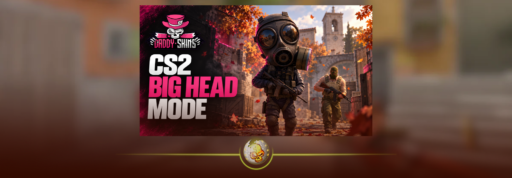
CS2 Big Head Mode is a Casual modifier that changes players’ head sizes during a match. To play, open Play → Matchmaking → Casual and choose the map group labelled “Big Head Mode.” Players report that heads grow with better performance and shrink with more deaths.
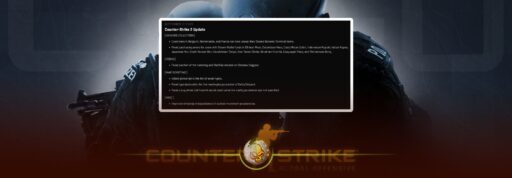
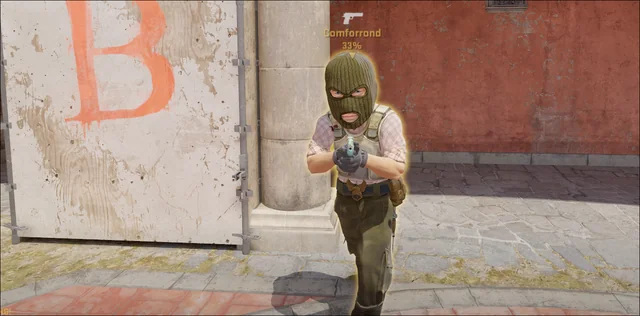
If you loaded into Casual and wondered why someone’s head suddenly filled half a doorway, this is the reason. Big Head Mode appeared after the October 28 update, bringing changing proportions and unusual voices to selected Casual matches.
How Do You Play Big Head Mode in CS2?
- Update CS2 through Steam and launch the game.
- Open Play → Matchmaking → Casual.
- Look for the Big Head Mode label above a map group.
- Select that group and start matchmaking.
- Once connected, check the active mutator indicator beneath the radar.
You do not need a Workshop download or a console command to join the official version.
Follow the label rather than a fixed map list. Early reports pointed to Defusal Group Alpha, but the modifier has since appeared on other Casual groups. Instructions telling everyone to select Alpha can send you into the wrong queue.
This is official Casual matchmaking. You do not need to search through CS2 community servers to find it.
Why Is My Head Bigger or Smaller in CS2?
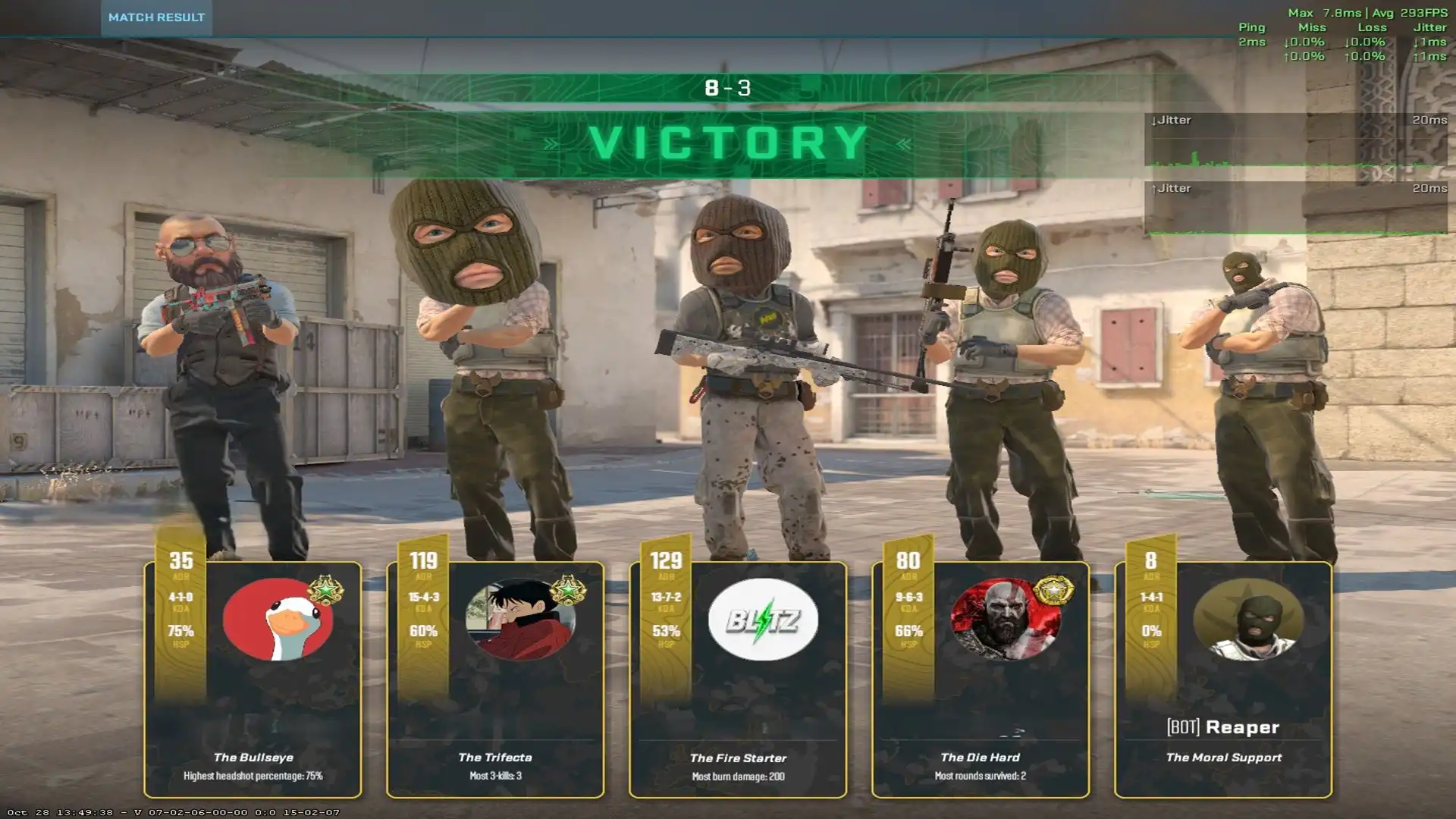
Players report that head size changes with performance: doing well makes your head larger, while more deaths make it smaller. That means different players in the same match can have noticeably different proportions.
The same reports describe a voice effect. Larger heads come with deeper voices, while smaller heads produce higher voices. That explains why a teammate may suddenly look and sound completely different.
However, Valve’s published update notes do not explain the exact head scaling formula. Treat claims about a precise K/D threshold, damage requirement or percentage increase cautiously. The visible effect is clear; the calculation behind it has not been officially detailed.
Does Big Head Mode Change Hitboxes?
Head hitbox scaling remains unconfirmed. An enlarged character model does not, by itself, prove that the area registering headshots has grown by the same amount.
A bigger visible head might look like an easier target, but that alone does not establish how bullets register. Confirming a gameplay advantage or disadvantage would require controlled testing or an explanation from Valve.
For now, enjoy the strange proportions without assuming every part of the oversized head will register a hit.
Why Can’t I Find Big Head Mode?
First, check that you are browsing Casual and looking at all available map groups. The modifier may have moved from the group shown in an older screenshot.
If the label is missing, try these basic checks:
- Close CS2 and let Steam finish any pending update.
- Reopen the game and check the Casual cards again.
- Confirm that you selected the labelled group before queuing.
These are troubleshooting steps, not a guarantee that the modifier is available at that moment. If you are disconnected with a login message, follow our CS2 No Steam Logon fix instead.
Is Big Head Mode in Premier or Competitive?
Current availability is in official Casual. You should not expect the modifier when queuing for Premier or Competitive.
It is a mutator, meaning a special rule applied to an existing mode. You still join a Casual match through its map group; the modifier adds the unusual head and voice effects.
That is different from a separate matchmaking option such as CS2 Rush mode, which ha its own objectives and rules.
When Does Big Head Mode End?
As of October 29, Valve has not announced an end date. Its arrival shortly before Halloween does not confirm that it disappears on November 1.
Check the live Casual menu for availability.