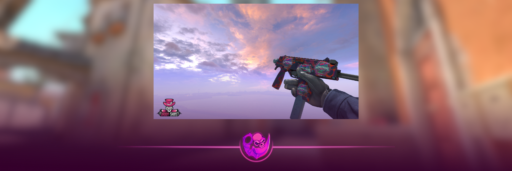
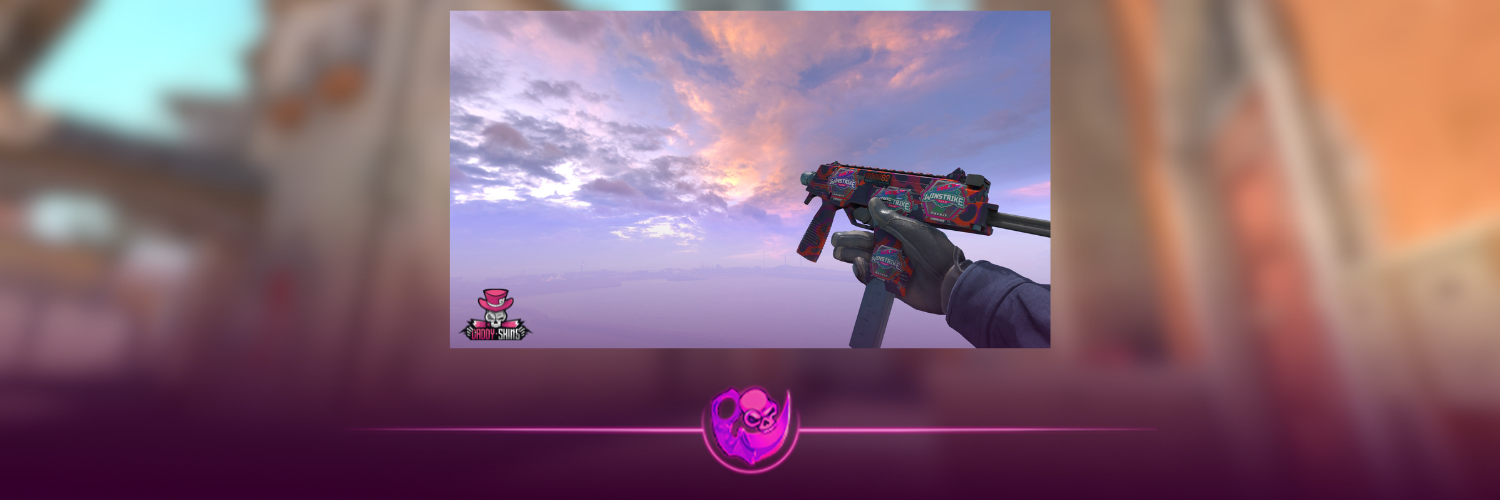
If you want to see what a CS2 skin actually looks like before buying it, a CS2 skin inspect server is probably the easiest way to do it.
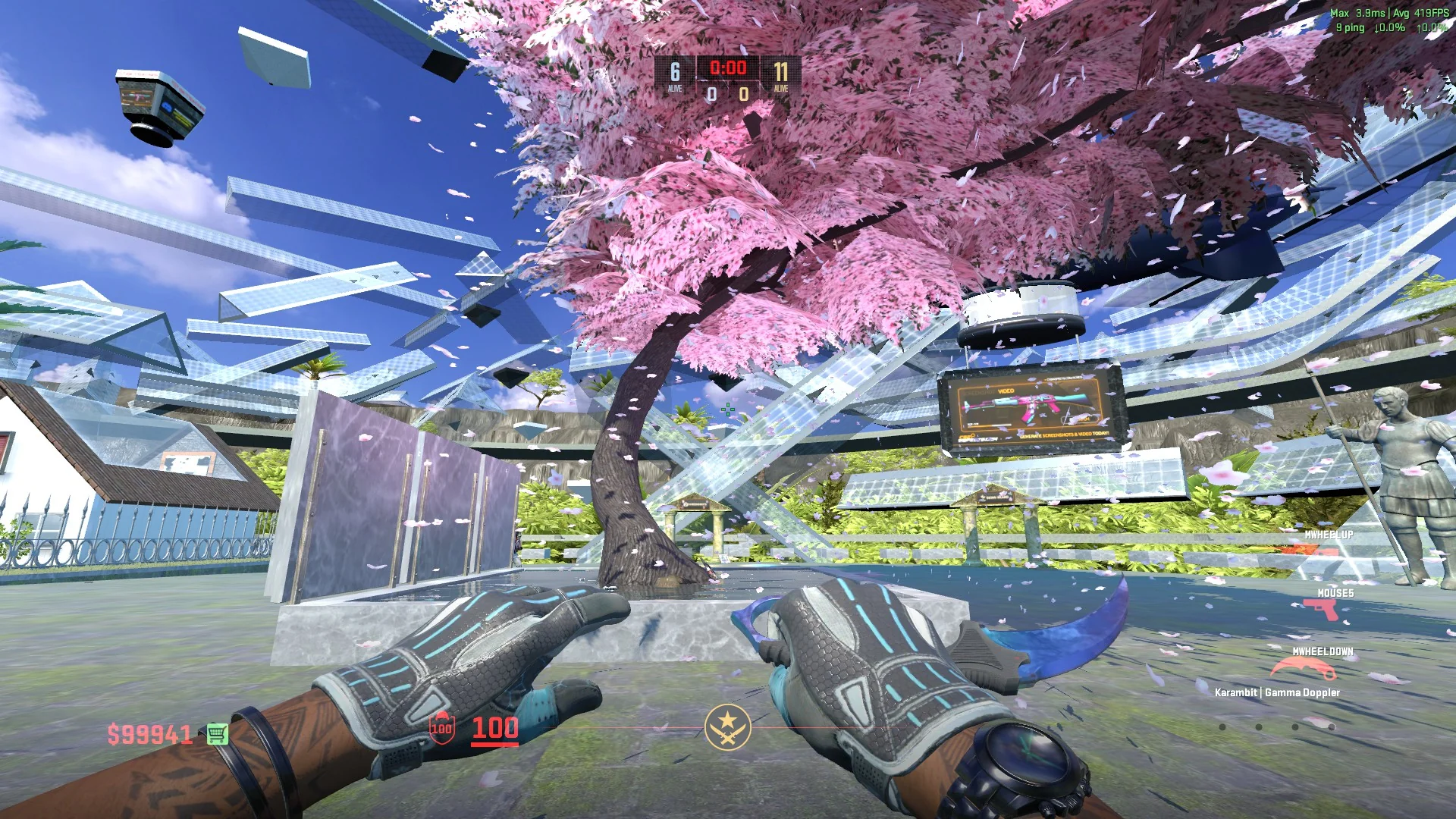
These are community servers where you can temporarily equip skins you do not own and test them in-game. That means you can check a knife animation, compare floats, try a glove and knife combo, look at a rare pattern or see whether a sticker craft actually looks good outside of a marketplace screenshot.
The skin only exists while you are on the server. It does not get added to your Steam inventory.
Here is how it works.
What Is a CS2 Skin Inspect Server?
A CS2 skin server, usually called an inspect server, is a community server built specifically for previewing cosmetic items.
Depending on the server, you can test:
- Weapon skins
- Knives
- Gloves
- Sticker crafts
- Different float values
- Pattern seeds
- Doppler phases
- StatTrak versions
- Charms
- Full knife and glove combinations
The biggest advantage is that you are seeing the item inside CS2.
A screenshot can make a skin look great, but lighting, wear and pattern placement can look completely different once you’re actually holding it.
That’s especially important when you’re looking at expensive skins.
If you’re not familiar with how wear works yet, our CS2 Float and Wear guide explains why two copies of the same skin can look different even when they share the same exterior.
How to Join a CS2 Skin Inspect Server
The process is pretty simple.
1. Enable the Developer Console
Open CS2 and go to:
Settings → Game → Enable Developer Console (~) → Yes
Press the ~ key to open the console.
2. Connect to an Inspect Server
Inspect networks normally provide a list of servers running different maps.
At the time of writing, one example from the Epidemic inspect network is:
connect dust2.epidemic.gg
Paste the connect command into your console and press Enter.
Community server addresses can change, so if a server stops working, check the current server list rather than assuming the entire method is broken.
3. Pick the Skin You Want to Test
Once you’re inside the server, you normally have two options:
Use an inspect link
or
use a generated skin code.
If you already have the exact item you’re considering buying, an inspect link is usually better because it can point to that specific copy of the skin.
We have a separate guide explaining how CS2 inspect links work.
4. Paste the Command in Chat
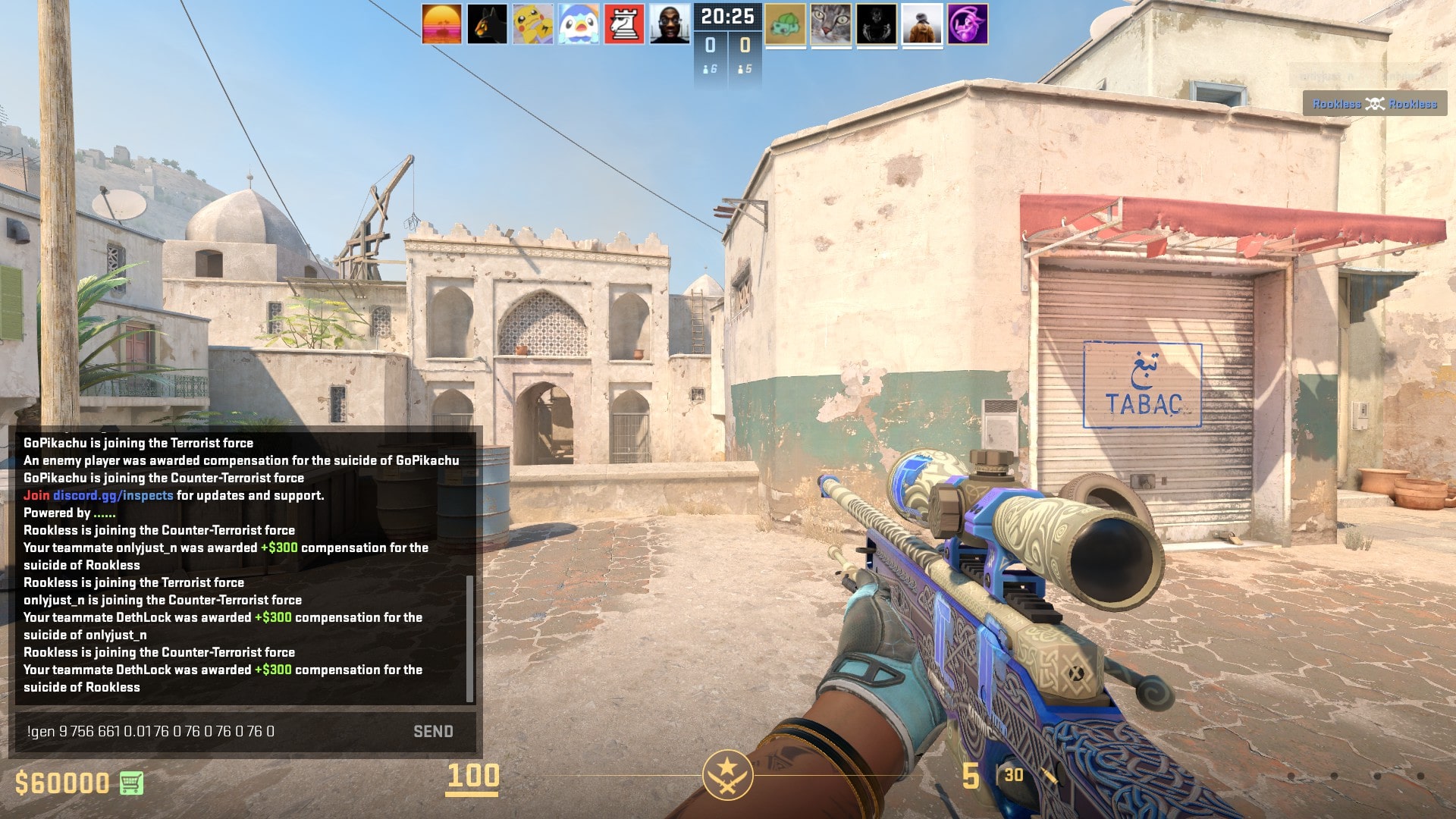
Most inspect servers support commands similar to:
!i INSPECT-LINK
For custom skins, you may see commands such as:
!gen CODE
or
!g CODE
The exact command depends on the server network you’re using.
Once entered, the server equips the skin for you.
Now you can actually run around with it, inspect it and see how it looks on a real CS2 map.
CS2 Skin Server Commands
Commands vary slightly between servers, but these are some of the ones you’ll commonly run into:
| Command | What It Does |
|---|---|
| !i | Loads a skin using an inspect link |
| !gen / !g | Loads a generated skin configuration |
| !skin | Changes the weapon skin on supported servers |
| !wear | Changes the skin’s float/wear |
| !seed | Changes the pattern seed |
| !phase | Changes Doppler phases |
| !sticker | Adds or changes stickers |
Not every server uses every command.
If you’re using generated codes specifically, read our CS2 Gen Codes guide because that method gives you much more control over custom skins.
Inspect Link vs Gen Code: Which Should You Use?
They are useful for slightly different things.
Use an inspect link when:
You’re looking at an actual skin that is already listed somewhere.
An inspect link can let you preview the exact item, including characteristics such as its float, pattern and applied stickers.
This is what I’d use before buying an expensive knife, patterned skin or sticker craft.
Use a gen code when:
You want to build something that doesn’t necessarily exist yet.
For example, maybe you’re trying to see:
Karambit Doppler + Sport Gloves
or
AK-47 Slate + a custom five-sticker craft
A generator lets you build that combination first and then load it on an inspect server.
It can save you from spending money on a combination that looked better in your head than it does in-game.
What Should You Check on an Inspect Server?
Don’t just spawn the skin, press inspect once and leave.
There are a few things worth checking.
Float and Wear
Look at the actual scratches and wear rather than only the exterior name.
Two Minimal Wear skins can still have noticeably different floats.
A 0.071 skin is very different from one sitting close to 0.15 even though both are technically Minimal Wear.
Our CS2 float guide goes deeper into those ranges.
Pattern Seed
For most skins, pattern seed isn’t something you need to obsess over.
For certain skins, however, it can completely change the item.
Case Hardened Blue Gems are the obvious example, but pattern can also matter on Fades, Crimson Webs and several other finishes.
If you’re buying something where the seller is asking for pattern overpay, check the exact seed yourself. Our CS2 Pattern Index guide explains which patterns are actually worth paying attention to.
Knife Animations
This is one of the best reasons to use a skin server.
You don’t really understand how a knife feels from a marketplace image.
Pull it out a few times. Run with it. Inspect it. Switch between your primary weapon and knife.
The Butterfly Knife, Karambit, Skeleton Knife and Stiletto all feel completely different in-game.
If you’re still deciding which knife you actually want, our CS2 Knife Tier List ranks every knife model, while our guide to the cheapest knives in CS2 covers the budget side.
Stickers
Sticker placement is another thing screenshots don’t always show properly.
Move around different parts of the map and check the craft under different lighting.
Some stickers look incredible in direct light and much less interesting in darker areas.
If you’re building your own combination, test it before applying anything. We have a list of CS2 sticker craft ideas if you need inspiration.
And if you’re buying an existing craft, remember that an expensive sticker does not automatically make the skin worth the skin price plus the full sticker price. We explain that in our guide on how stickers affect CS2 skin value.
Can You Test Knives and Gloves Together?
Yes.
This is actually one of the most useful things to do on a CS2 skin server.
A glove and knife combination can look perfect in separate screenshots and then clash once they’re equipped together.
Try different finishes, wear levels and patterns until the colors actually match.
If you’re spending hundreds or thousands on a loadout, spending a few minutes testing it first makes sense.
CS2 Inspect Server vs Normal Inspect
CS2’s normal inspect feature is fine if you only want to look at a skin.
An inspect server gives you much more context.
You can:
- Walk around with the item
- See it under different map lighting
- Test pullout and inspect animations
- Combine knives and gloves
- Preview sticker crafts
- Change patterns and float values
- See what the skin feels like during normal movement
For a cheap playskin, that might not matter much.
For an expensive knife, rare pattern or custom craft, it can make a huge difference.
Are CS2 Skin Inspect Servers Safe?
A normal inspect server does not permanently give you free skins.
It simply lets you preview cosmetics while you’re connected to that community server.
That’s also why you should separate inspect servers from downloadable skin changers.
You do not need to install software that modifies your game just to see what a skin looks like.
Be careful with random websites or downloads that ask for your Steam credentials. You should never need to hand a stranger your password just to preview a skin.
If you’re planning to actually buy the item afterward, compare the skin carefully before trading. Our CS2 skin trading guide covers the basics, and our guide on saving money on CS2 skins has some useful checks before purchasing.
Can You Keep Skins From an Inspect Server?
No.
The skins you generate on an inspect server stay on that server.
They are not added to your Steam inventory and you cannot take them into Premier, Competitive or other official matches.
Think of an inspect server as a fitting room.
You can try almost anything on, but you don’t own it when you leave.
Why Test a Skin Before Buying It?
Because CS2 skins have more variation than they first appear to.
Rarity, float, pattern, stickers and special variants can all affect how an item looks and what people are willing to pay for it.
If you’re new to the skin system, our CS2 Skin Rarity guide is a good place to start.
And if you’re experimenting with skins you already own, there are other ways to change your inventory besides selling them. For example, CS2 Trade Up Contracts let you exchange lower-rarity items for a higher-rarity result, while a CS2 skin upgrader works differently by letting you risk value toward a chosen target.
For buying, though, the rule is simple:
Inspect the exact skin whenever possible before spending serious money on it.
A CS2 skin server makes that easy.
CS2 Skin Server FAQ
What is the best CS2 server for testing skins?
There isn’t one permanent server address that will always be the best. Networks such as CS2Inspects/Epidemic operate multiple inspect servers across different maps and regions, and availability changes over time. Use their current server list and pick a server with a good connection to you.
Can I inspect a CS2 skin I don’t own?
Yes. Inspect servers are specifically useful for previewing skins you don’t own. You can usually use either an inspect link or a generated skin code.
Can I try knives for free in CS2?
You can preview knives for free on compatible community inspect servers. The knife is temporary and only exists while you’re on that server.
Can I test different CS2 pattern seeds?
Yes. Many skin inspect servers allow you to change the pattern seed, making them useful for checking Case Hardened patterns, Fades and other pattern-dependent skins.
Can I test sticker crafts before applying the stickers?
Yes. This is one of the best uses for an inspect server. Build the craft with a compatible generator, load it onto the server and see how it actually looks before applying expensive stickers.
Do inspect-server skins appear in my Steam inventory?
No. Inspect-server cosmetics are temporary. They do not become real Steam inventory items.