

By Rob | Updated November 6, 2026
FACEIT automatic server matching selects your CS2 match server using connection data instead of your saved location preferences. A November beta precedes the full release with Season 10 on December 9, 2026. faceit.com
If you regularly queue with friends in different places, server choice can be a compromise before the match even starts. This update changes who makes that decision on FACEIT’s competitive CS2 platform. Here is how to try it and what control you keep.
When does FACEIT automatic server matching start?
The official Season 10 announcement confirms December 9 as the launch date. The beta lets players try automatic selection before that release.
| Stage | Timing | What to expect |
|---|---|---|
| Beta | November 2026 | Testing in North America and Europe, with an option to leave |
| Season 10 launch | December 9, 2026 | Automatic matching replaces manual server preferences |
Keep those stages separate when changing your settings. Being able to disable a test feature before release does not establish that the same switch will remain afterward.
How to enable or disable the FACEIT beta
FACEIT’s rollout announcement directs players to their queue settings:
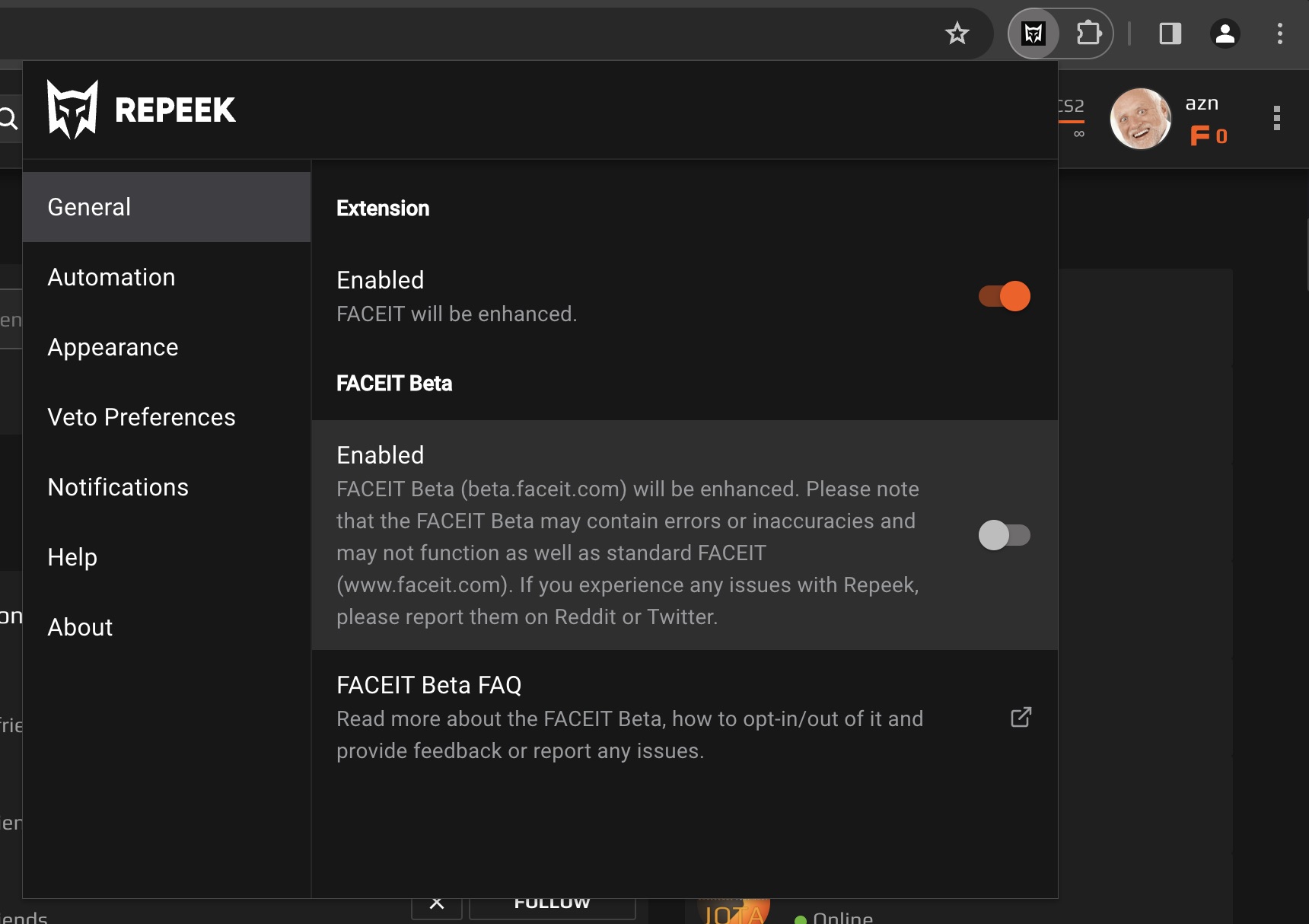
- Open the queue settings for CS2 on FACEIT.
- Find the automatic server matching beta option and enable it to participate.
- To leave the test, return to the same setting and disable it.
Some players enter the first wave automatically, so check your setting before assuming you opted in yourself. Changes apply from your next queue. While participating, your saved manual server preferences do not determine the location. faceit.com
How does the connection score work?
FACEIT evaluates locations using your party’s current and historical ping, jitter and packet loss. These measurements describe different parts of a connection: faceit.com
- Ping: the time data takes to travel to the server and back.
- Jitter: variation in that delay.
- Packet loss: data that fails to reach its destination.
A low ping number alone cannot describe all three. If your connection feels uneven despite an ordinary ping reading, our guide to net jitter in CS2 explains what to investigate.
Write down the symptom you are actually comparing: a larger delay, inconsistent delay or missing data. Treating every problem as “high ping” makes it harder to explain what changed between servers.
For example, imagine comparing a nearby location with inconsistent delivery against a slightly more distant one with steady delivery. That illustrates why evaluating connection quality requires more than sorting a list by ping.
Can you still choose or ban a server?
Your party retains 1 free location ban, but cannot force a specific server. FACEIT filters unsuitable locations and considers match balance and queue times alongside connection quality. The selected location therefore might not be your closest one. support.faceit.com
Before queuing with friends, agree on which location the party should exclude. Check everyone’s connection rather than basing that choice entirely on the party leader’s ping.
Why is a priority server locked?
Some locations can be reserved for Premium and Super matches when demand approaches capacity. A lock identifies that restriction. Outside reserved periods, ordinary matches can use those priority locations too. support.faceit.com
A locked location is an access restriction; it does not diagnose a problem with your home internet.
Does automatic matching change your Elo?
Beta matches count toward your FACEIT Elo and statistics normally. Season 10’s soft Elo reset is a separate seasonal change. For the rating thresholds, see our FACEIT ranks and levels guide. ESEA League server selection remains unchanged. support.faceit.com
These details follow FACEIT’s official automatic server matching FAQ.
How to judge whether the beta helps
Compare several matches with the same party and similar playing times. Note the chosen location, ping, connection interruptions and whether problems affect one player or everyone. One rough round is a poor basis for judging the whole system.
For a useful comparison, note changes in your own setup too. Switching from Wi-Fi to Ethernet, starting a large download or changing who you queue with introduces another variable. Keep those conditions steady where possible so you can judge server selection without attributing every improvement or setback to the beta.
Use that record to decide whether to stay in the beta. If interruptions persist across locations, work through our CS2 packet loss checks before changing more settings.