Last checked: October 19, 2026
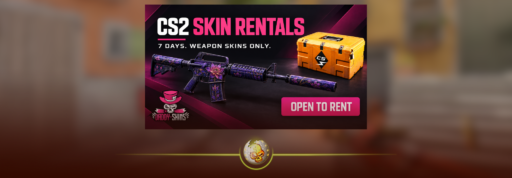
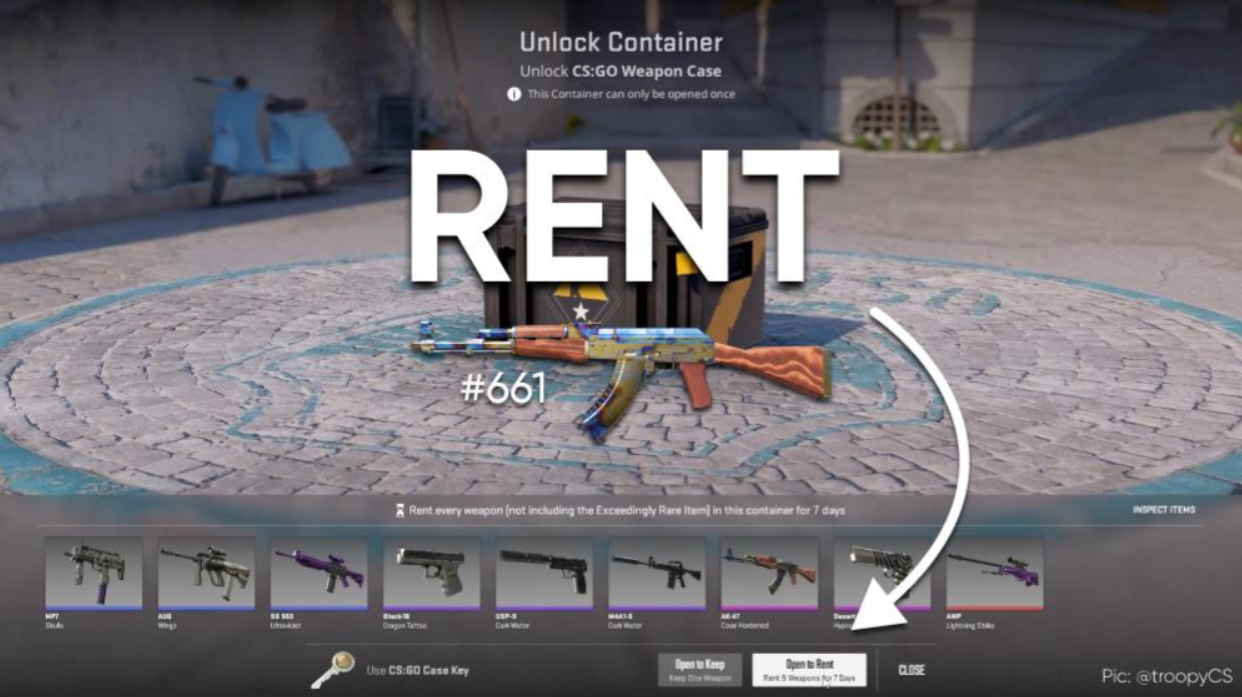
To rent skins in CS2, open a weapon case and choose “Open to Rent.” You get its weapon skins for seven days. The case and key are consumed, and knives or gloves are not included.
You can use the skins in matches, but you cannot sell them or keep them after the rental expires.
CS2 skin rentals at a glance
| Question | Quick answer |
|---|---|
| How long do rentals last? | Seven days |
| What do you pay? | One case plus its matching key |
| Are knives or gloves included? | No |
| Can you sell or trade the skins? | No |
| Can you add stickers or a Name Tag? | No |
| Can you get StatTrak? | No |
How to rent skins in CS2
- Launch CS2 and open your inventory.
- Select a weapon case and open its unlocking screen.
- Buy the matching key through the game if you need one.
- Choose Open to Rent and confirm the purchase.
- Equip the rented skins from your in-game inventory.
Check the option before confirming. Open to Keep gives you one random item to keep. Open to Rent gives you temporary access to the case’s weapon collection. Weapon rentals
How much does renting CS2 skins cost?
Your rental cost is the case price plus the key price.
For example, a $0.50 case and a $2.50 key would cost $3.00 for the week. Those are example prices. Check the actual total in your Steam currency before confirming.
Already have a case? You still give it up when renting, so include its value when comparing options.
An expensive case can make a rental surprisingly costly. Compare our cheapest CS2 cases before choosing, then check current Steam prices.
Which cases can you rent skins from?
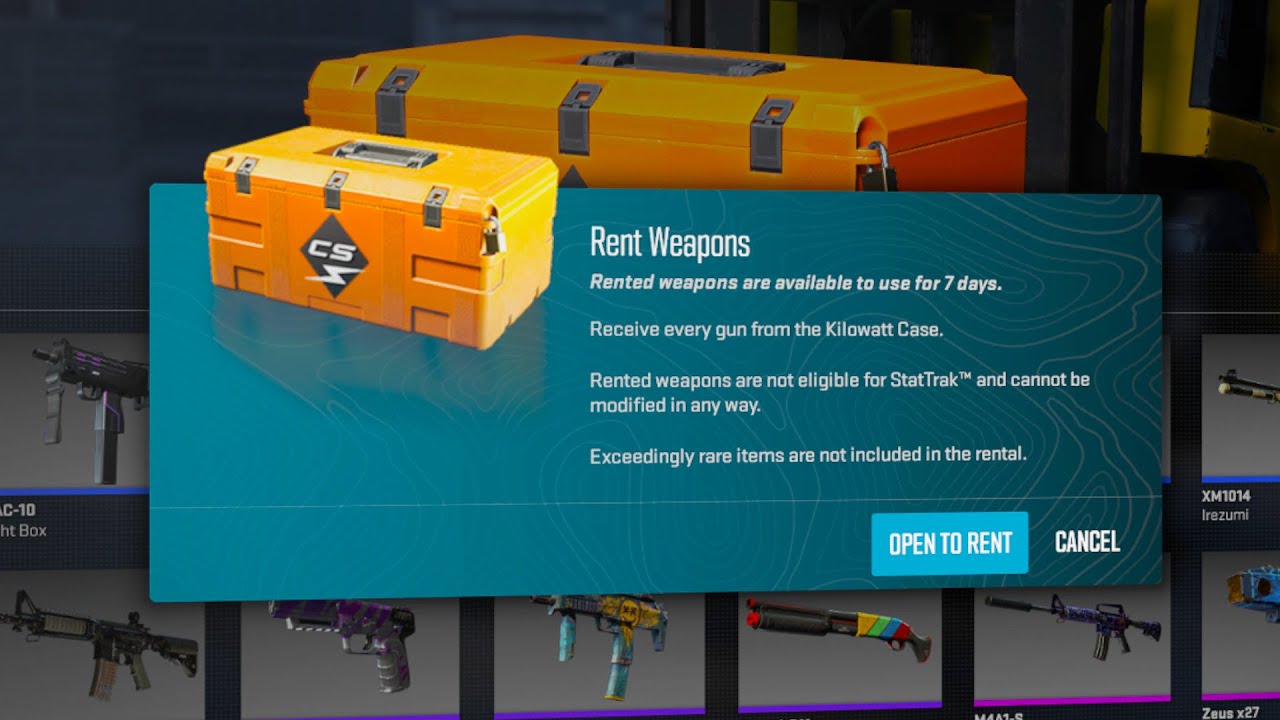
According to Steam’s weapon rental FAQ, every CS2 weapon case supports rentals. The feature is no longer limited to Kilowatt. Weapon rentals
Check the weapon lineup before spending anything. Choose a collection with several skins you actually want to use.
What can’t you do with rented skins?
Rented skins cannot be sold, traded or customized. You cannot add stickers or Name Tags, and rental weapons do not have StatTrak.
You also cannot choose the wear. It is randomized, so renting does not guarantee a Factory New skin. Our CS2 float and wear guide explains what those condition labels mean. Weapon rentals
Renting a knife case does not give you its knife. For permanent Butterfly Knife sources, see which CS2 cases contain Butterfly Knives.
What happens when the rental ends?
After seven days, you lose access to the rental skins. Equipped rental weapons revert to their stock versions. You can check the remaining rental time inside CS2.
The case and key are not returned. Valve says weapon rentals are non-refundable.
Can’t find the rentals in your Steam inventory? That is intentional. They appear in your in-game CS2 inventory, not your public Steam inventory. Weapon rentals
Is renting CS2 skins worth it?
Renting can make sense if you want to try several skins for a week. If you only want one inexpensive skin, compare its direct purchase price first.
Planning to rent repeatedly? Add up the cost over the time you expect to play. A cheap weekly rental can become an expensive habit.
Pick based on the skins you want to use and the total you are comfortable spending.