Last updated: October 6, 2026
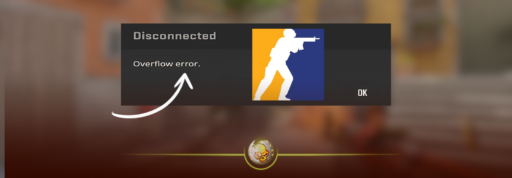
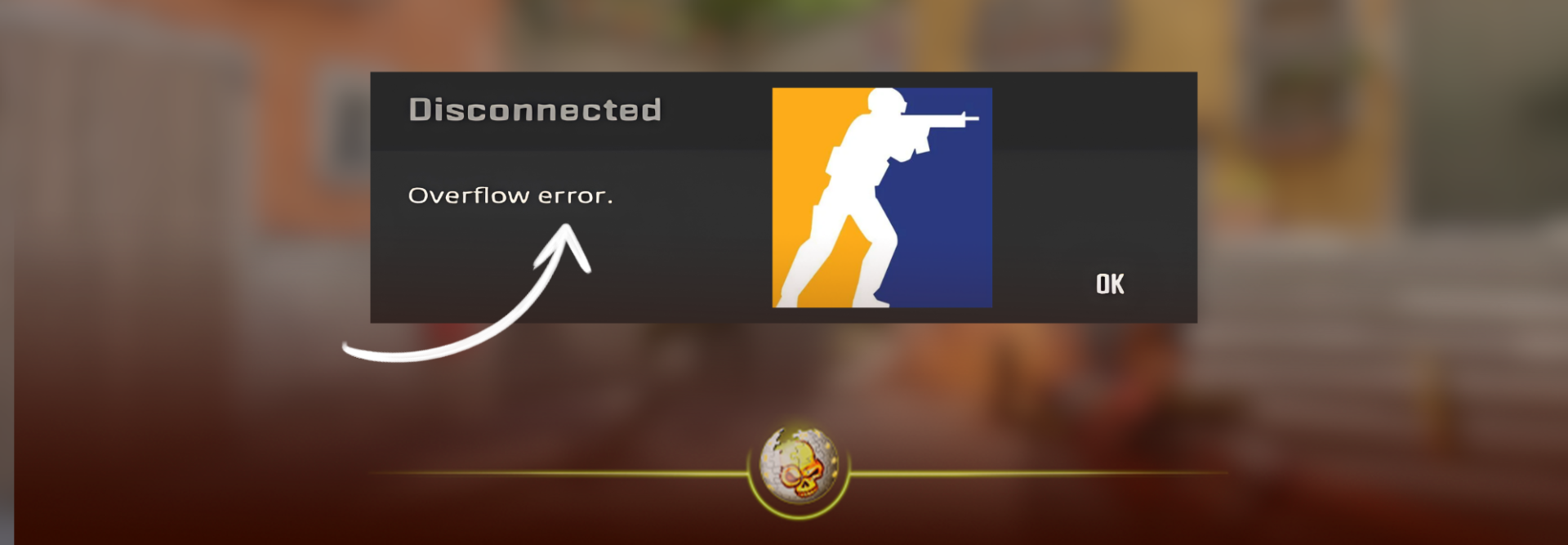
If CS2 suddenly started kicking you out of matches with an “Overflow Error,” you’re not the only one.
Players began reporting the error heavily on October 6 after the latest Counter-Strike 2 update. Some are being disconnected once or twice, while others say it happens almost every round.
The strange part is that multiple players in the same match are sometimes getting kicked, which makes this look different from a normal internet problem. Reddit
Quick answer: There is no confirmed permanent fix for the new CS2 Overflow Error yet. Restarting CS2 and Steam, checking your game files and removing recently downloaded Workshop maps are the main things worth trying. If the problem only started after the latest update, you may need to wait for Valve to patch it.
What Is the CS2 Overflow Error?
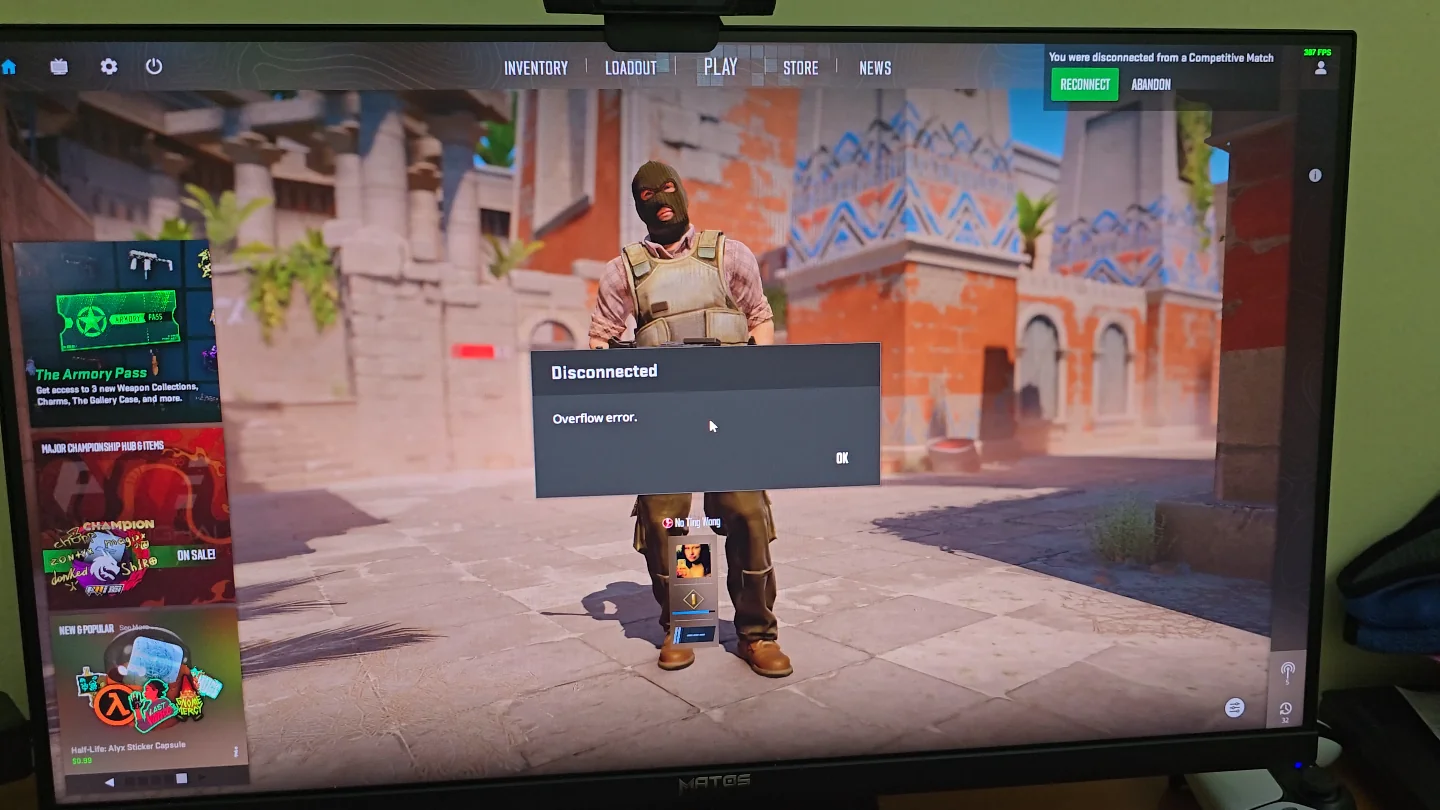
The Overflow Error disconnects you from your current CS2 match and usually sends you back to the menu.
The error itself isn’t completely new. Players have reported versions of it before, but there has been a noticeable spike in reports immediately after the latest update. Some players who say they had never seen the error before are now getting kicked repeatedly across Competitive, Premier, Casual and Deathmatch. Reddit
That timing is why so many players currently think the newest CS2 patch is involved.
Valve’s latest update made a few behind-the-scenes changes, including adjusting Vulkan shader cache extension flags and adding new controls for downloaded Workshop maps. Valve has not said that either change is causing the Overflow Error, so we wouldn’t call the exact cause confirmed yet. Steam Store
How to Fix the CS2 Overflow Error
There isn’t one fix that is working for everybody right now, but these are the things we would try first.
1. Restart CS2 and Steam completely
Don’t just leave the match and reconnect.
Close CS2, fully exit Steam and then reopen it. Check your Downloads page as well in case Valve has already pushed a small follow-up update.
When a problem suddenly appears after a patch, a quick hotfix can sometimes arrive without much warning.
If Steam is telling you that your version of CS2 is outdated, our CS2 Client Needs to Update guide covers that problem separately.
2. Verify your CS2 game files
Go to:
Steam → Library → Counter-Strike 2 → Properties → Installed Files → Verify integrity of game files
This checks whether the latest update left you with a missing or damaged file.
It’s worth doing, but don’t expect it to work for everyone. Players experiencing today’s Overflow Error have reported that verifying their files did not always stop the disconnects. Reddit
If CS2 is actually crashing rather than disconnecting, try our CS2 crashing fixes instead.
3. Try removing downloaded Workshop maps
This is the most interesting community fix being shared right now.
Some players have suggested unsubscribing from recently downloaded Workshop maps and then restarting the game. Valve also happened to change how downloaded Workshop maps are managed in the latest patch. Reddit
That does not prove Workshop maps are causing the Overflow Error, but if you have a lot of custom maps installed, it is an easy thing to test.
If your problem is specifically joining Workshop or multiplayer servers, see our CS2 Unable to Establish Connection fix.
4. Try capping your FPS
Another workaround players have mentioned is lowering or capping FPS.
Open the developer console and try:
fps_max 400
Then play normally and see whether the error returns.
This has been suggested for older Overflow Error problems as well, but results are mixed. Players affected by the October 6 issue have reported that it works for some setups and does nothing for others. Reddit
So we would treat this as something to test rather than a guaranteed fix.
Is the New CS2 Overflow Error Server-Side?
It certainly could be, at least for some players.
One of the biggest clues is that people are reporting multiple players being disconnected from the same game. Some users have also tried verifying files, restarting their PC and changing FPS settings without fixing it. Reddit
That makes it difficult to blame every case on one player’s PC or internet connection.
Right now, the safest explanation is that something changed around the latest CS2 update that is triggering Overflow Errors for more players than usual, but Valve has not publicly confirmed the cause.
We would avoid reinstalling your entire game immediately.
If basic troubleshooting doesn’t work and the error only began today, waiting for another CS2 update may end up being the real fix.
Did the October 6 CS2 Update Cause the Overflow Error?
There is a strong timing connection, but it has not been officially confirmed.
Valve’s latest patch included Workshop and shader-cache changes, and players began reporting repeated Overflow Errors almost immediately afterward. Steam Store
That doesn’t mean the shader cache or Workshop changes are definitely responsible.
Until Valve says what happened or releases a fix, anyone claiming to know the exact technical cause is mostly guessing.
For now, keep CS2 and Steam updated, try the fixes above and watch for another patch.
We’ll update this article once Valve confirms the cause or a reliable fix is found.
You can also check our CS2 Update Log for the latest Counter-Strike 2 changes.