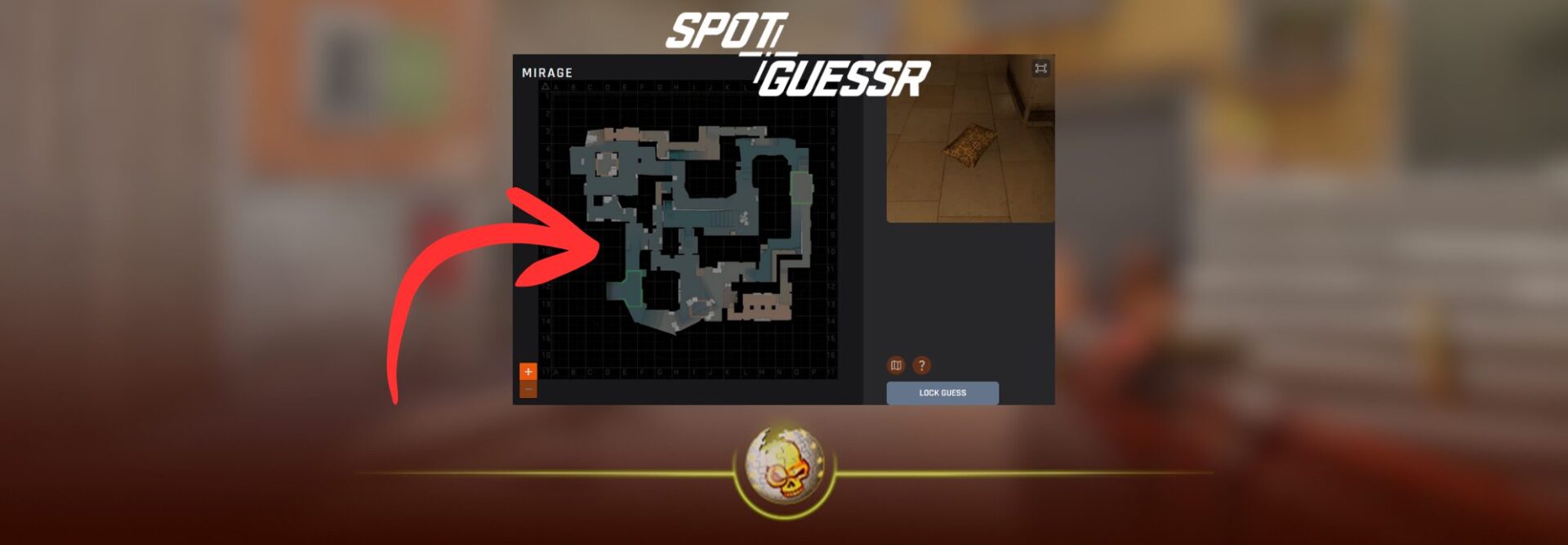
Everything you need to know, how it works, where to play, and how to use it to get better on CS2 maps
If you keep seeing SpotGuessr CS2 pop up, here’s the simplest explanation:
SpotGuessr is basically GeoGuessr, but instead of guessing a real world location, you guess where a screenshot was taken on a Counter Strike map. It is a fast map knowledge test that turns callouts, landmarks, textures, and angles into a game.
This is exactly why it trends:
It is super watchable as content, and it is genuinely useful practice for players who want cleaner rotations, faster mid round decisions, and better awareness on every map.
What is SpotGuessr CS2
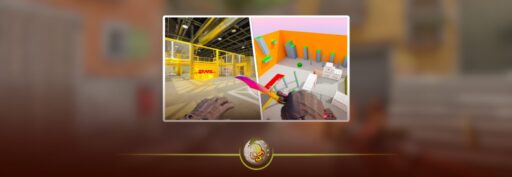
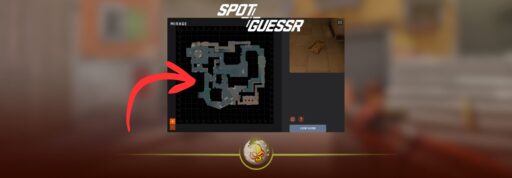
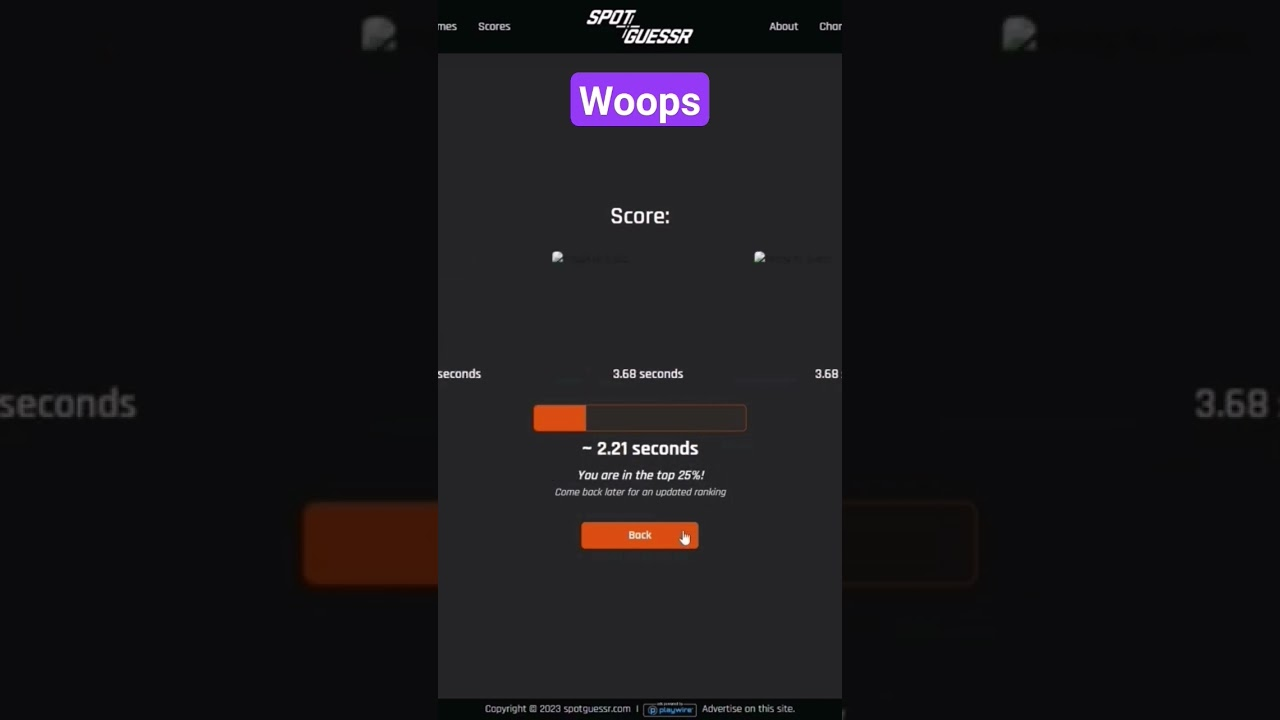
SpotGuessr is a browser game built around in game screenshots. You get a small image from a map and you click the spot you think it is on a map layout. The closer you are, the more points you get.
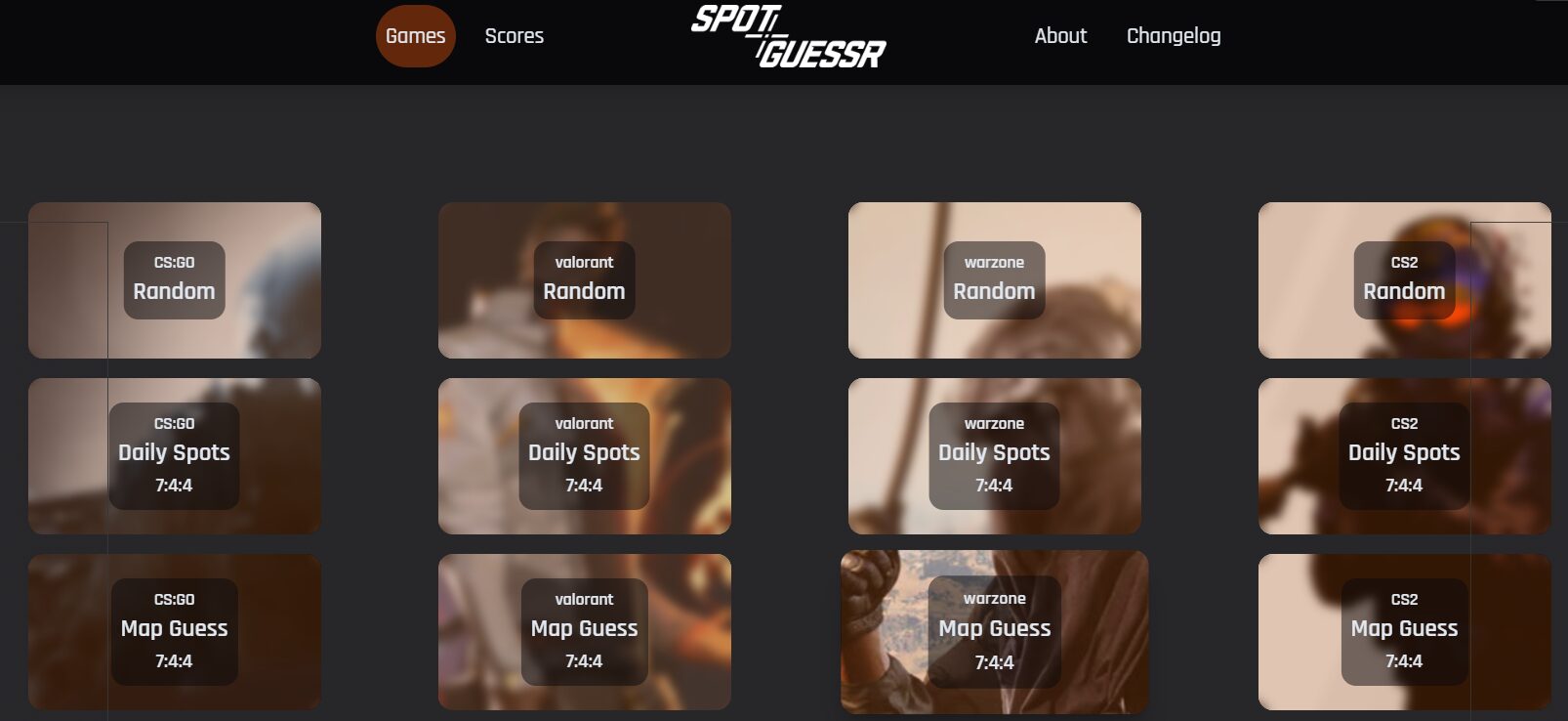
SpotGuessr supports multiple games, including Counter Strike 2, and it offers multiple modes like Random, Daily, and Map Guess.
Where to play SpotGuessr CS2
Option 1
SpotGuessr itself
Go to SpotGuessr and use the Games menu to choose the CS2 section. The site lists CS2 modes right on the home page.
Important practical note
When we checked the CS2 mode links directly, they returned a 404 page at that moment. If you hit that too, try navigating from the main Games menu instead of opening a mode link directly, or use one of the alternatives below until it is back.
Option 2
BLAST has a similar mini game experience
BLAST hosts a CS guessing mini game area that scratches the same itch for quick map knowledge challenges and daily style engagement.
Option 3
Other daily CS2 guessing sites
There are also daily CS2 challenge sites that focus on CS knowledge instead of pure map spotting, which can still be great for SEO internal linking and session time.
How SpotGuessr works
The core loop is simple
1 You get an image from a map
2 You click where you think it is on the map
3 You get a score based on accuracy and sometimes time, depending on the mode
What makes it hard is also what makes it good practice
CS maps reuse textures, props, and lighting tricks. SpotGuessr forces you to notice what actually distinguishes one area from another.
The game modes explained
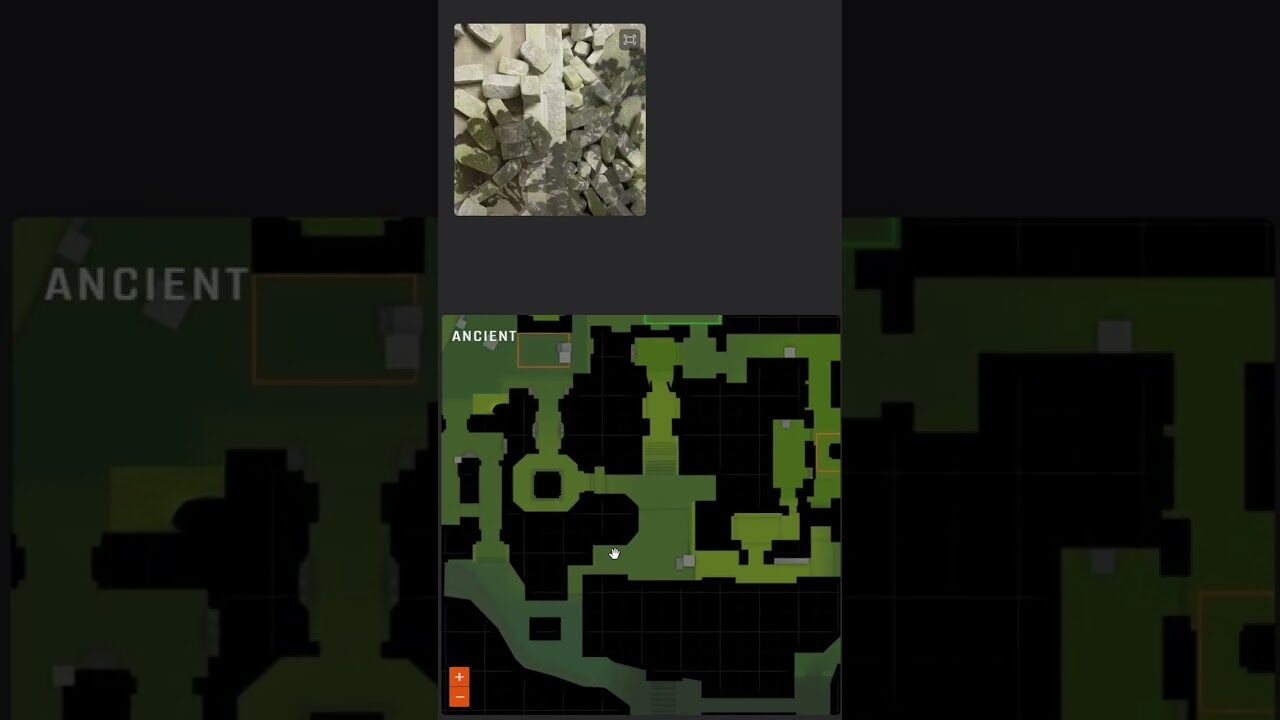
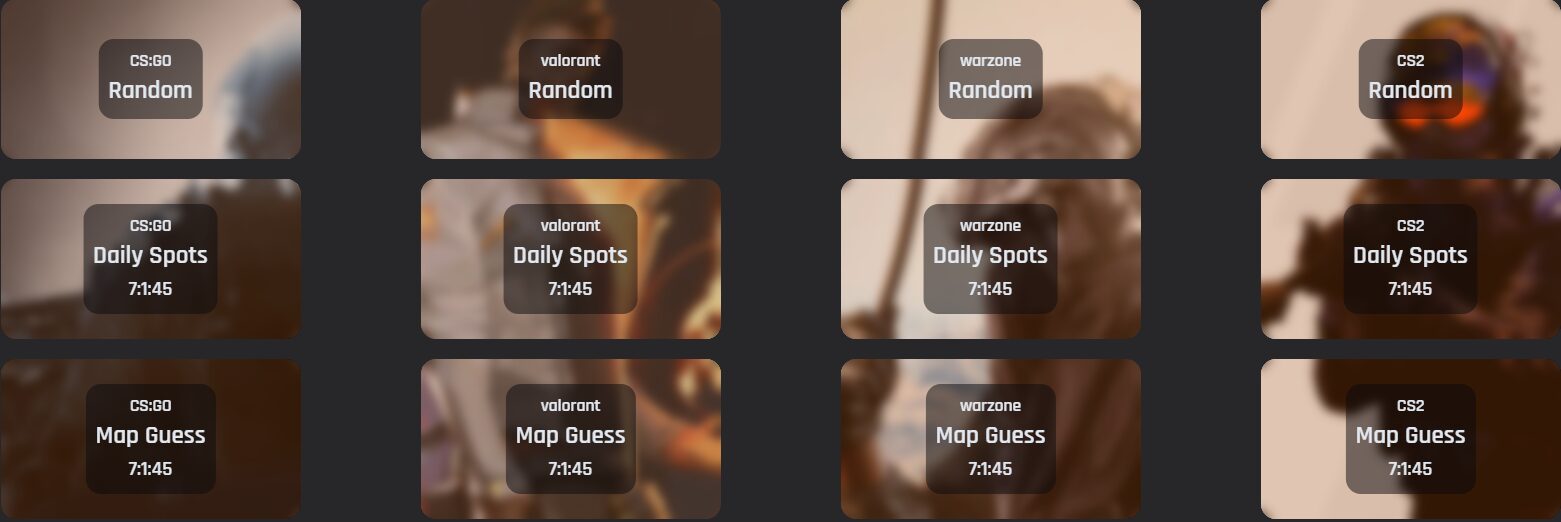
SpotGuessr describes three main modes
Random
You choose maps and guess random spots. This is the pure training mode.
Daily
You get three new spots every day and you can compare yourself against other players.
Map Guess
A time based mode where a blurred image of a map becomes clearer and you try to identify the map as early as possible, with rankings.
Why SpotGuessr CS2 is actually useful
SpotGuessr is not just a gimmick. It trains the exact mental skills that separate decent players from players who always seem to be in the right place.
It improves your “instant location recognition”
In real matches you do not get a clean callout every time. You get partial info
A footstep
A single bullet tracer
A teammate saying “I saw him near boxes”
SpotGuessr trains you to anchor that vague info to a real spot faster.
It makes callouts easier to learn and remember
If you want to learn maps properly, you need to connect
Visual landmark
Callout name
Angles that matter
Rotations from that spot
SpotGuessr starts with the visual landmark, which is usually the missing piece for newer players.
It upgrades your mid round decisions
A big part of good CS2 is knowing where someone can be based on what you have seen. The faster you can identify locations, the faster you can decide
Rotate
Hold
Re take space
Save
A practical guide to getting higher scores
Here are the cues that matter most. The goal is to build a simple checklist in your head.
1 Look for unique geometry first
Stairs shape
Archways
Doorframe type
Ceiling height
Railings
Even if textures are reused, geometry usually gives the strongest signal.
2 Then use “prop combos”
One crate alone means nothing.
A specific stack of crates next to a specific door and a specific wall sign is a fingerprint.
3 Use lighting and skybox clues
Indoor versus outdoor
Warm light versus cool light
Hard shadows versus flat shade
These can separate areas that look similar.
4 Use material and texture tells
Some areas have distinct tile, brick, plaster, or graffiti patterns. If you train yourself to notice these, your accuracy jumps.
5 When in doubt, guess center mass of the landmark
A common scoring tip is to click the center of what the image is really showing
If it is a door or graffiti, click the center of that object on the map.
SpotGuessr CS2 as a warmup routine
If you want to turn this into real improvement, do not just spam rounds. Do it in a way that transfers to actual matches.
10 minute routine
1 Play Daily first so you have a consistent benchmark
2 Do 10 Random rounds on two maps you actually queue
3 Write down 3 misses and why you missed them
4 In game, open the map in practice and walk to those spots once
That last step is the secret
You turn a guessing miss into a permanent memory.
Why it is trending right now
The format is perfect for short form content
You show the screenshot
You give 3 seconds to guess
You reveal the answer
You clown your friend for missing a super obvious landmark
That is why you keep seeing “daily SpotGuessr” style uploads and challenge videos across platforms.
It also fits pro and creator content
Teams and creators can do it together as a quick segment, and viewers can play along instantly.
Read More From Daddyskins
- CS2 Mic Not Working – How to Fix in 2 Minutes
- How to Reverse Trade CS2
- How to Trade Up to a Knife in CS2: Complete Step-by-Step Trade-Up Guide (2025 Update)
- CS2 Trade Reversal Guide: How to Undo a Steam Trade?
- CS2 Cheapest Mil Spec Skins To Start A Trade Up Path To Covert
- CS2 Trade up Calculator (How Do They Work)
- CS2 Trade Up Odds From Covert To Knives, Explained
- Who is Donk CS2?
- Cheapest Coverts CS2 to Upgrade (UPDATED, November)
- Are CS2 Skins Still a Good Investment in 2025
- Is CS2 Down How To Check Server Status Instantly
- Knife and Glove Trade Ups in CS2 How to Turn 5 Covert Skins into a Specific Item
- CS2 Skin Float and Wear Explained Full Guide to Float Values, Wear Ratings, and Prices
- CS2 Skin Trading for Beginners
- How to Show FPS in CS2?
- Best CS2 Plays of 2025
- Best CS2 Settings Guide 2026
- Where To Watch The Grand Final Of The StarLadder Budapest Major CS2
- How to Unlock Premier Mode in CS2
- Cheapest CS2 Gloves 2025 [UPDATED]
- Prediction for MOUZ vs FaZe — StarLadder Budapest Major 2025 Playoffs
- CS2 Trade up Contracts Full Guide
- CS2 Major Budapest Results Vitality Win StarLadder Major Back to Back
- How to test skins in CS2 before buying them
- How to Get the 2025 Service Medal in CS2
- What Is Follow Recoil in CS2 Guide for Better Spray Control
- Abertura de Caixas CS2: Guia Completo
- DaddySkins Interview
- CS2 Removes All Rare Case Drops From the Active Drop Pool
- Cheapest Red Skins CS2 (UPDATED)
- Top 5 Rarest CS2 Cases Right Now
- CS2 Removing Cases by 2026
- ropz CS2 Settings, Crosshair, Config & Gear (2025)
- CS2 to Valorant Sens Converter How to Match Your Sensitivity Exactly
- What Is ADR in CS2? Damage Per Round Explained Simply
- Wingman Ranks in CS2: Full Guide [2026]
- CS2 developers hint at Cache returning in 2026
- CS2 Premier Season 3 end date and Season 4 start date
- How to Fix Packet Loss in CS2 (2026)
- 100 Thieves CS2 is back and the roster is now complete
- RYU CS2 Player Profile & Biography
- CS2 Bunny Hop Command