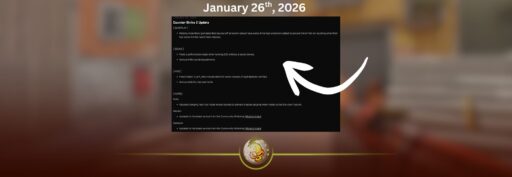
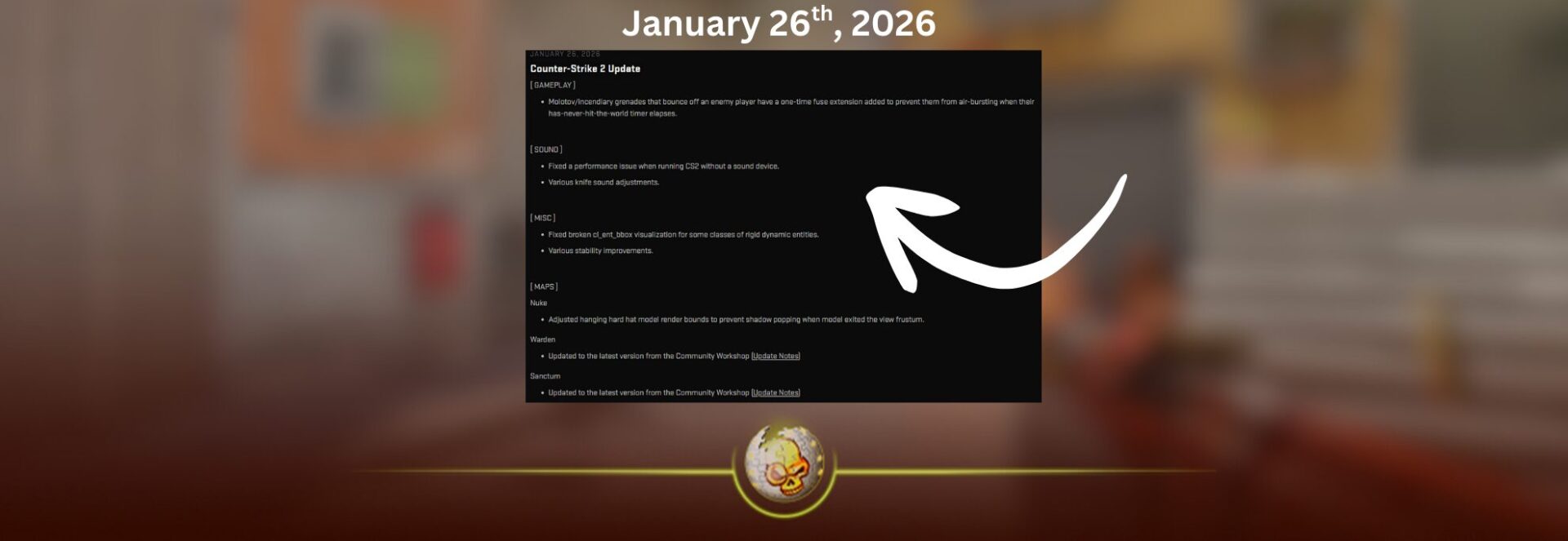
If you logged in and saw a small download, you are not imagining it. The CS2 update today, dated January 27, 2026, is a compact quality of life patch that still touches gameplay, performance, audio, stability, and a few maps. It is the kind of update that does not scream “new season,” but it quietly fixes annoying edge cases that can decide rounds.
One quick note on timing: Valve lists these notes in UTC, so depending on your region you might have seen it land late on January 26 or early January 27.
What changed in the CS2 update today
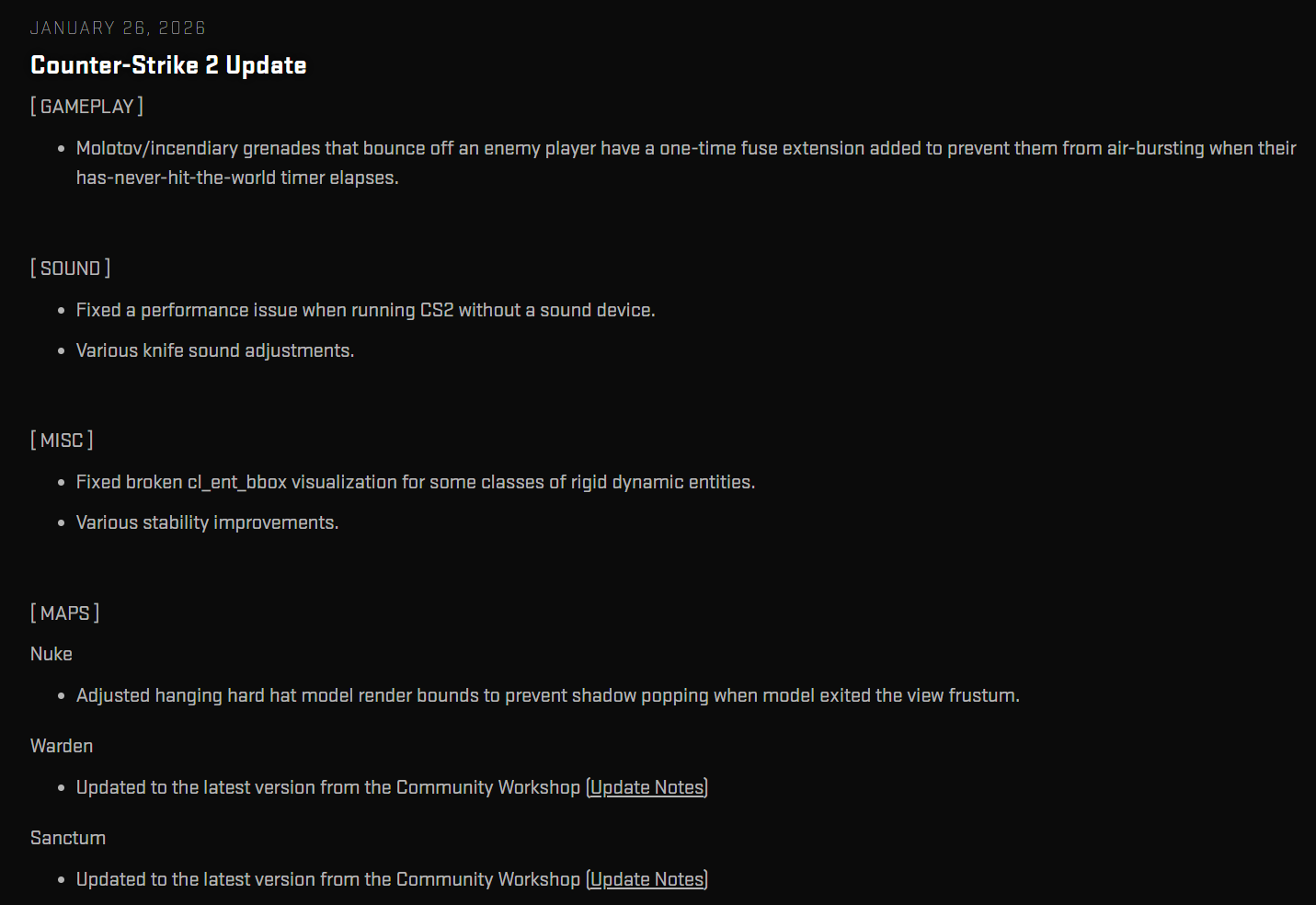
Here is the big picture of what Valve changed:
1 Gameplay adjustment to Molotov and incendiary behavior after bouncing off a player
2 A performance fix for a specific audio hardware setup
3 Knife audio adjustments
4 Fix for a debug visualization command and general stability work
5 Small updates for Nuke and two workshop maps, Warden and Sanctum
Now let’s break down every part in plain English and what it means when you actually play.
Gameplay changes in the CS2 update today
Molotov and incendiary grenades get a safety fuse extension after a player bounce
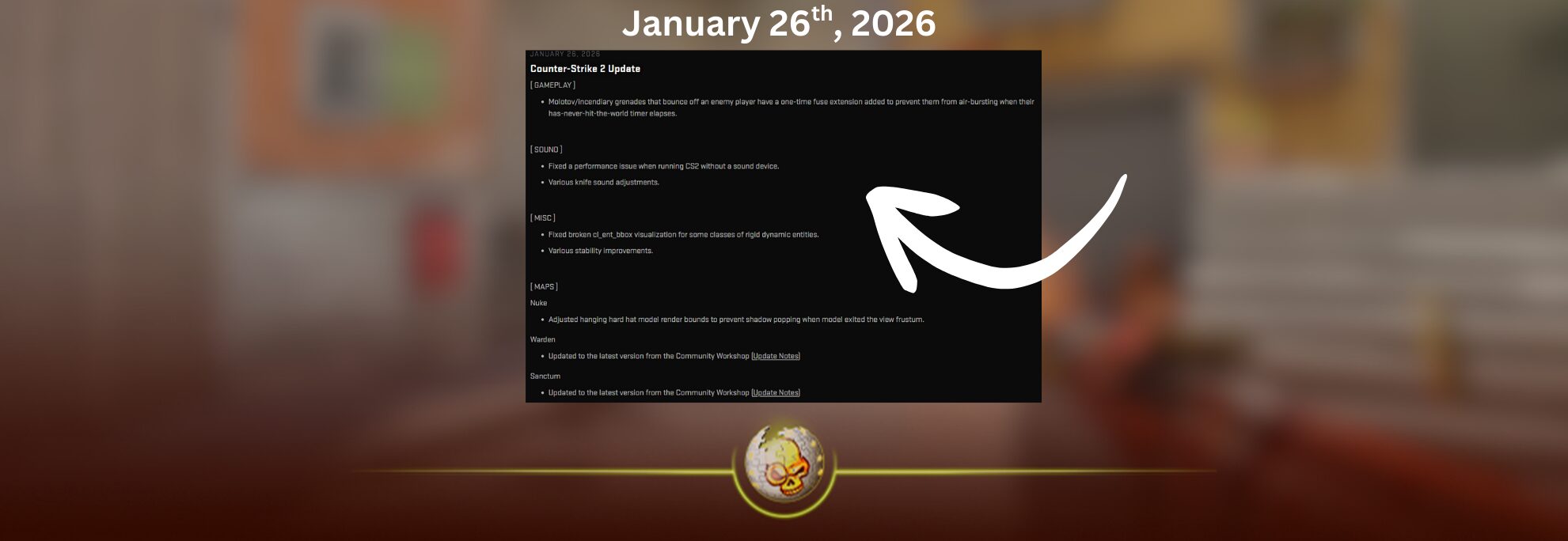
Patch note summary: Molotov and incendiary grenades that bounce off an enemy player now get a one time fuse extension so they do not “air burst” when a timer expires without ever touching the world.

What that means in real matches
Sometimes a Molotov or incendiary could clip a player model while it is mid flight and never properly “count” as having hit the ground. There is a specific internal timer mentioned in the patch note, basically a failsafe for grenades that have not collided with the world. The problem is that when the grenade is still in the air after bouncing off a player, that timer could expire and the Molotov could pop in the air instead of landing and spreading fire where you intended.
With the CS2 update today, Valve added a one time fuse extension in that exact situation. So if your Molotov clips an enemy and bounces, it is less likely to explode mid air and waste the utility.
Why you should care
This is a small change that affects consistency, and consistency is everything in CS. It matters most in tight choke points, close range executes, and chaotic retakes where bodies are stacked in doorways and ramps.
Practical impact you will feel
1 More reliable close range Molotov throws that skim past an enemy
2 Less random “why did my Molotov pop early” moments
3 Slightly more predictable utility for both sides, which is good for competitive integrity
If you make content around grenades or teach lineups, this is worth mentioning because it explains a specific weird failure case.
Sound changes in the CS2 update today
Performance fix when running CS2 without a sound device
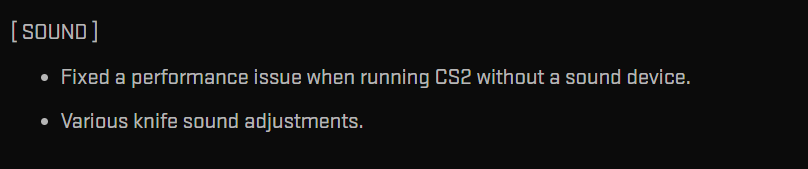
Patch note summary: Fixed a performance issue when running CS2 without a sound device.
Who this affects
Most players will never intentionally run without an audio device, but there are real scenarios where Windows or Linux can report no active sound output:
1 Remote desktop setups
2 Certain virtual machines
3 Misconfigured drivers
4 Streamer or tournament rigs where the default output gets disabled or swapped
5 Headless style setups and some capture workflows
If your system ends up in a “no sound device” state, CS2 could take a performance hit. The CS2 update today fixes that, which is basically Valve saying “the game should not slow down just because your audio output is missing.”
What you might notice
If you were one of the unlucky people hitting this bug, you might see smoother frame pacing or fewer stutters when your audio device disconnects mid session. For everyone else, you will probably never notice, and that is the point.
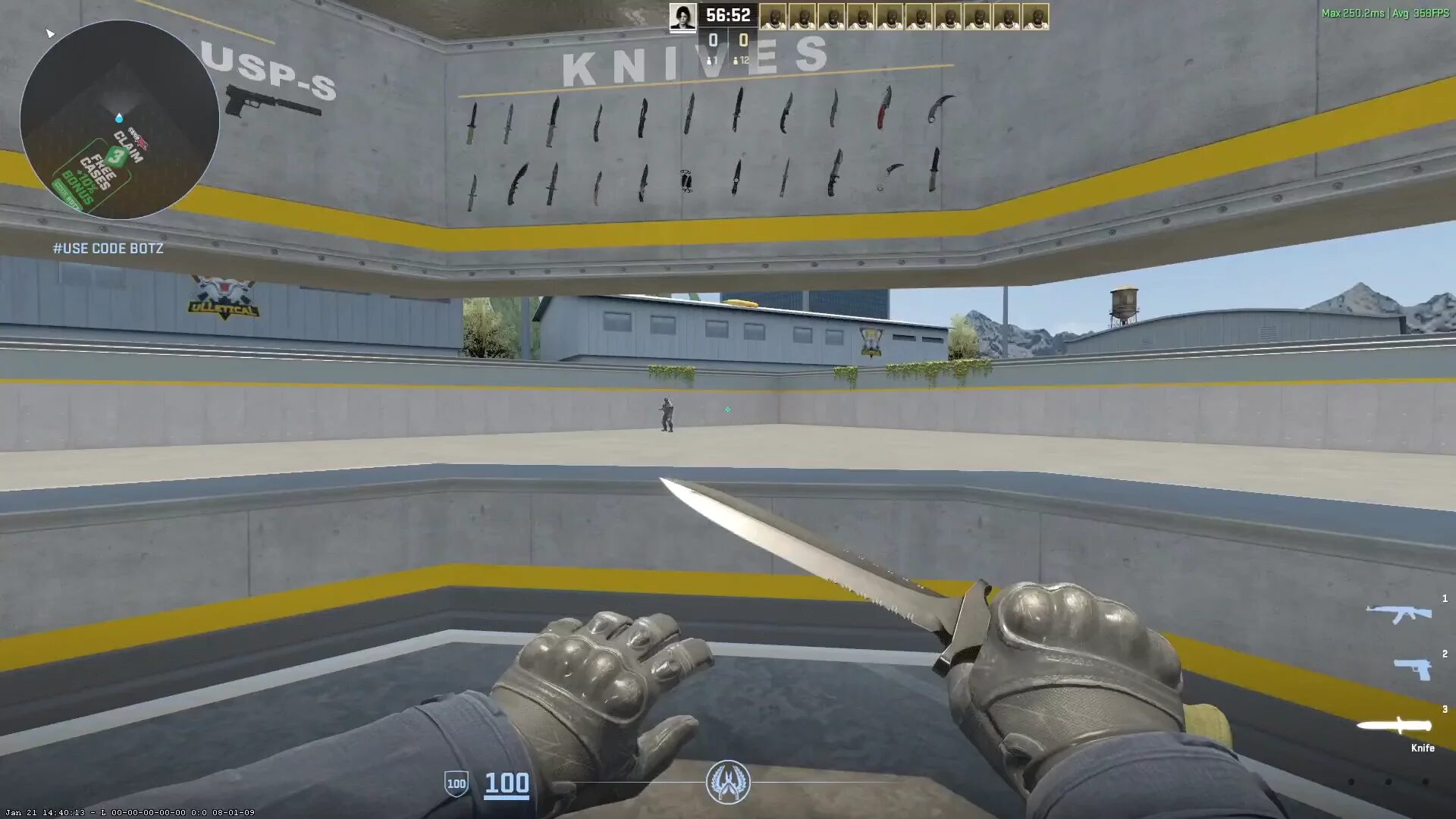
Various knife sound adjustments
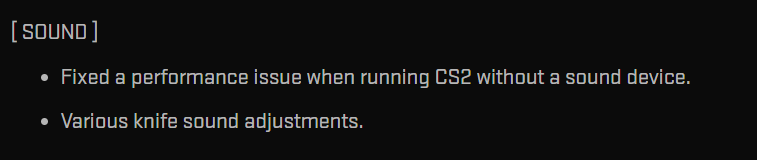
Patch note summary: Various knife sound adjustments.
This is intentionally vague, and Valve does that sometimes when it is minor tuning. “Knife sound adjustments” can include changes to volume, distance falloff, which surfaces trigger which sound, or timing of draw and slash audio.
What it could mean for gameplay
Knife audio can matter in clutch situations where sound cues give away a rotate or a lurk. Even small changes to loudness or how far a sound carries can affect how confident players feel about information.
What to do as a player
After the CS2 update today, pay attention to two things in your next few games:
1 Does drawing the knife feel louder or quieter than before
2 Do slashes on different surfaces sound clearer or more muted
If you make videos, this is a good quick clip segment: “knife sounds feel slightly different after today’s patch” plus a few side by side examples recorded in the same spot.
Misc changes in the CS2 update today
cl_ent_bbox visualization fix
Patch note summary: Fixed broken cl_ent_bbox visualization for some classes of rigid dynamic entities.
This is mostly for developers, mappers, and advanced testers. cl_ent_bbox is a client side debug visualization that draws bounding boxes. If it was broken for certain rigid dynamic entities, it could make it harder to debug collisions and physics related issues.
Even if you never use this command, fixes like this help Valve and the community workshop ecosystem iterate faster because tooling works properly again.

Various stability improvements
Patch note summary: Various stability improvements.
This usually means crash fixes, memory handling tweaks, or edge cases that cause freezes. Valve rarely lists every crash fix, so you get a broad line like this.
The CS2 update today is partly a maintenance patch. Stability improvements are not “hype,” but they are the foundation of good competitive play. Less crashing means fewer lost matches, fewer abandoned penalties, and less frustration.

Map changes in the CS2 update today
Nuke gets a small shadow pop fix
Patch note summary: Adjusted the hanging hard hat model render bounds to prevent shadow popping when the model exits the view frustum.
Translation
On Nuke, there is a hanging hard hat model that could cause “shadow popping,” meaning the shadow appears or disappears suddenly depending on camera angle and what the engine thinks is visible. This is a visual polish fix that removes a distracting artifact.
Competitive impact
None, realistically. But it is one of those “clean up the presentation” fixes that makes the game feel more polished and less janky.

Warden updated to the latest workshop version
Valve’s note: Warden updated to the latest version from the Community Workshop.
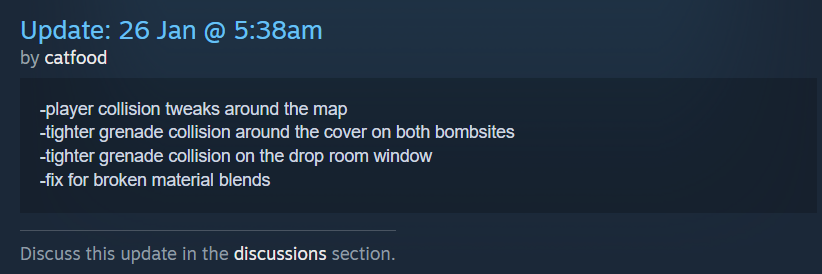
According to the workshop change notes around the update window, recent Warden work included player collision tweaks, tighter grenade collision around cover on both bombsites, tighter grenade collision on a window in a drop room area, and fixes for material blending issues.
What that means if you play Warden
1 Fewer spots where you get stuck on edges or slide in a weird way
2 Grenades behave more consistently when they hit cover geometry
3 Cleaner visuals where materials blend together, so the map looks less buggy
4 Overall a more predictable map for competitive style rounds
If you are the kind of player who learned a lineup that sometimes “caught” on invisible corners, this is exactly the type of workshop update that can fix it.
Sanctum updated to the latest workshop version
Valve’s note: Sanctum updated to the latest version from the Community Workshop.
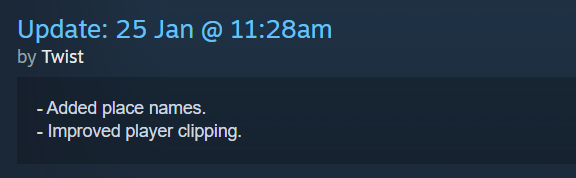
Workshop change notes for Sanctum in the days leading into this update mention added place names, improved player clipping, cleaning up a site area by removing unnecessary angles and improving covers, reduced ambient volume, and various visual and collision related bug fixes.
What that means if you play Sanctum
1 Callouts should be clearer thanks to place names, which helps team communication
2 Movement should feel better with improved clipping, meaning fewer snag points
3 A site should play cleaner with less awkward geometry and better cover flow
4 Ambient audio reduced, which can help clarity for footsteps and utility cues
That last point is sneaky important. If the map ambient sound is too loud, it can mask critical information. So even though Sanctum is a workshop map update, it can improve the match experience a lot.
Why this CS2 update today matters even though it looks small
A lot of players skim patch notes and only care when a weapon gets nerfed or a map gets rotated. But CS lives in the details:
1 Utility reliability affects executes and retakes
2 Performance edge cases affect competitive integrity, especially in tournaments and streamed matches
3 Map polish and clipping fixes reduce randomness and frustration
4 Clearer audio improves decision making
That is the story of the CS2 update today. It is a maintenance patch that improves consistency, and consistency is how you keep a competitive game healthy.
Read More From Daddyskins
- CS2 Major Budapest Results Vitality Win StarLadder Major Back to Back
- How to test skins in CS2 before buying them
- How to Get the 2025 Service Medal in CS2
- What Is Follow Recoil in CS2 Guide for Better Spray Control
- Abertura de Caixas CS2: Guia Completo
- DaddySkins Interview
- CS2 Removes All Rare Case Drops From the Active Drop Pool
- Cheapest Red Skins CS2 (UPDATED)
- Top 5 Rarest CS2 Cases Right Now
- CS2 Removing Cases by 2026
- ropz CS2 Settings, Crosshair, Config & Gear (2025)
- CS2 to Valorant Sens Converter How to Match Your Sensitivity Exactly
- What Is ADR in CS2? Damage Per Round Explained Simply
- Wingman Ranks in CS2: Full Guide [2026]
- CS2 developers hint at Cache returning in 2026
- CS2 Premier Season 3 end date and Season 4 start date
- How to Fix Packet Loss in CS2 (2026)
- 100 Thieves CS2 is back and the roster is now complete
- RYU CS2 Player Profile & Biography
- CS2 Bunny Hop Command
- SpotGuesser CS2 Guide (Spotguessr)
- BLAST Bounty Winter 2026 Schedule, Prize Pool, and Streams
- Aurora CS2 Team, Players and Stats
- Monte CS2 Team Roster Players Results and 2026 Outlook
- CS2 Premier Season 4: Everything You Need to Know
- CS2 Sticker Crafts of 2026 Best and Cleanest Craft Ideas
- CS2 Update 2026: Train Out, Anubis In, and Why This Week Matters
- CS2 Premier Season 4: Start Date, Changes & What You Need to Know
- CS2 Premier Season 4 Leaks
- CS2 Premier 4 Skins & Knives – What We Know
- Harlequin & Achroma COLLECTION SKINS In-Game (New CS2 Update)