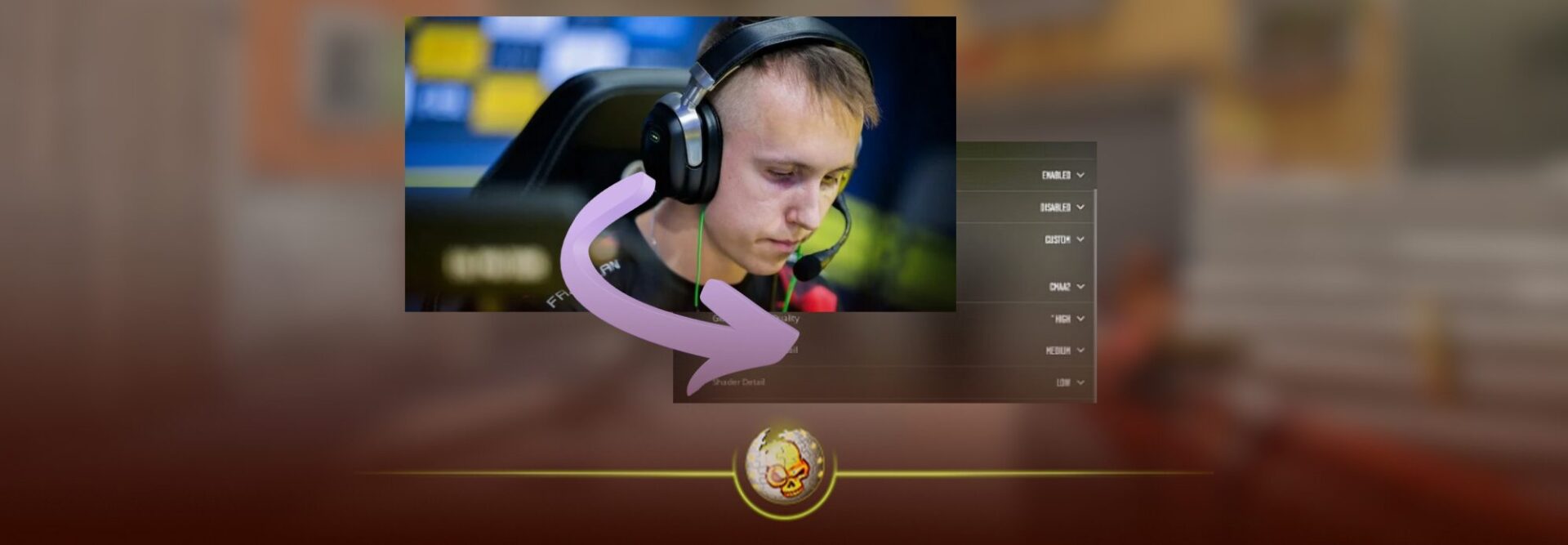
If you are searching for the most optimized ropz CS2 settings, this guide breaks down everything in one clean place. From crosshair and sensitivity to video and viewmodel settings, this is a full professional level breakdown inspired by how ropz actually plays the game at the highest level.
This article is written for players who want consistency, clarity, and competitive performance without gimmicks. Whether you are grinding FACEIT, Premier, or tournaments, these settings give you a strong baseline used by one of the most mechanically precise riflers in Counter Strike history.
Why So Many Players Copy ropz CS2 Settings
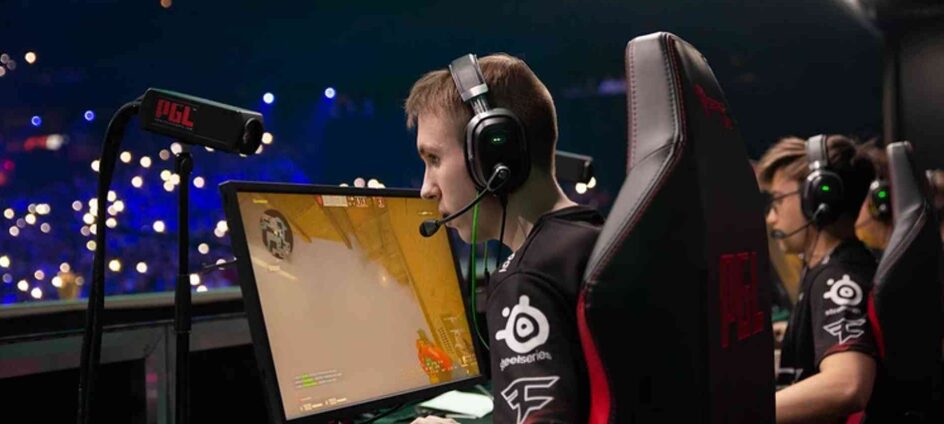
ropz is known for discipline, positioning, and micro precision. His settings are not flashy. They are designed to reduce visual noise, maximize clarity, and keep muscle memory stable across long sessions.
Players copy ropz because his setup prioritizes:
- Visual clarity in gunfights
- Minimal distractions
- Stable mouse control
- Competitive consistency over style
This makes his configuration especially good for riflers and anchor players.
ropz CS2 Mouse Sensitivity Settings
Mouse sensitivity is one of the most important factors in CS2. ropz plays with a relatively low sensitivity, allowing precise tracking and controlled spray transfers.
| Setting | Value |
|---|---|
| DPI | 400 |
| Sensitivity | 1.77 |
| eDPI | 708 |
| Zoom Sensitivity | 1.0 |
| Windows Sensitivity | 6 |
This sensitivity range is ideal for players who rely on crosshair placement rather than fast flicking. If you are coming from higher sensitivity, lower it gradually to avoid overcorrecting.
ropz CS2 Crosshair Settings
ropz uses a clean static crosshair that stays readable on all maps and lighting conditions. It is thin, centered, and unobtrusive.
| Crosshair Option | Value |
|---|---|
| Style | Static |
| Size | 2 |
| Thickness | 0.5 |
| Gap | -2 |
| Outline | Off |
| Color | Cyan |
| Alpha | 255 |
| Dot | Off |
This crosshair emphasizes head level placement and avoids visual clutter during sprays. It works exceptionally well with rifles like the AK 47 and M4A1 S.
ropz CS2 Viewmodel Settings
Viewmodel positioning affects how much of the screen your weapon occupies. ropz keeps his viewmodel tight to reduce distractions and open more screen space.
| Setting | Value |
|---|---|
| Viewmodel FOV | 68 |
| Viewmodel Offset X | 2.5 |
| Viewmodel Offset Y | 0 |
| Viewmodel Offset Z | -1.5 |
| Viewmodel Preset | Custom |
This setup keeps the weapon out of the way while still maintaining visibility during reloads and utility usage.
ropz CS2 Video Settings for Maximum Clarity
Video settings matter more in CS2 than ever due to lighting, shadows, and particle effects. ropz prioritizes visibility and stable performance.
| Setting | Value |
|---|---|
| Resolution | 1920×1080 |
| Aspect Ratio | 16:9 |
| Scaling Mode | Native |
| Display Mode | Fullscreen |
| Boost Player Contrast | Enabled |
| VSync | Disabled |
| NVIDIA Reflex | Enabled |
This setup keeps the weapon out of the way while still maintaining visibility during reloads and utility usage.
ropz CS2 Video Settings for Maximum Clarity
Video settings matter more in CS2 than ever due to lighting, shadows, and particle effects. ropz prioritizes visibility and stable performance.
| Setting | Value |
|---|---|
| Resolution | 1920×1080 |
| Aspect Ratio | 16:9 |
| Scaling Mode | Native |
| Display Mode | Fullscreen |
| Boost Player Contrast | Enabled |
| VSync | Disabled |
| NVIDIA Reflex | Enabled |
Advanced Video Settings
| Option | Value |
|---|---|
| Global Shadow Quality | High |
| Model Texture Detail | Medium |
| Texture Filtering Mode | Anisotropic 4x |
| Shader Detail | Low |
| Particle Detail | Low |
| Ambient Occlusion | Disabled |
| High Dynamic Range | Quality |
| FidelityFX Super Resolution | Disabled |
This combination ensures enemies remain visible in dark areas without unnecessary visual effects impacting performance.
ropz CS2 Launch Options
Launch options help fine tune performance and responsiveness. ropz keeps his launch options minimal to avoid instability.
Recommended Launch Options
-novid -tickrate 128
Avoid stacking unnecessary commands. CS2 is optimized differently than CS GO, and simpler setups tend to be more stable.
How These Settings Feel in Real Matches
Players who switch to ropz style settings often notice:
- Improved long range accuracy
- More confidence holding angles
- Less screen clutter during fights
- Better spray control over time
These settings are especially effective on maps like Mirage, Inferno, and Ancient where micro positioning and crosshair discipline matter most.
Practice Tip Before Copying Any Pro Settings
Do not expect instant results. Spend time in deathmatch and aim maps adjusting only one thing at a time. Muscle memory builds slowly, but consistency always wins.
If you want to test skins while practicing these settings, platforms like daddyskins.com let you experiment with different loadouts so your visuals stay consistent with what you plan to use in matches.
You can also open cases on Daddyskins to build a clean rifle inventory that matches this minimalist setup without visual overload.
Final Thoughts on ropz CS2 Settings
ropz CS2 settings are not magic, but they are a proven foundation used at the highest level of competitive Counter Strike. They remove distractions and let mechanics do the work.
If your goal is consistency, discipline, and clean gunfights, this setup is one of the best starting points you can copy today.
Save the settings, give yourself time to adapt, and let the results come naturally.
Read More From Daddyskins
- CS2 Mic Not Working – How to Fix in 2 Minutes
- How to Reverse Trade CS2
- How to Trade Up to a Knife in CS2: Complete Step-by-Step Trade-Up Guide (2025 Update)
- CS2 Trade Reversal Guide: How to Undo a Steam Trade?
- CS2 Cheapest Mil Spec Skins To Start A Trade Up Path To Covert
- CS2 Trade up Calculator (How Do They Work)
- CS2 Trade Up Odds From Covert To Knives, Explained
- Who is Donk CS2?
- Cheapest Coverts CS2 to Upgrade (UPDATED, November)
- Are CS2 Skins Still a Good Investment in 2025
- Is CS2 Down How To Check Server Status Instantly
- Knife and Glove Trade Ups in CS2 How to Turn 5 Covert Skins into a Specific Item
- CS2 Skin Float and Wear Explained Full Guide to Float Values, Wear Ratings, and Prices
- CS2 Skin Trading for Beginners
- How to Show FPS in CS2?
- Best CS2 Plays of 2025
- Best CS2 Settings Guide 2026
- Where To Watch The Grand Final Of The StarLadder Budapest Major CS2
- How to Unlock Premier Mode in CS2
- Cheapest CS2 Gloves 2025 [UPDATED]
- Prediction for MOUZ vs FaZe — StarLadder Budapest Major 2025 Playoffs
- CS2 Trade up Contracts Full Guide
- CS2 Major Budapest Results Vitality Win StarLadder Major Back to Back
- How to test skins in CS2 before buying them
- How to Get the 2025 Service Medal in CS2
- What Is Follow Recoil in CS2 Guide for Better Spray Control
- Abertura de Caixas CS2: Guia Completo
- DaddySkins Interview
- CS2 Removes All Rare Case Drops From the Active Drop Pool
- Cheapest Red Skins CS2 (UPDATED)
- Top 5 Rarest CS2 Cases Right Now
- CS2 Removing Cases by 2026